39
A320 PersonAl Mixer User GUide
32-Channel Systems
When multiple input devices are combined to create a network with more than 16 input sources, the
A320 can use the first 32 network slots and will ignore any slots above 33. The A320 must be placed into
32-channel mode to allow the 32 inputs to be recognized. See “Setting the Mixer Mode” on page 26 for
additional information.
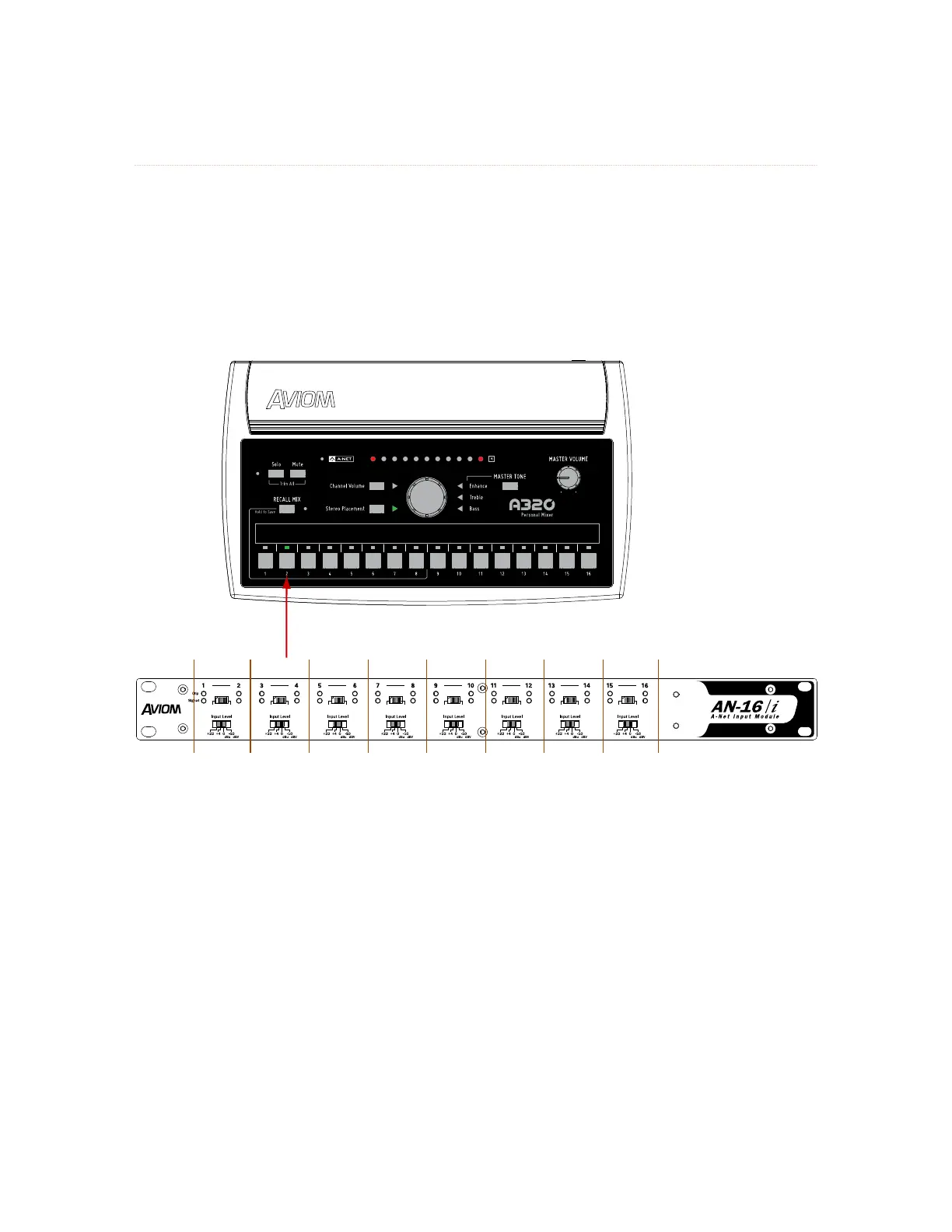
Each 16-channel input module or digital console card can provide 8 stereo pairs if all Stereo Link switches
are set for stereo.
A-Net In
Power
v.2
L R L R L R L R L R L R L R L R
Mono Mono Mono Mono Mono Mono Mono Mono
Each channel pair of an input module provides either a mono or stereo source for an A320 mix button, as determined
by the Mono/Stereo link switch. When set to mono, the right side input is ignored when the A320 is in 32-channel
mode.



 To Next Page