31
A320 PersonAl Mixer User GUide
Saving Mix Presets
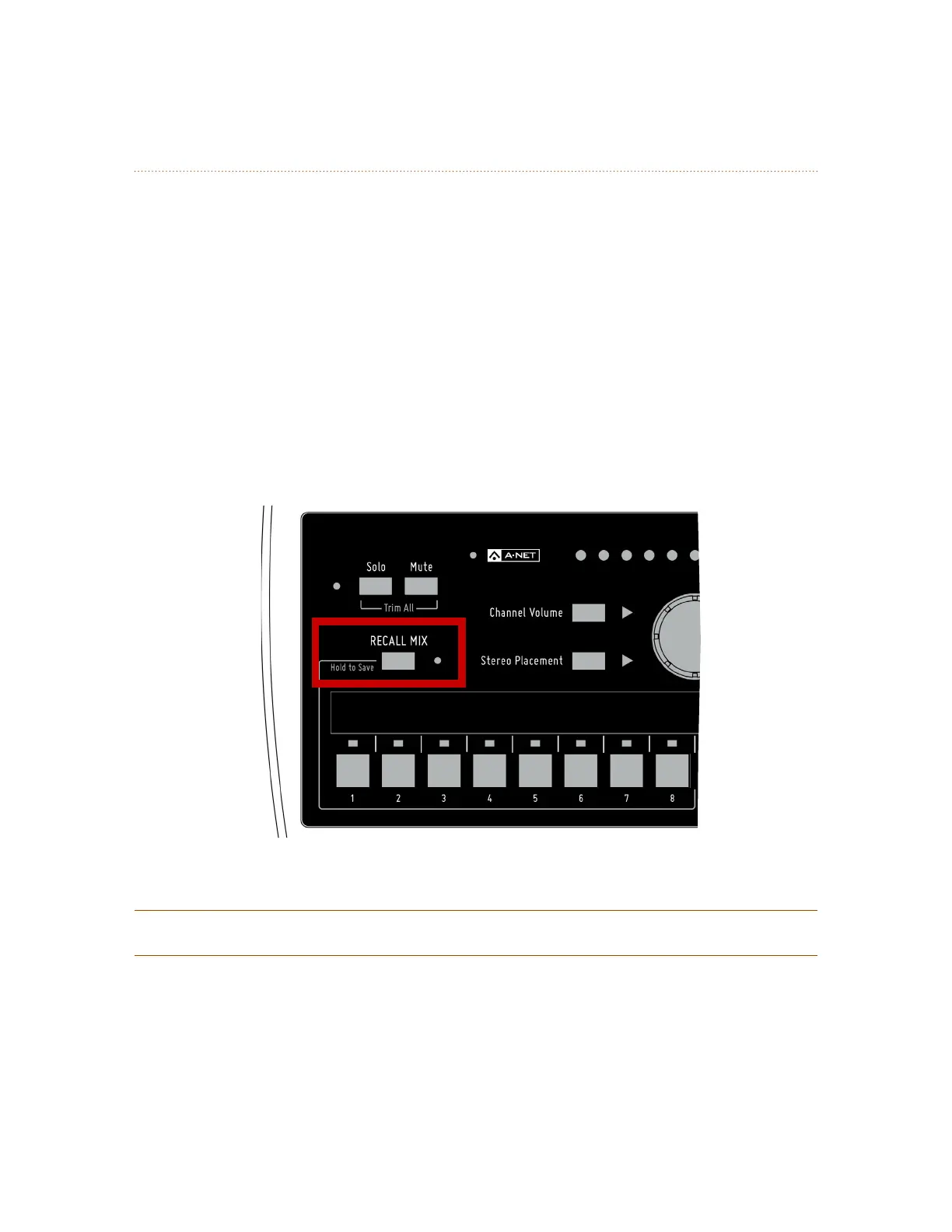
The A320 Personal Mixer can save up to eight Mix Presets using the channel select buttons numbered 1-8
as storage locations. Mixes are retained in the A320 even when the mixer is powered down.
To save a mix to one of the channel buttons numbered 1-8:
1. Hold down the reCAll MIx button to activate the Save function
2. Note that the LED next to the reCAll MIx button does not blink.
3. While still holding the reCAll MIx button, press one of the first eight channel buttons.
4. As a confirmation, the reCAll MIx and A-Net LEDs will blink briefly.
While holding the reCAll MIx button, you can store a mix to multiple locations if desired. Each save action
will display the confirmation message. While saving a mix reset, buttons 9-16 are ignored; they are not
valid mix preset locations.
Hold the Recall Mix button and press a mix channel 1-8 to save a mix preset.
P
Note: Using the Save function will cancel Solo mode.



 To Next Page