36
A320 PersonAl Mixer User GUide
Personal Mixing System Setup
This section explains how the A320 Personal Mixer integrates with other Pro16 devices (from
Aviom or third-party partners) to create a personal mixing system. See the detailed User
Guides that came with the Aviom products mentioned in this section for complete information
about their use, features, and setup.
Pro16e Personal Mixing Systems
The A320 Personal Mixer uses the enhanced version of A-Net, Pro16e, which allows up to 64 audio sources
to be included in the network pool by using up to four 16-channel input devices. Each A320 in a personal
mixing system can use the first 32 Slots of the network; Slots 33-64 can only be utilized by the A360
Personal Mixer and are ignored by the A320.
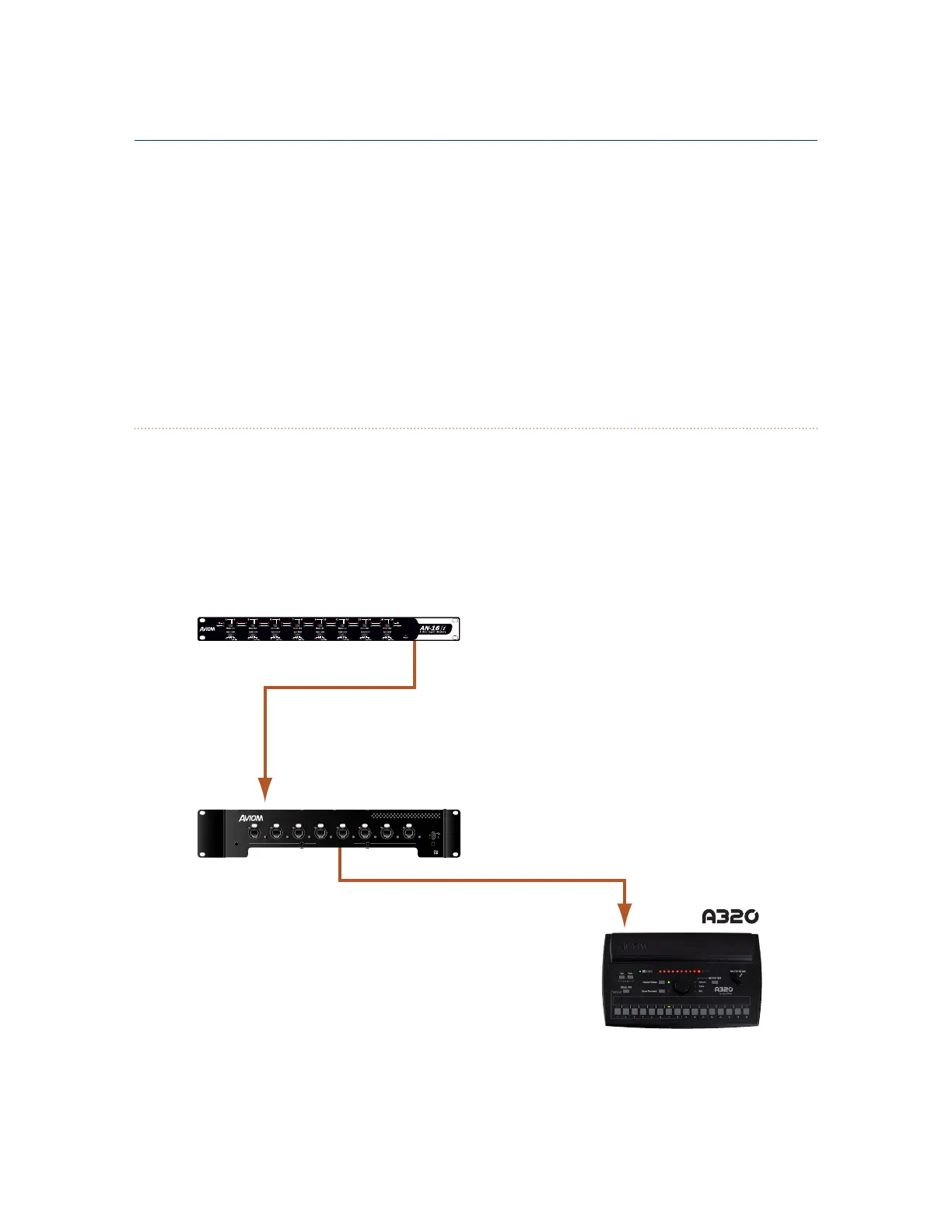
A basic monitor system that includes the A320 consists of three elements—an input device (analog or
console card), an A-Net Distributor, and one or more personal mixers.
AN-16/i v.2
D800
e
to/from Personal Mixers
Load
Power
Sync
12345678
D800
I II I II I II I II I III II I III II
A basic monitor system with one A320 Personal Mixer



 To Next Page