3
Color Dropout
Color Dropout allows you to drop either of the red, blue, or
green color in your scanned image. If your image contains red
color watermark or background, choose the R (Red) channel
then any red watermark or background will be removed. This
feature is used to sharpen your text when using OCR (Optical
Character Recognition) software.
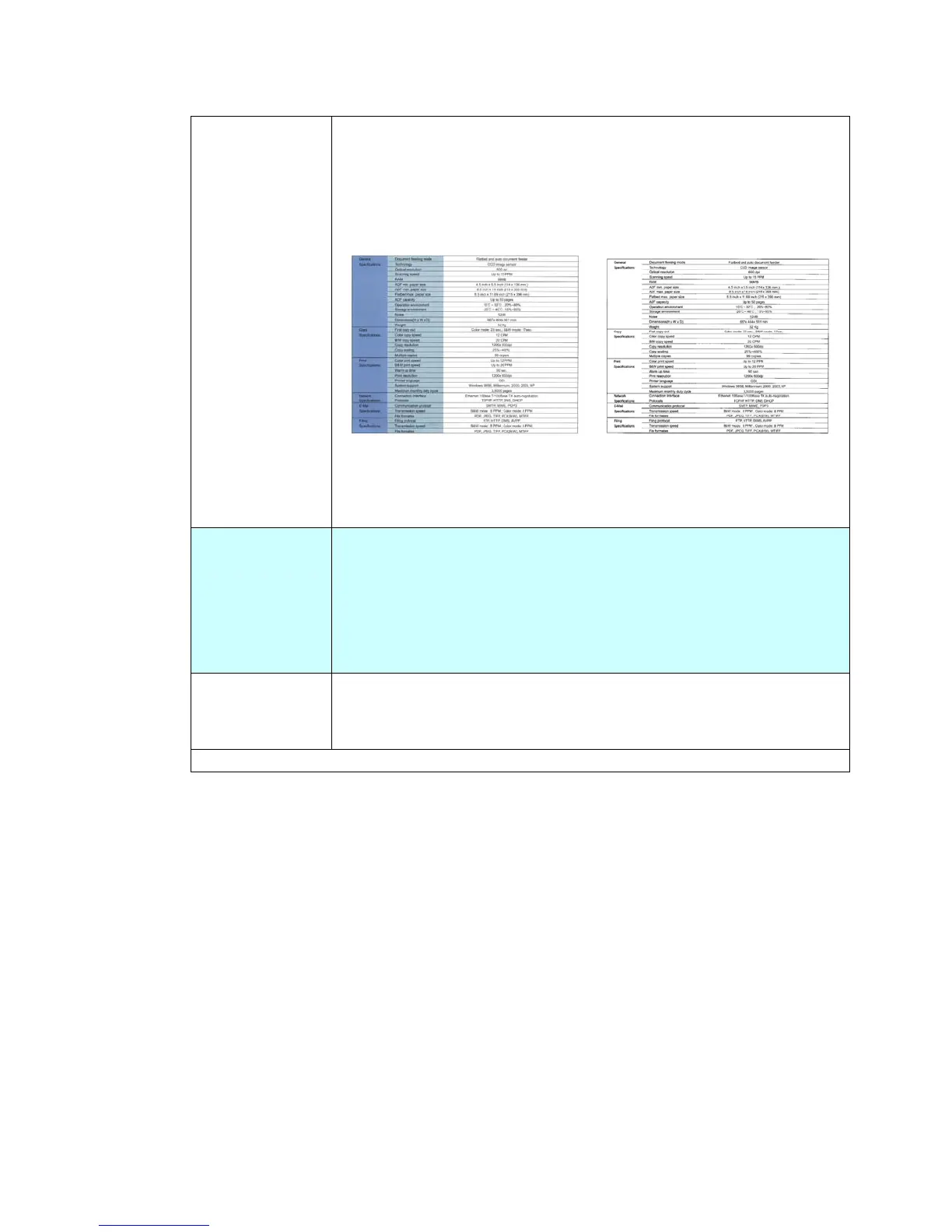
Original After Removing the Blue Color
Choice: *NONE, Red, Green, Blue
Blank Page
Removal
Removes a blank page by your chosen threshold, including
20%, 40%, 60%, 80%, and 100%.
The threshold is defined by how many percentages the blank
area in an original occupies.
Choice includes *None, 20%, 40%, 60%, 80%,100%.
Position
Specifies the print position on the output paper.
Choice: *Upper Left, Center
* Factory Default



 To Next Page