8
Options for Custom Window
Custom
Item Description
Image Mode
Auto Color Detection (B/W): Automatically detects and scans
your color document in color. If your original is not in color, the
product will scan the original in black & white.
Auto Color Detection (Gray): Automatically detects and scans
your color document in color. If your original is not in color, the
product will scan the original in gray.
Color: Choose Color if you wish to scan a color image for your
original in color.
Gray: Choose Gray image if your original contains actual shades
of gray.
Gray(Document): chosen if your original contains lots of text or
a little graphic. Brightness and Contrast can not be adjusted.
Gray(Photo): chosen if your original contains lots of pictures and
a little text. Brightness and Contrast can not be adjusted.
Gray(Normal): chosen if the pictures in your original are almost
of the same importance as that of text. Brightness and Contrast
can be adjusted.
B/W: Choose B&W if your original contains only text, pencil or ink
sketch.
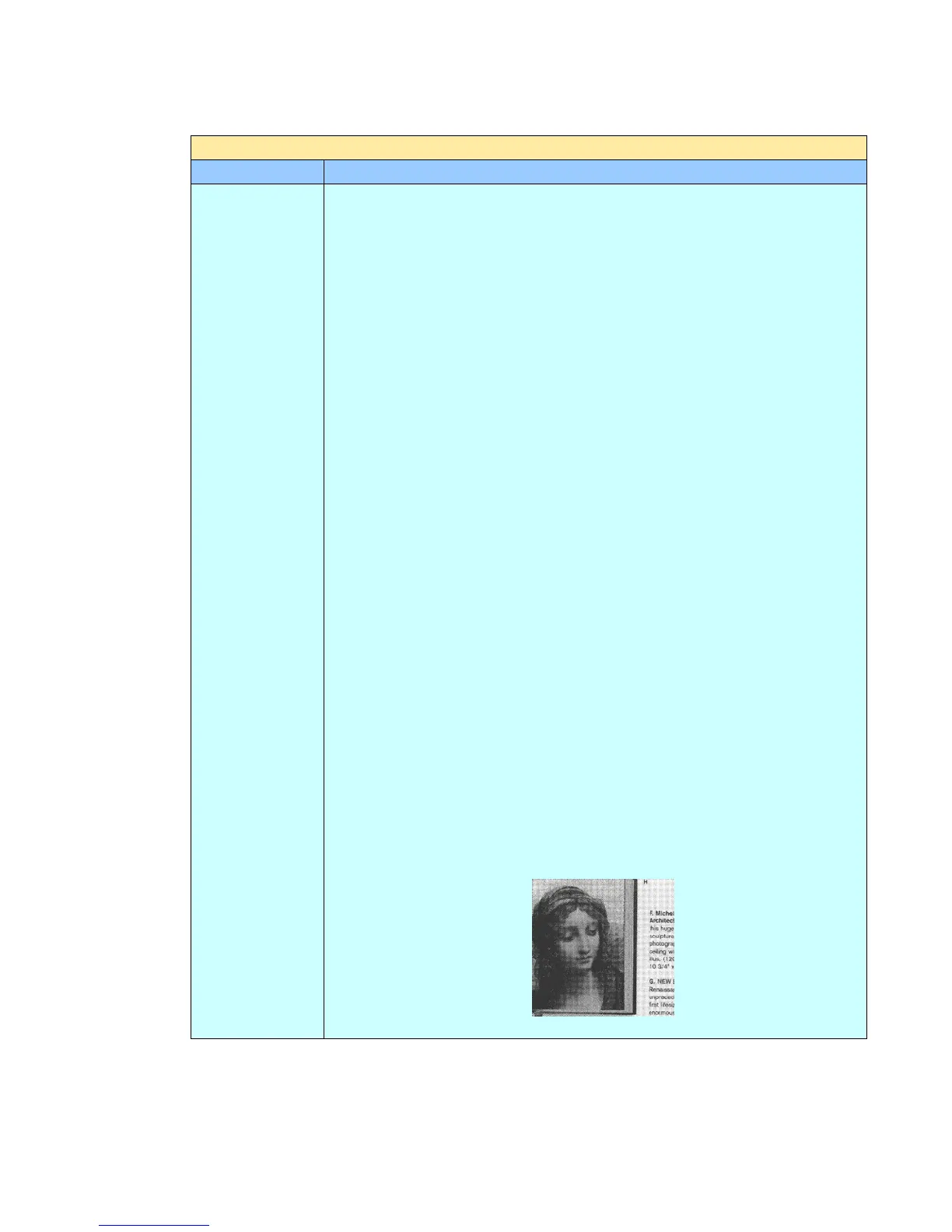
Halftone: In addition to the black and white display, Halftone can
present a somehow gray shade of image by using different size of
dots. Halftone image looks like the picture we have seen in the
newspaper. The output effects of Halftone1~5 are available.
Halftone Image



 To Next Page