88
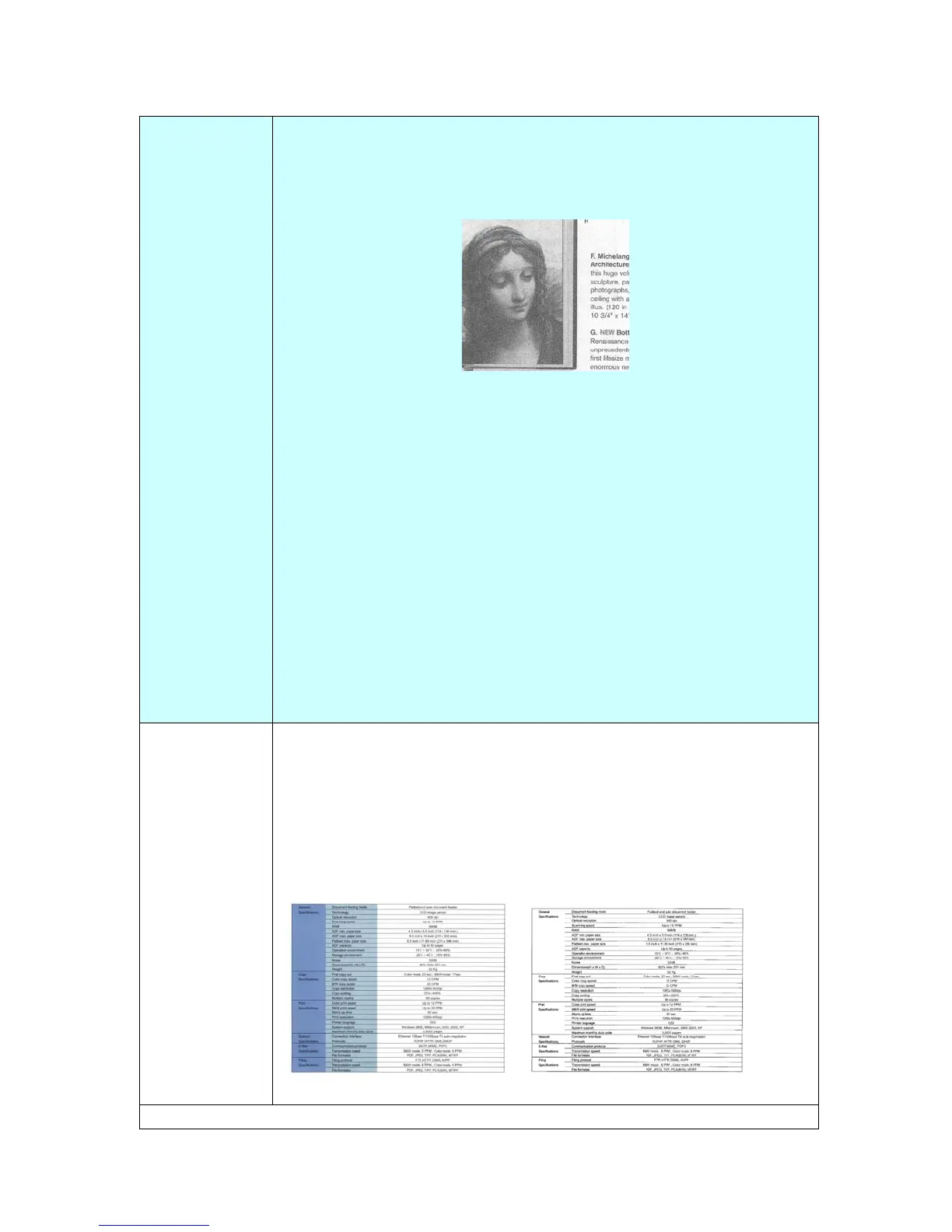
Diffusion: Diffusion is a type of Halftone. Diffusion gives good
image texture and makes text in images more readable than
Halftone.
Diffusion Image
Fixed Processing: Used for black-and-white and other high
contrast documents. A single level is set to determine the
black-and-white transition. The threshold is programmable over
the entire density range. Fixed Processing sets Contrast to 0. If
Fixed Processing is selected, Contrast is not available.
Dynamic Threshold: Selecting Dynamic Threshold allows the
product to dynamically evaluate each document to determine the
optimal threshold value to produce the highest quality image.
This is used to scan mixed document containing faint text, shaded
background, or color background with a single setting.
Choice: Auto Color Detection, *Color, Gray, B/W
Color
Dropout
Color Dropout allows you to drop either of the red, blue, or green
color in your scanned image. If your image contains red color
watermark or background, choose the R (Red) channel then any
red watermark or background will be removed. This feature is
used to sharpen your text when using OCR (Optical Character
Recognition) software.
Choice: *None, Red, Green, Blue
Original After Removing the Blue Color
* Factory Default



 To Next Page