35
AvMap G7 Farmnavigator – User Manual
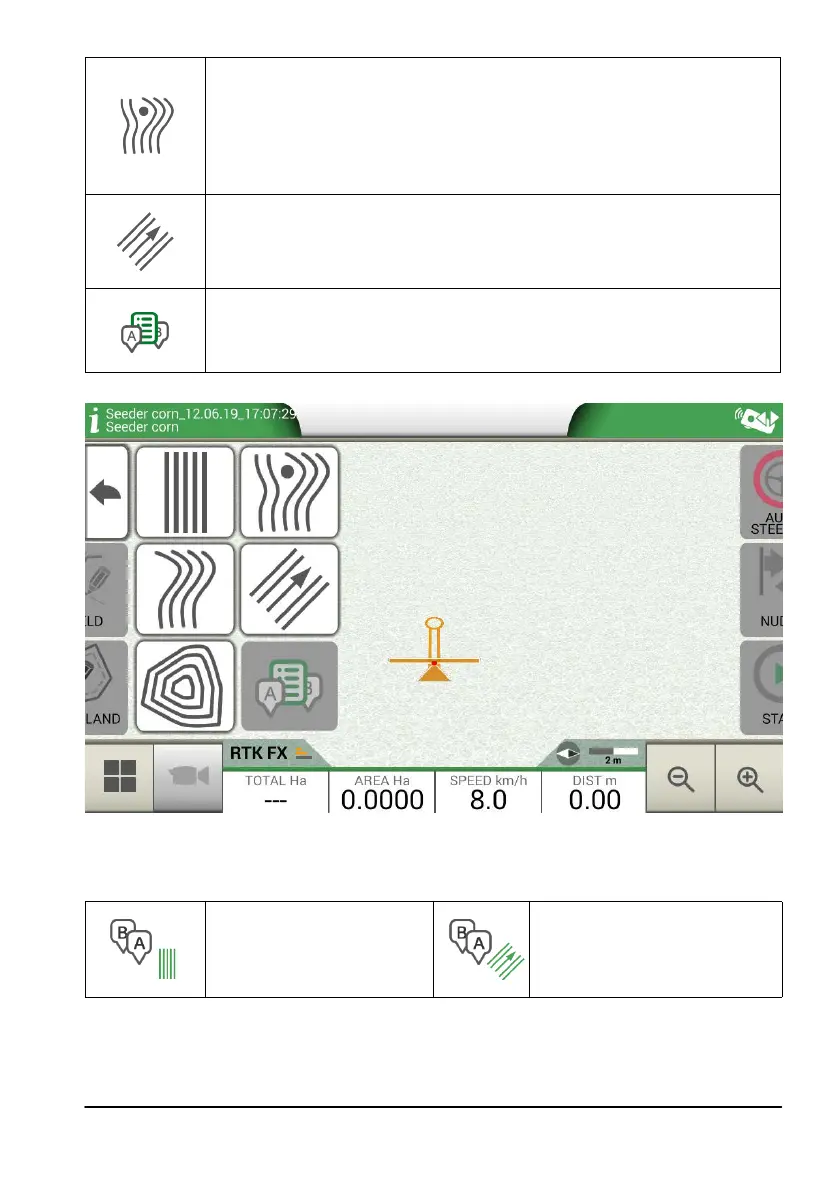
A-B Adaptative contour
Tap this icon to work with A-B Adaptative contour.
Once you tap the icon, the point A will be saved. Proceed few metres straight
ahead to save point B.
With this type of guideline, the last track drawn will be copied. It always provides
a 180° turn at the end of the eld.
Point A + Direction
Tap the icon to save point A.
In the end, the direction of the tractor will be displayed and it can be conrmed
or edit.
A-B lines list
This icon is active when the eld is selected and if there are A-B guidelines
already associated to that eld.
Table 3.2.b A-B line types
Figure 3.2.a A-B guidelines
Once A-B lines are dened and created, the icon will indicate the type of guideline which is currently
active during your job.
A-B Parallel A+ Heading
Table 3.2.c Icon with A-B guideline type
During the job, tap A-B icon to access additional functions concerning A-B lines cancellation,
change, or displacement.



 To Next Page