52
AvMap G7 Farmnavigator – User Manual
1. Connect the external device to the G7 Farmnavigator bracket through 9-pin serial port
marked as “CONTROLLER”;
2. Turn both G7 Farmnavigator and the external device on. Any other settings concerning the
external device are not part of this manual;
3. Select “DATABASE” > “IMPLEMENTS”;
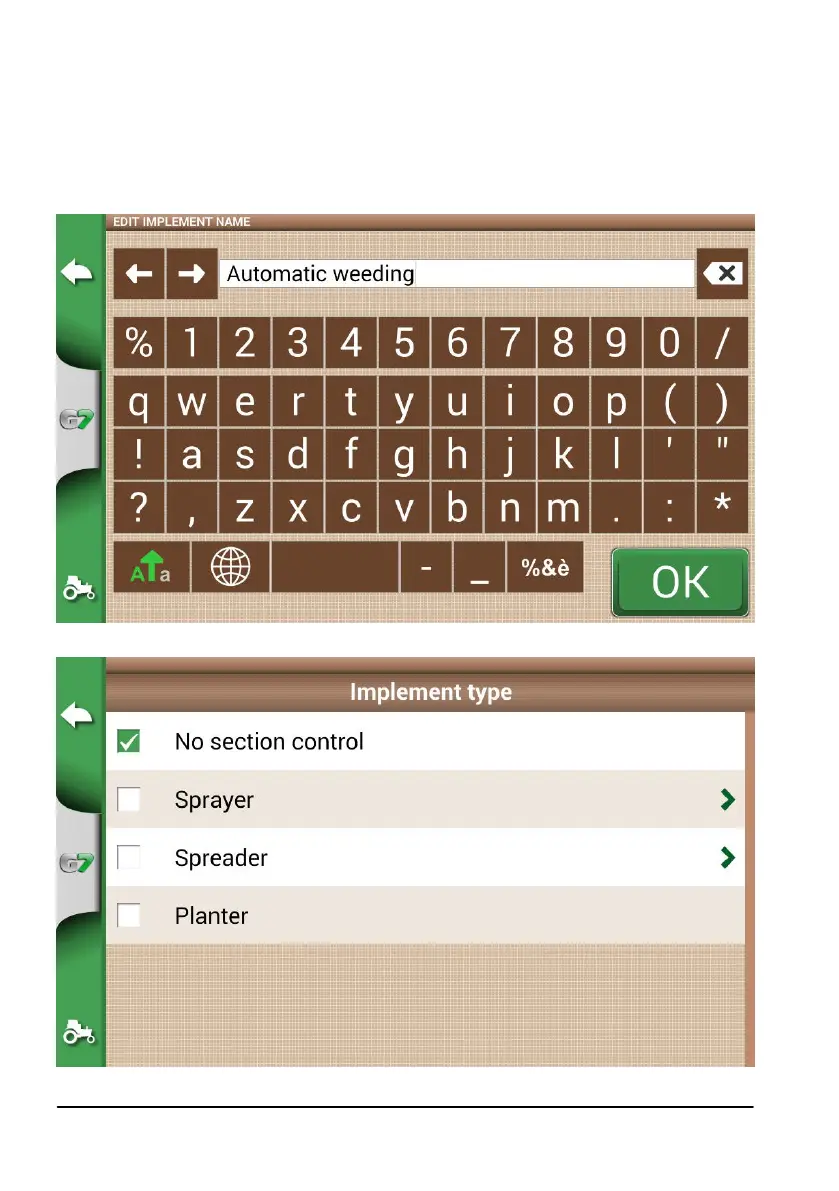
4. Create a new implement;
Figure 4.9.a New implement page
Figure 4.9.b External implement type selection page



 To Next Page