53
AvMap G7 Farmnavigator – User Manual
5. Select which type of external control is connected to G7 Farmnavigator;
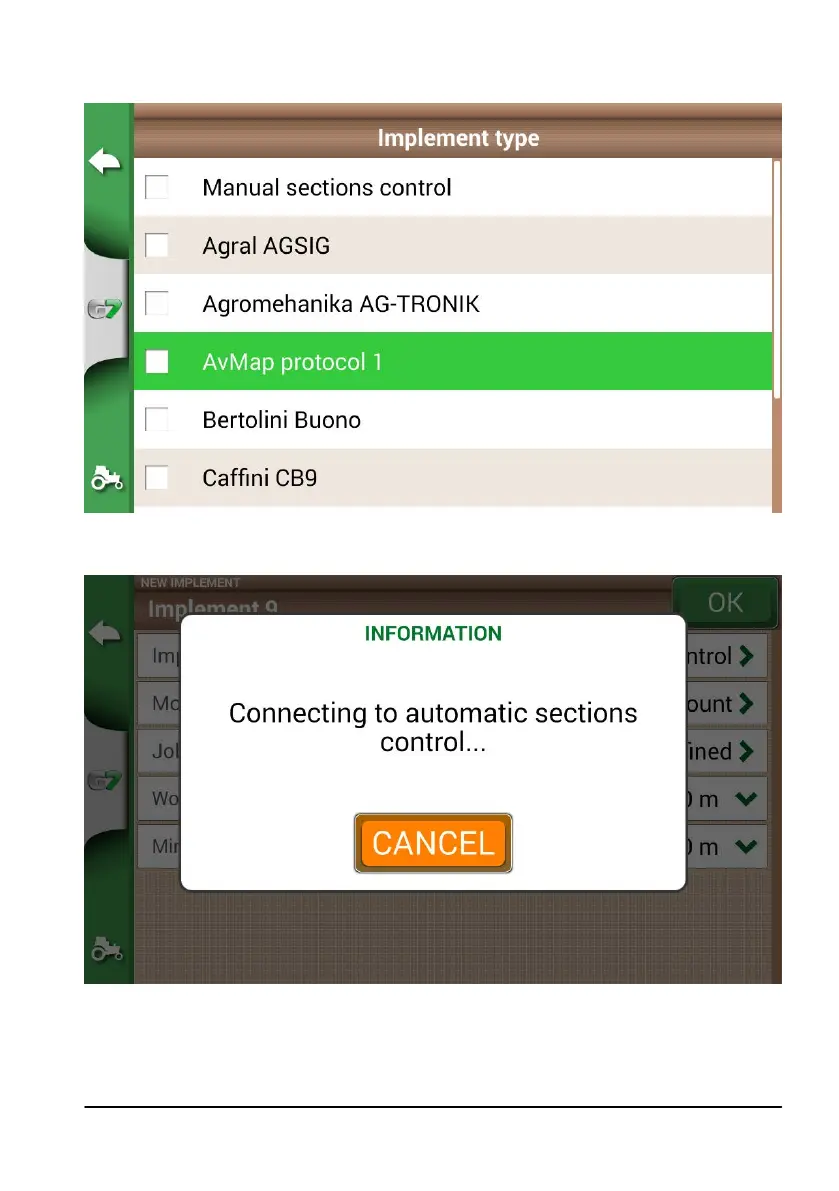
6. Scroll through the list and select the connected device;
Figure 4.9.c External device type
7. Wait for a connection between G7 Farmnavigator and the device;
Figure 4.9.d Connection between G7 Farmnavigator and the external device
8. Set the total width divided into sections;



 To Next Page