59
AvMap G7 Farmnavigator – User Manual
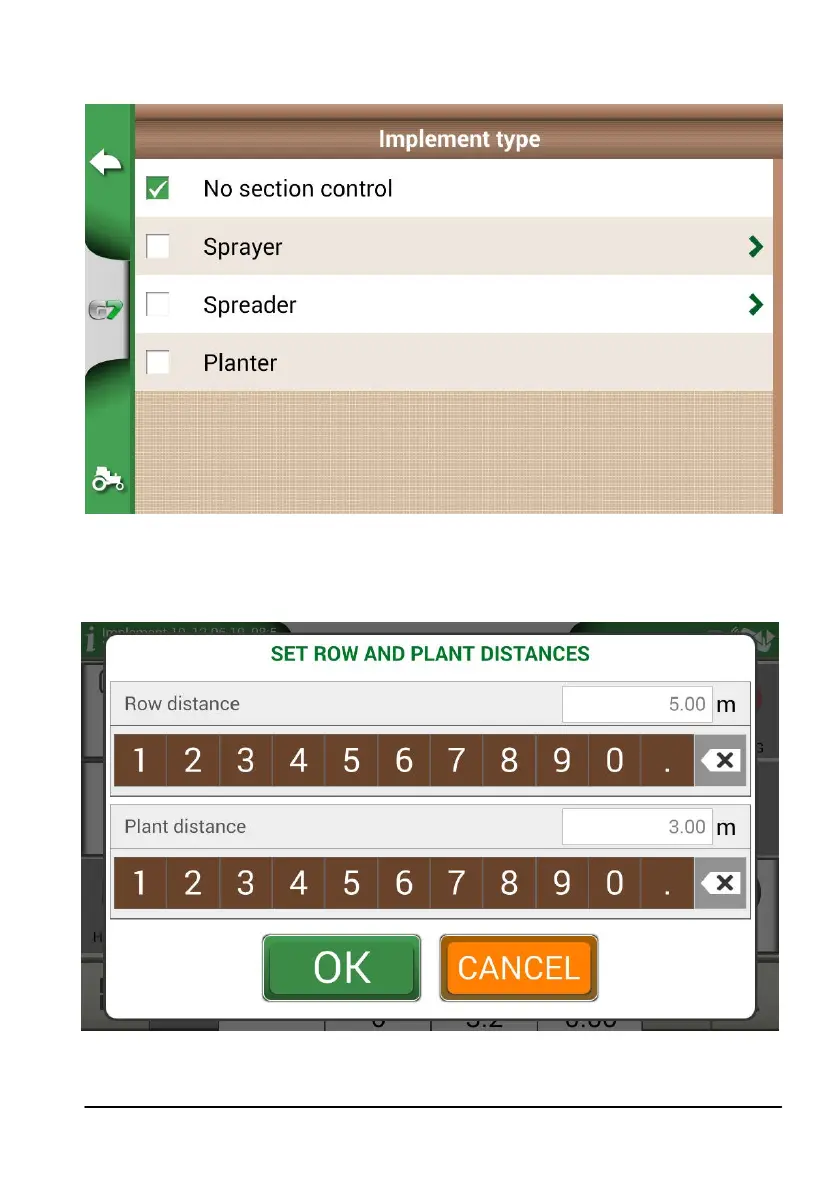
3. In the implement type selection menu, select “Planter”;
Figure 4.10.a New implement: planter
4. Create a new job and select A-B parallel lines (or A + Direction). Point A will represent the
position of the rst plant;
5. Dene the distance between rows and plants and tap OK to conrm;
Figure 4.10.b Distance between plants and rows conguration page



 To Next Page