60
AvMap G7 Farmnavigator – User Manual
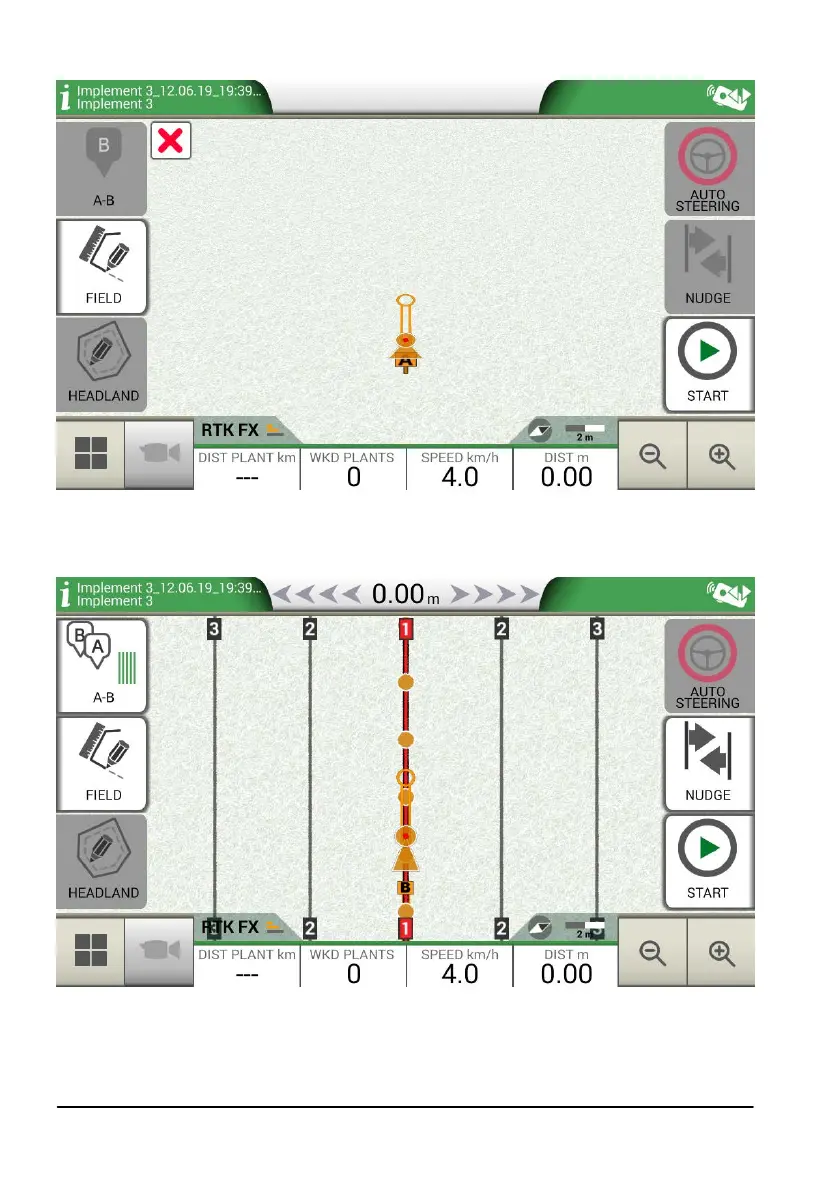
6. The position of point A and the position of the rst plant are dened;
Figure 4.10.c Field planting layout, point A
7. Proceed to point B and tap “B”. In this way the lines will be created and the plants position
will be marked on the line.
Figure 4.10.d Plant distribution on A-B line
8. When the position of the antenna coincides with the position of the plant, the circle will
change its colour from orange to green;



 To Next Page