AXIS P5512 PTZ Dome Network Camera
Events
HTTP Server
•Receivesnotification messages
• Receives uploaded images
• Descriptive name
• URL (IP address or host name)
• User name and password
• Proxy settings
TCP Server
•Receivesnotification messages • Descriptive name
• Network address (IP address or host name)
• Port number
For details on e ach settings, see the online help .
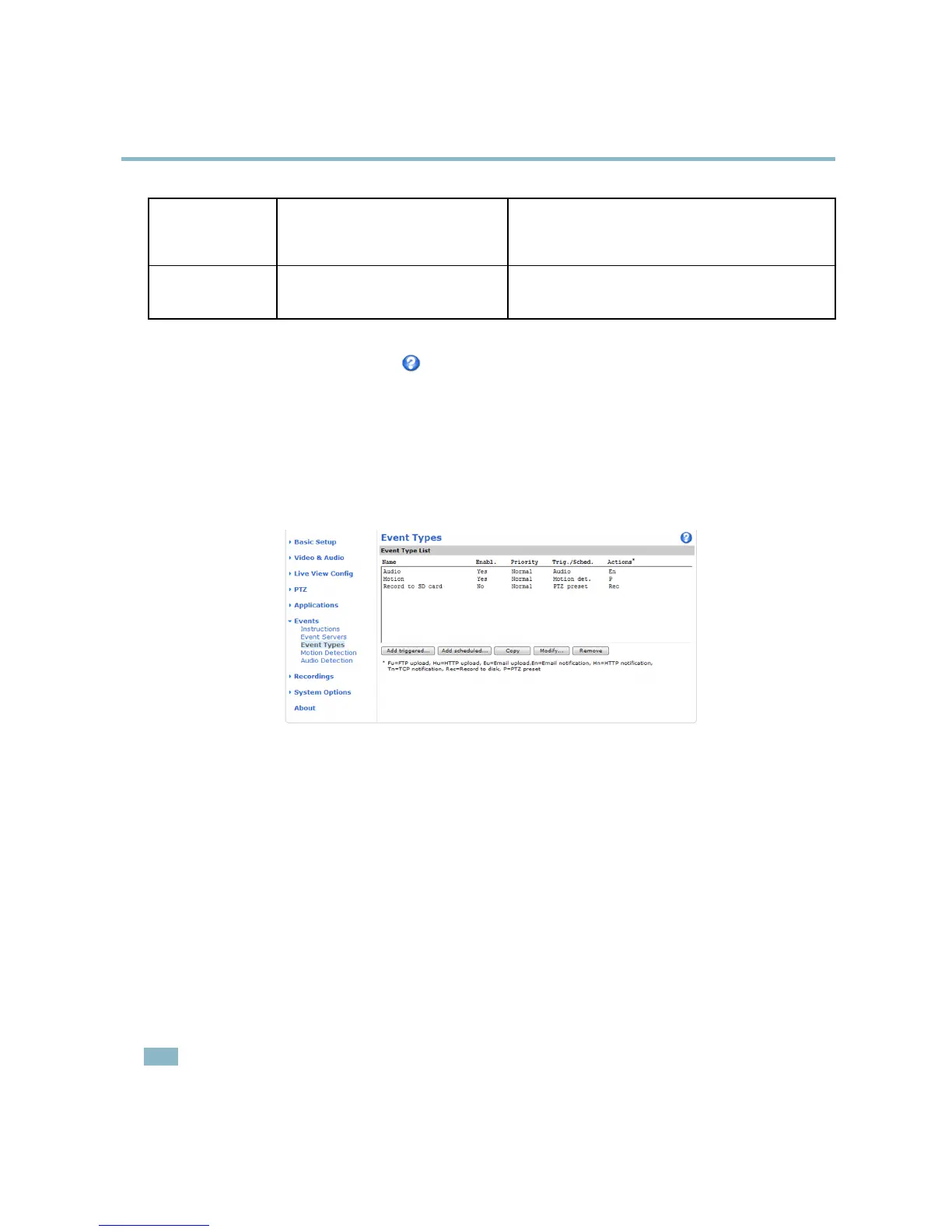
Event Types
An Event Type describes how and w hen the Axis product performs certain actions.
Example
If somebody passes in front of the camera and an event has been configured to detect and respond to motion, the Axis product can
recordandsaveimagestoanFTPserverandsendanotification email. Images can be sent as e mail attachments.
Set up a triggered event
The following example describes how to configure the Axis product to upload images when motion is detected.
1. Go to Events > Motion Detection and set up a motion detection window. See Set up motion detection, on page 30.
2. Go to Events > Event Types and click Add triggered.
3. Enter a descriptive name for the event, f or example Motion detected.
4. Set the Priority — high, normal or low.
5. Set the Respond to Trigger parameters to de fine when the event is active, for example, after office hours.
6. Select Motion detection from the Triggered By list. Select the desired motion detection window and indicate if the event
should be t
riggered when motion starts or stops (or both).
7. Set th
e When Triggered parameters, that is, de fine what the product should do when m otion is detected. To upload images,
select Save stream and enter the required information. See Save stream.
8. Click OK to save the event.
Note
• U p to 10 event types can be configured, and up to 3 of these can be configured to upload images.
• File names can be formatted according to specific requirem ents. See File Naming & Date/Time Formats in the online help.
28



 To Next Page