AXIS P5512 PTZ Dome Network Camera
Recordings
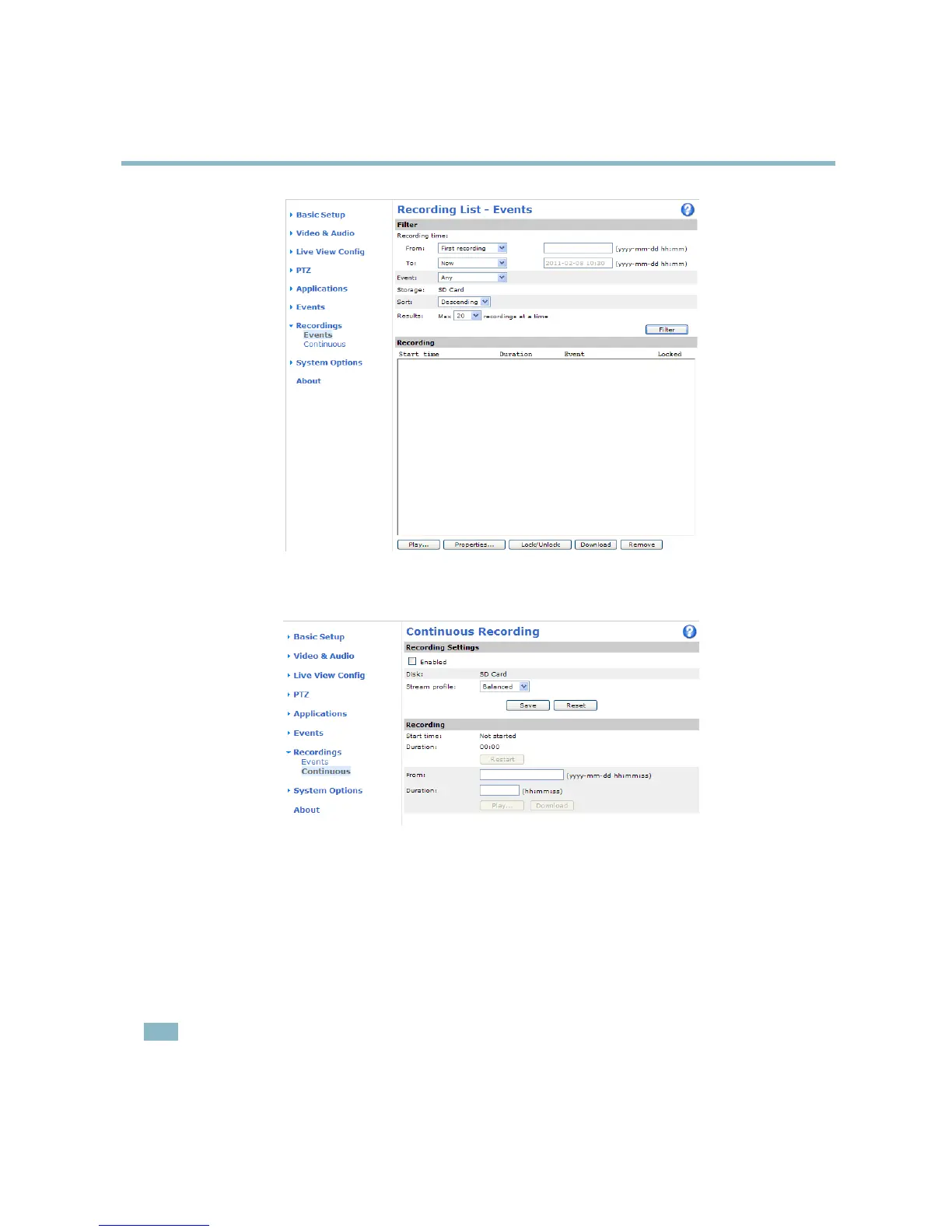
Continuous recording
IfusinganSDcard,theAxisproductcanbeconfigured to continuously save video to the card. To prevent the disk from becoming
full, it is recommended to enable auto
matic disk cleanup under System Options > Storage.
To start a continuous recording,
follow these steps:
1. Go to Recordings > Continuou
s.
2. Select Enabled.
3. Select a Stream
profile to use for continuous recordings.
4. Click Save t
o save and start the recording.
Note
An ongoing recording will be restarted and all previous c ontinuous recordings will be removed if a new stream profile is
selected.
To restart an ongoing recording, go to Recordings > Continuous an d click Restart. This will remove all previous continuous recordings.
33



 To Next Page