AXIS P5512 PTZ Dome Network Camera
System Options
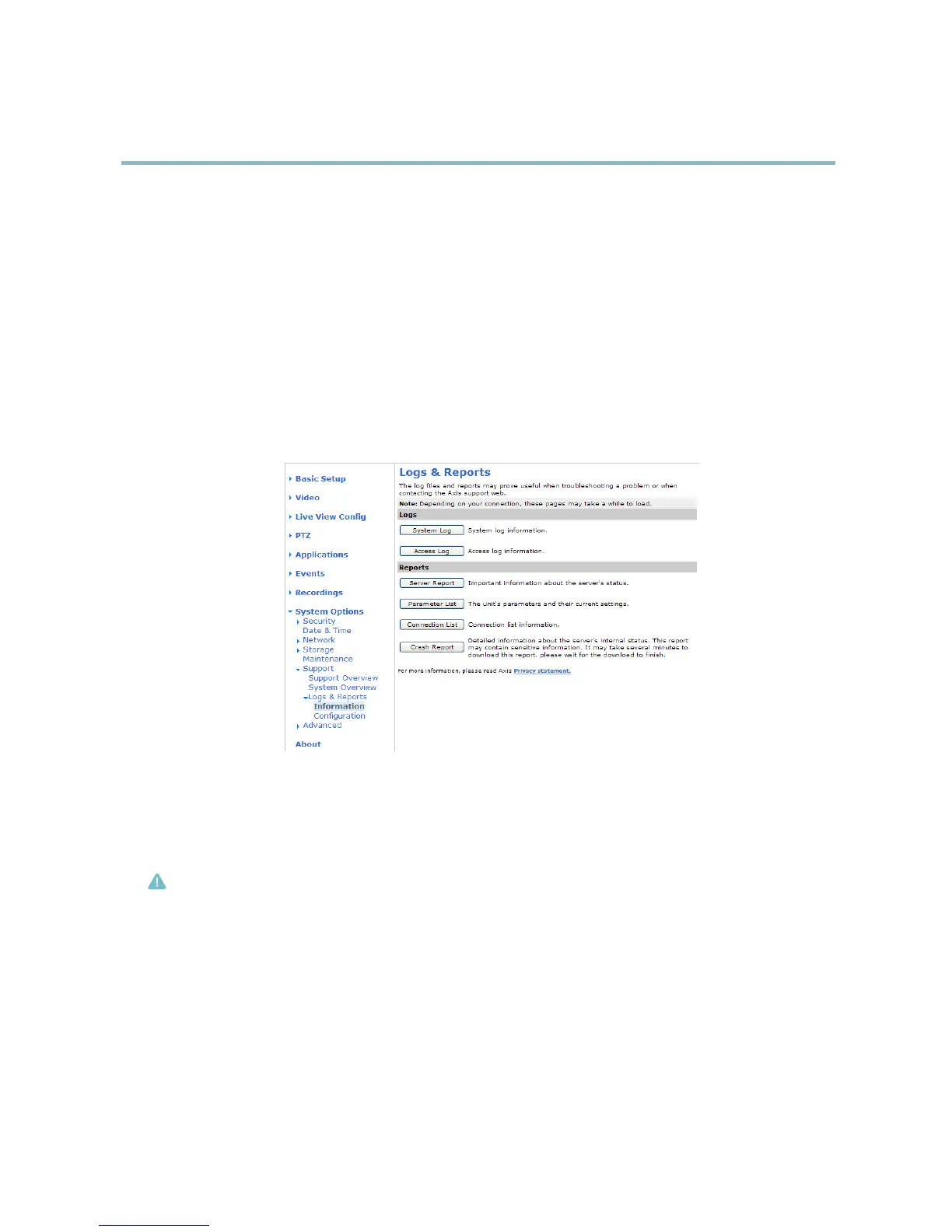
Access Log - Lists all failed attempts to access the product. The Access Log can also be configured to list all connections to the
product (see below).
Server Report - Provides information about the prod uct status in a popup window. The Access Log is automatically included
in the Server Report.
Parameter List - Shows the product's parameters and their current settings. This may prove useful when troubleshooting or
when contacting Axis Support.
Connection List - Lists all clients that are currently accessing media streams.
Crash Report - Generates an archive with debugging information. The report takes several minutes to generate.
The log levels for the System Log and the Access Log are set under System Options > Support > Logs & Reports > Configuration.
The Access Log can be configured to list all connections to the product (select Critical, Warnings & Info). I f required, a different log
level can be used when sending emails.
Advanced
Scripting
Scripting allows experienced users to customize and use their own scripts.
Caution
Improper use may cause unex
pected behavior and loss of c ontact with the Axis product.
Axis strongly recommends that you do not use this function unless you understand the consequences. Axis Support does not provide
assistance for problems with customized scripts.
To open the Script Editor, g o to System Options > Advanced > Scripting. It is recommended to create a backup file before
customizing the scripts. If a script causes problems, reset the product to its factory default settings, see page 44.
For more information, see www.axis.com/developer
File Upload
Files, for example web pages and images, can be uploaded to the Axis product and used as custom settings. To upload a file, go
to System Options > Advanced > File Upload.
43



 To Next Page