R5900049 /13 ClickShare CSE-80094
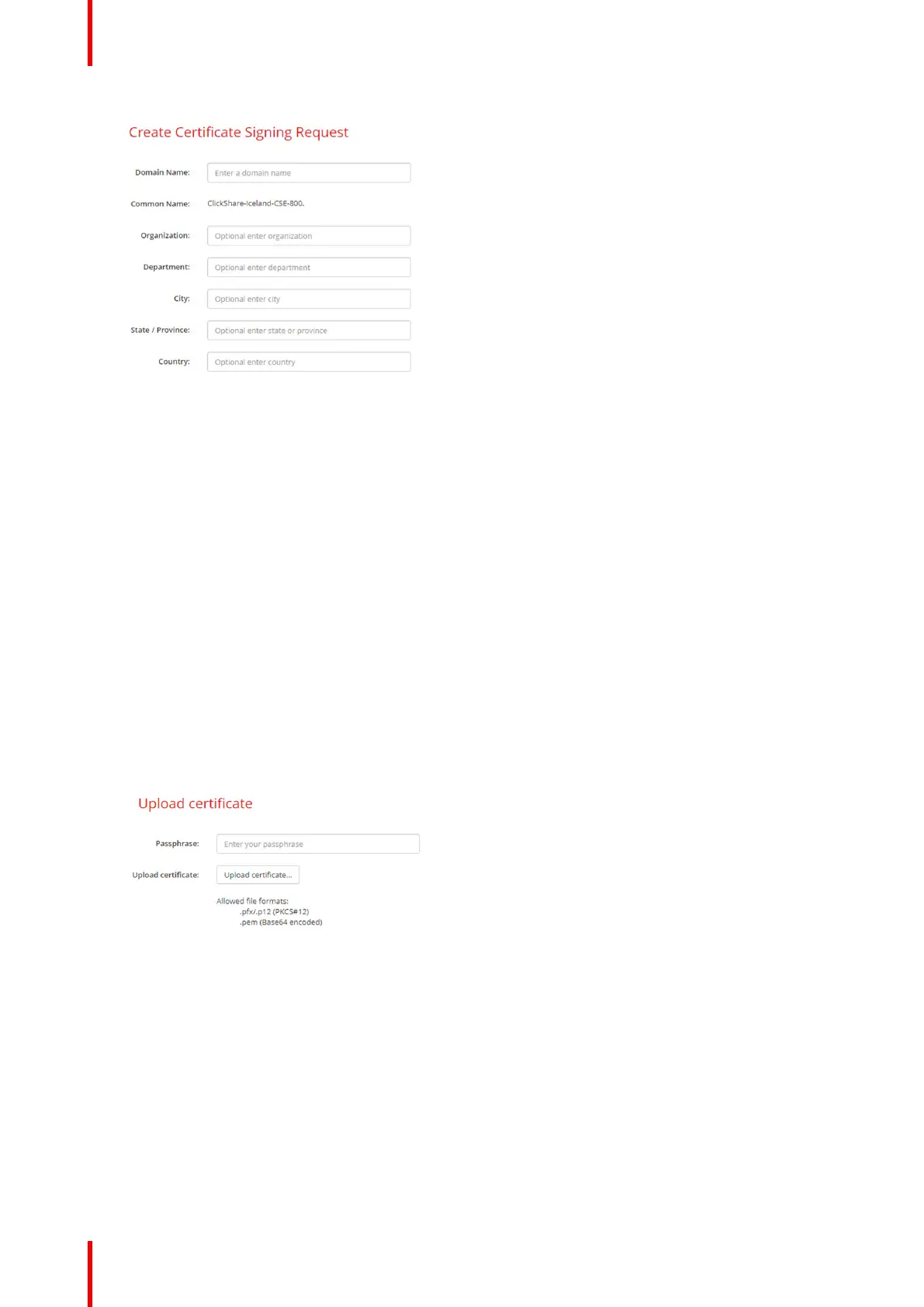
Image 6–41 Certificate signing request
The following items are possible:
• Domain name.
• Organization.
• Department.
• City.
• State / Province
• Country
7. Click Next (right arrow)
A CRS is created and can be downloaded.
8. Click Download CSR.
Upload a certificate
1. Click Security → Passwords and scroll to HTTP Encryption.
2. Click Setup HTTP encryption... .
3. Choose Upload Certificate.
Image 6–42
The Upload certificate window opens.
4. Enter your passphrase and click Upload certificate... .
A browse window opens.
5. Browse to the certificate file and click Open.
A certificate can have the following formats:
• .pfx/.p12 (PKC#12)
• .pem (Base64 encoded)
CSE-800 Configurator


 To Next Page
 Loading...