LED-PRO • User’s Guide 93
4. Operation
Using the Test Pattern Menu
rëáåÖ=íÜÉ=qÉëí=m~ííÉêå=jÉåì
The following topics are discussed in this section
• Test Pattern Menu Tree
• Test Pattern Menu Description
qÉëí=m~ííÉêå=jÉåì=qêÉÉ
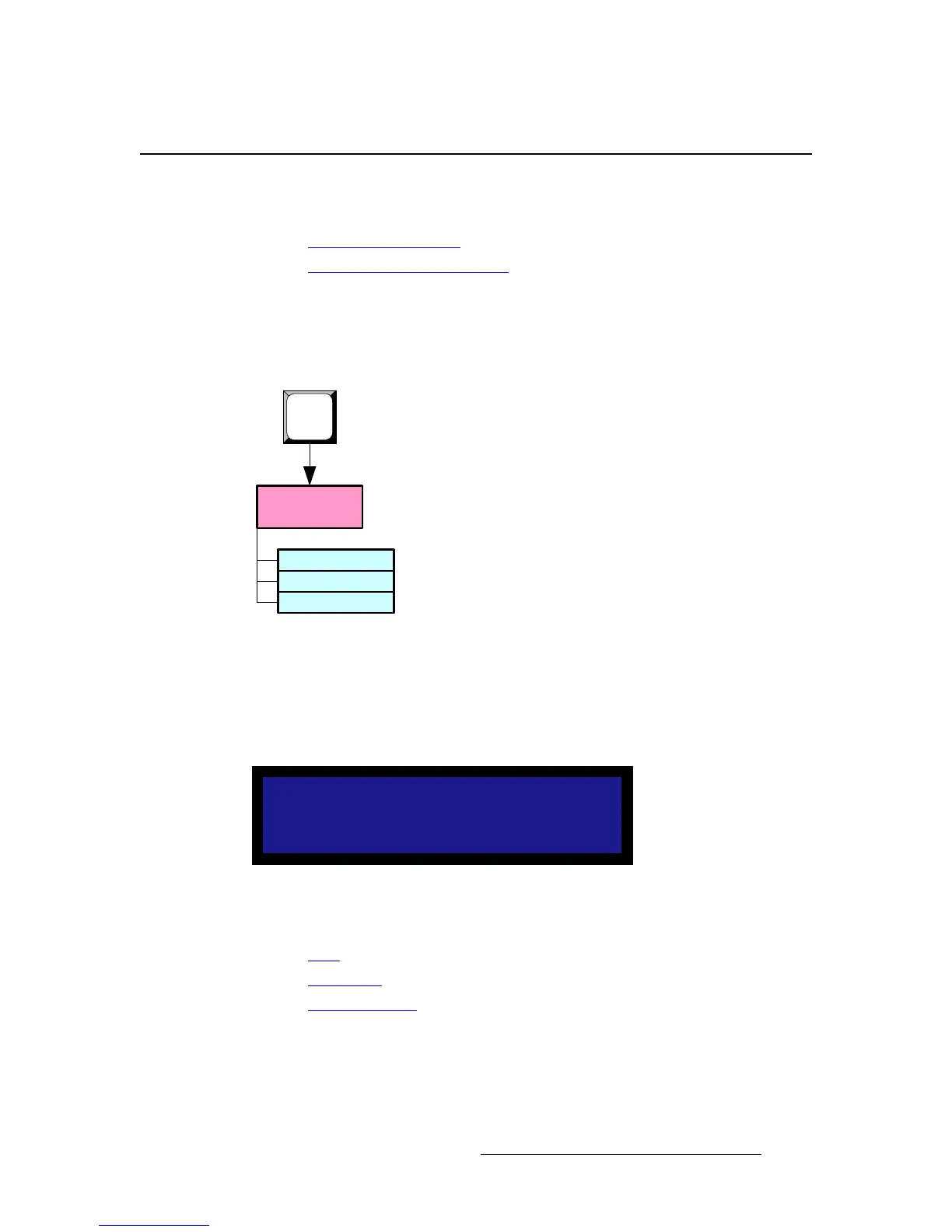
Press TEST PAT to access the Test Pattern Menu. The figure below illustrates the
complete menu tree — there are no sub-menus.
Figure 4-77. Test Pattern Menu Tree
qÉëí=m~ííÉêå=jÉåì=aÉëÅêáéíáçå
The Test Pattern Menu allows you to control test patterns, the raster box and diagonal
motion. A sample menu is shown below.
Figure 4-78. Test Pattern Menu (sample)
Following are descriptions of each menu function:
• Type
• Raster Box
• Diagonal Motion
TEST PATTERN
Type Burst
> Raster Box Off
Diagonal Motion Off
Test Pattern
Menu
Type
Raster Box
Diagonal Motion
TEST
PAT



 To Next Page