104 LED-PRO • User’s Guide
4. Operation
Using the LED Menu
opOPO
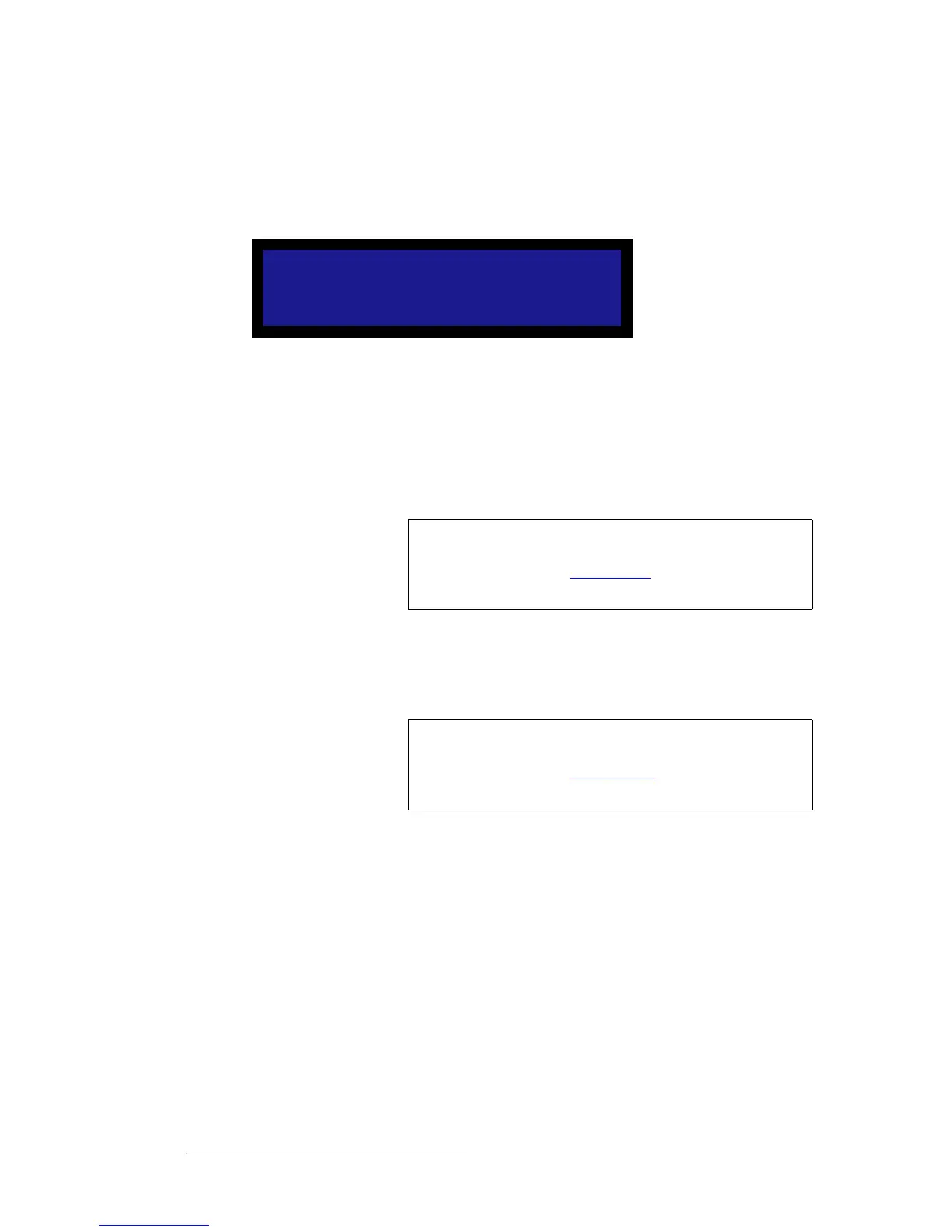
From the LED Menu, select RS232 to display the RS232 Menu, which enables you to set
the RS-232 baud rate for the Serial port — not the Diagnostic port. The Serial port is
used for communications with the Director Toolset.
Figure 4-86. RS232 Menu (sample)
• Select the Baud field to set the Serial port’s baud rate.
p~îÉ=`çåÑáÖ
On the LED Menu, select Save Config to save all current output configuration settings in
non-volatile memory.
oÉëÉí=`çåÑáÖ
On the LED Menu, select Reset Config to remove all user-entered configuration settings,
and restore the default values for the current output format.
RS232
> Baud 19200
Note
This function is identical to the Save Config function located
in the Output Setup Menu (SETUP > Expert Mode >
Output). Refer to the “Save Config” section on page 84 for
instructions.
Note
This function is identical to the Reset Config function located
in the Output Setup Menu (SETUP > Expert Mode >
Output). Refer to the “Reset Config” section on page 84 for
instructions.



 To Next Page