30 LED-PRO • User’s Guide
4. Operation
Menu Tree
jÉåì=qêÉÉ
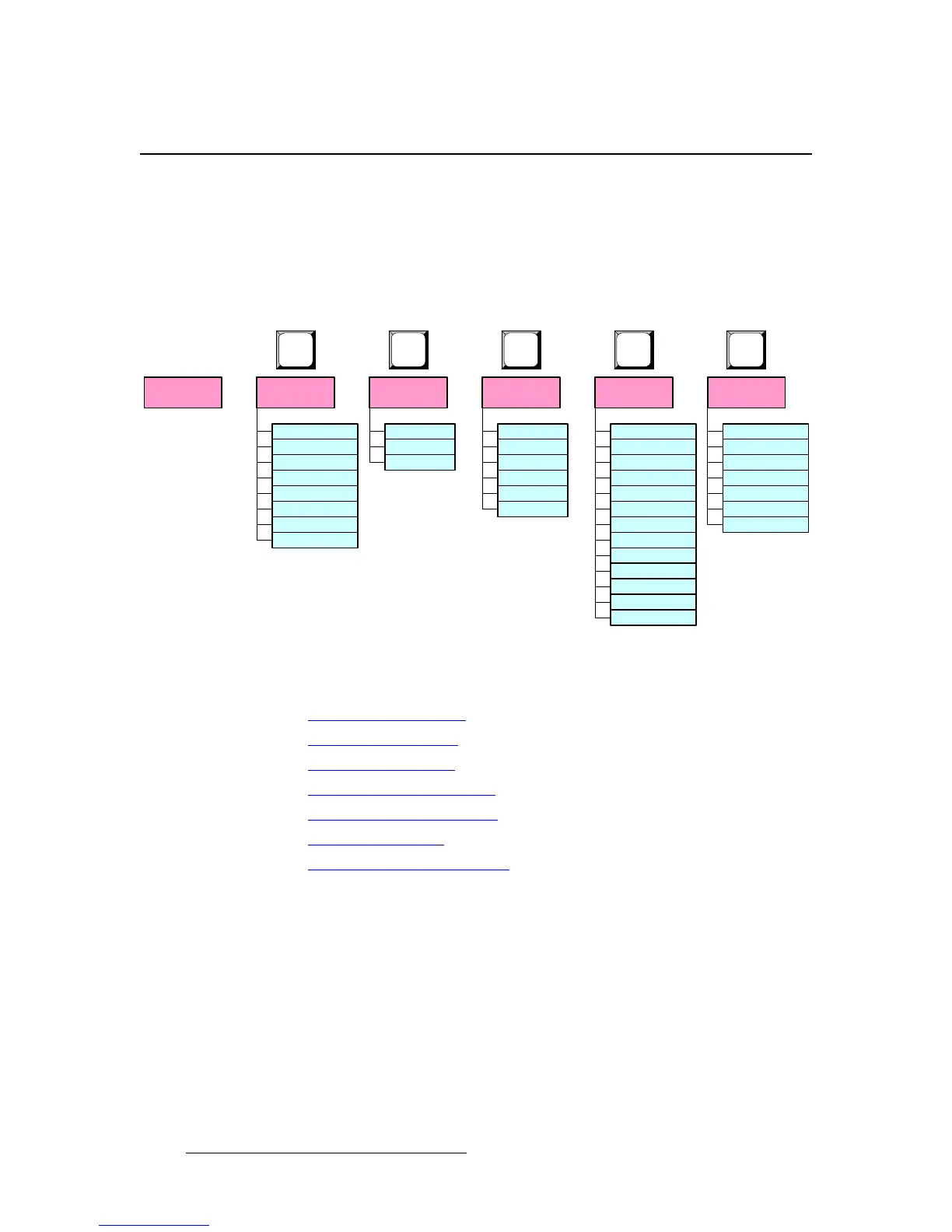
The figure below illustrates a simplified view of the LED-PRO Menu Tree. Use this
diagram for reference throughout this chapter. Please note:
• In the diagram, only “top level” menus are shown.
• The symbol >> denotes additional sub-menus.
• In the sections describing each individual tree, expanded menus are provided.
Figure 4-8. LED-PRO Menu Tree
Each menu is explained in the following sections:
• Using the Menu System
• Using the Status Menu
• Using the Setup Menu
• Using the Test Pattern Menu
• Using the Pan & Zoom Menu
• Using the LED Menu
• Using the Input Position Menu
Status
Menu
Setup
Menu
Test Pattern
Menu
Pan & Zoom
Menu
LED
Menu
Input Position
Menu
H Position
H Size
V Position
V Size
Save Cfg >>
Reset Config
Recall Config >>
LED Control
LED Status
LED Contrast
LED Gamma
LED Info >>
LED Test Pat >>
LED OSD >>
Boost Mode
Creative
Tile Mode
RS-232 >>
Save Cfg
Reset Cfg
Pan H
Pan V
Zoom
Save Preset
Recall Preset
Reset
Type
Raster Box
Diagonal
Setup Wizard >>
Source Align >>
Input Wizard >>
Presets >>
RS-232 >>
Expert Mode >>
SETUP
PAN &
ZOOM
TEST
PAT
LED
INPUT
POS
Save State
Factory Rst



 To Next Page