LED-PRO • User’s Guide 95
4. Operation
Using the Pan & Zoom Menu
rëáåÖ=íÜÉ=m~å=C=wççã=jÉåì
The following topics are discussed in this section
• Pan & Zoom Menu Tree
• Pan & Zoom Menu Description
m~å=C=wççã=jÉåì=qêÉÉ
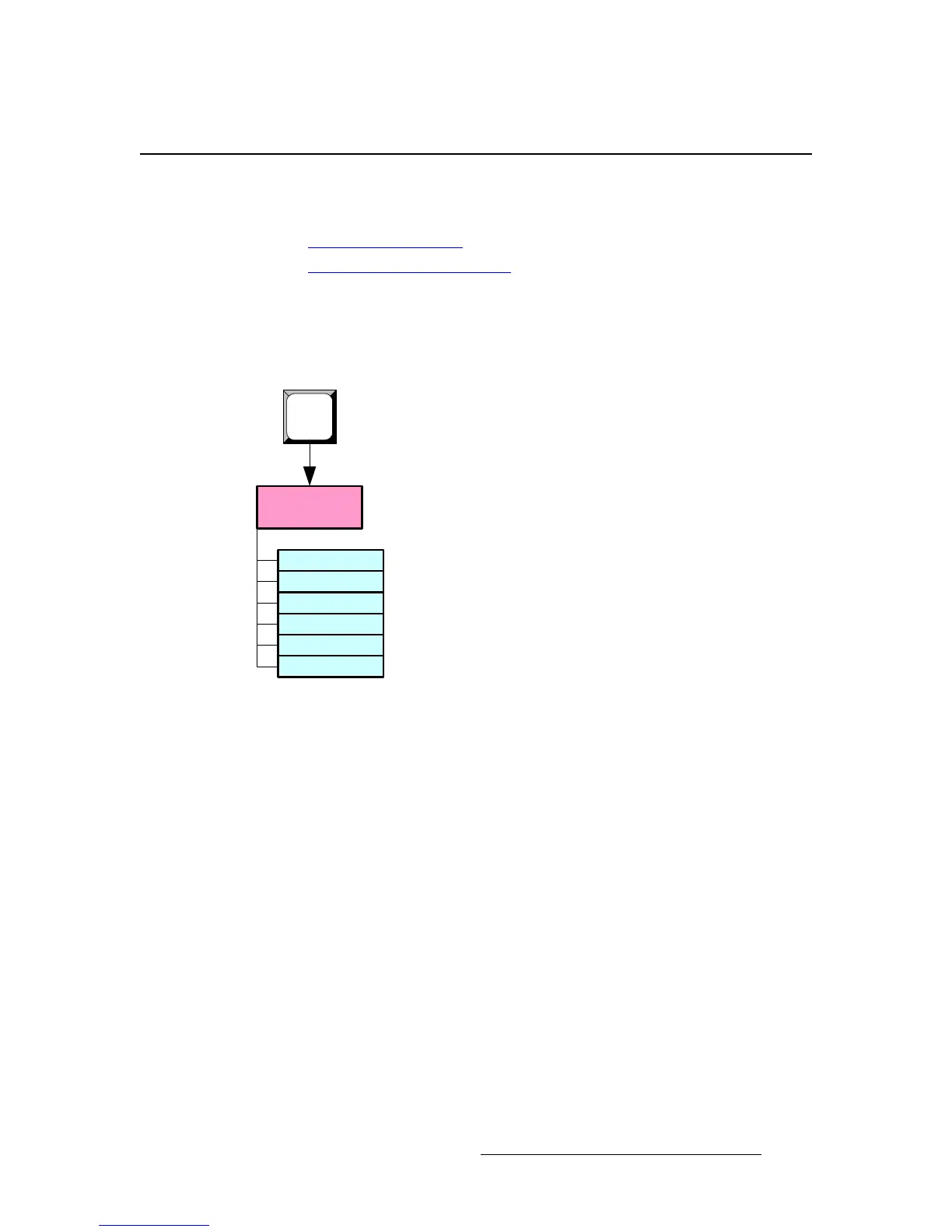
Press PAN & ZOOM to access the Pan & Zoom Menu. The figure below illustrates the
complete menu tree — there are no sub-menus.
Figure 4-79. Pan & Zoom Menu Tree
Pan & Zoom
Menu
Pan H
Pan V
Zoom
Save Preset
Recall Preset
Reset
PAN &
ZOOM



 To Next Page