LED-PRO • User’s Guide 127
_K==oÉãçíÉ=`çåíêçä=mêçíçÅçä
Default IP Address
aÉÑ~ìäí=fm=^ÇÇêÉëë
The LED-PRO default IP address is 192.168.000.200.
Please note:
• The system returns to this value after a factory reset.
• This default address can be changed using the menu system. In Chapter 4, refer
to the “Ethernet” section on page 89 for instructions.
opJOPO=jçÇÉ
The LED-PRO will respond with a “#” prompt when the command processor is ready for a
command. The command syntax is shown below
cmd arg1 arg2 … argn<CR>
Please note:
• A space (ASCII 32) must be inserted between the command and any arguments
that follow. A space must also be inserted between all argument parameters,
except for the last argument in the chain.
• All commands in RS-232 mode must be terminated with a carriage return (ASCII
13). The carriage return will tell the command processor to begin execution of the
command.
• Query commands will return the following:
=result
#
The “=” indicates that a result from a query command is following. The “result” will
follow directly after the “=”. The value of the result will vary depending on the
query command used. A new line will be generated and the prompt (#) will
indicate the system is ready for a new command.
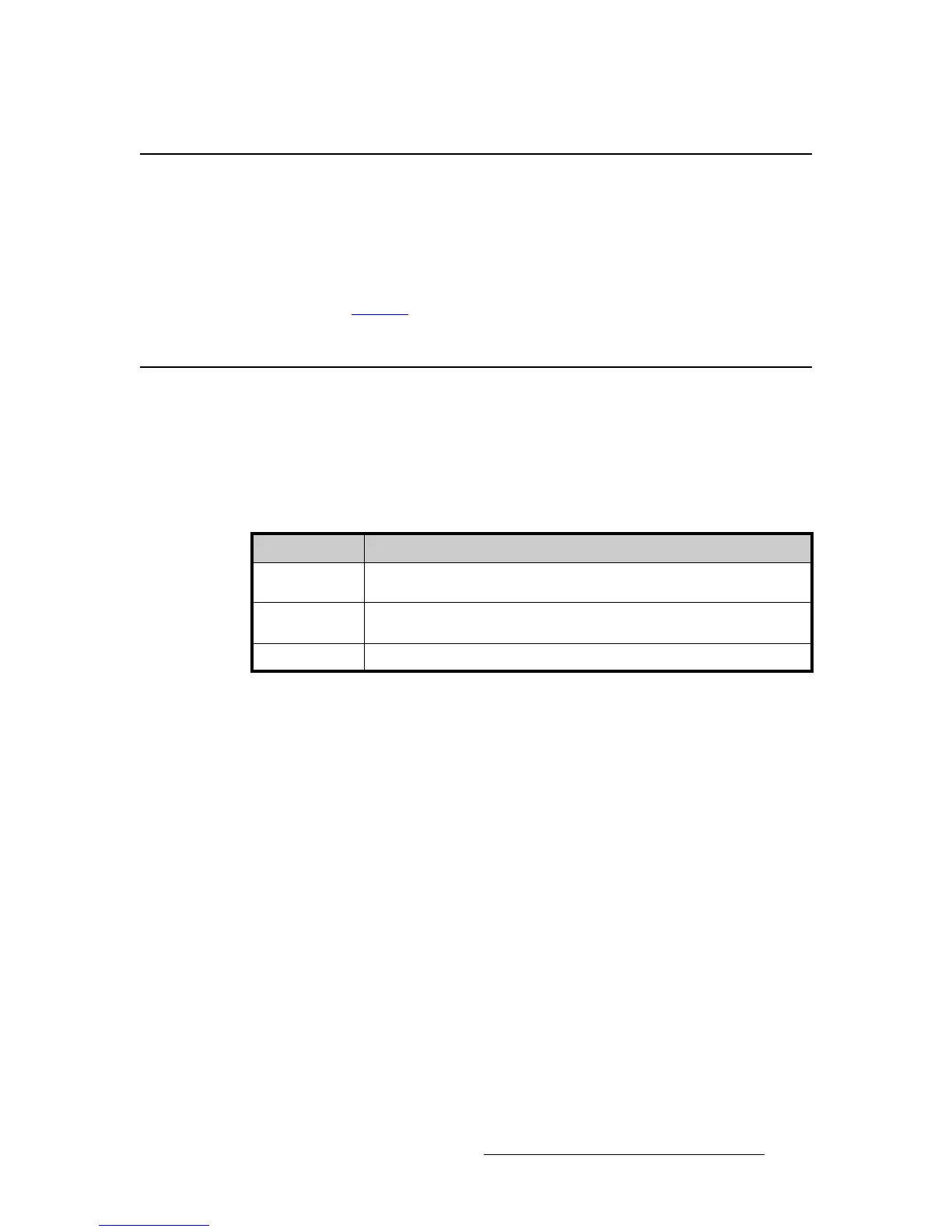
Table B-1. RS-232 Command Syntax
Command Description
cmd Any valid graphics board command, typically 2 to 6 alphabetic (non numeric)
characters
arg argument1, argument2, … argument"N" are required or optional parameters
depending on the command used.
<CR> carriage return (ASCII 13) terminates the command



 To Next Page