LED-PRO • User’s Guide 119
^K==péÉÅáÑáÅ~íáçåë
Output Specifications
lìíéìí=péÉÅáÑáÅ~íáçåë
The table below lists LED-PRO output specifications.
rëÉê=`çåíêçä=péÉÅáÑáÅ~íáçåë
The table below lists LED-PRO user control specifications.
mÜóëáÅ~ä=~åÇ=bäÉÅíêáÅ~ä=péÉÅáÑáÅ~íáçåë=
The table below lists LED-PRO physical and electrical specifications.
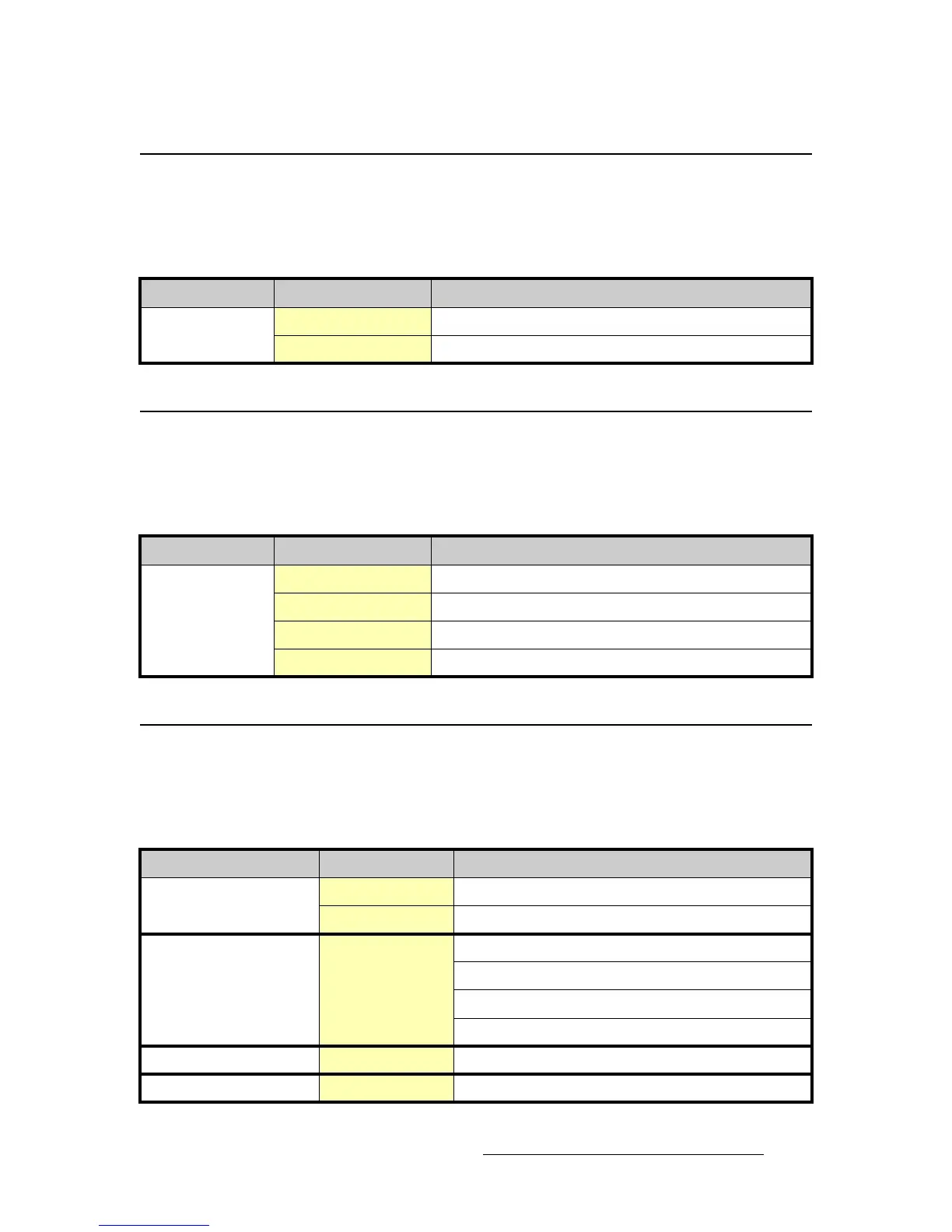
Table A-2. LED-PRO Output Specifications
Parameter Detail Specification
Video Output Digital Video Output Proprietary Barco LED wall interface via DVI-I connector
Output Resolution SVGA (800x600), 480,000 total pixels @ 32Mhz pixel clock
Table A-3. LED-PRO User Control Specifications
Parameter Detail Specification
User Control Local control User-friendly front panel interface, dedicated menus and buttons
Setup Local (manual or via Setup Wizard), or via Director Toolset
Calibration Via Director Toolset
Remote control Computer or third party control via RS-232 or Ethernet
Table A-4. LED-PRO Physical and Electrical Specifications
Parameter Detail Specification
Power Connector Standard IEC, integral on/off switch
Power 47-63 Hz, 100-240 VAC
Mechanical
Chassis H: 3.50 inches (8.89 cm)
W: 17.00 inches (43.18 cm)
W: 19.00 inches (48.26 cm) with rackmount wings
D: 15.00 inches (38.10 cm)
Temperature
0-40 degrees C
Humidity
0-95% non-condensing



 To Next Page