5. Physical installation
1
1
1
1
1
1
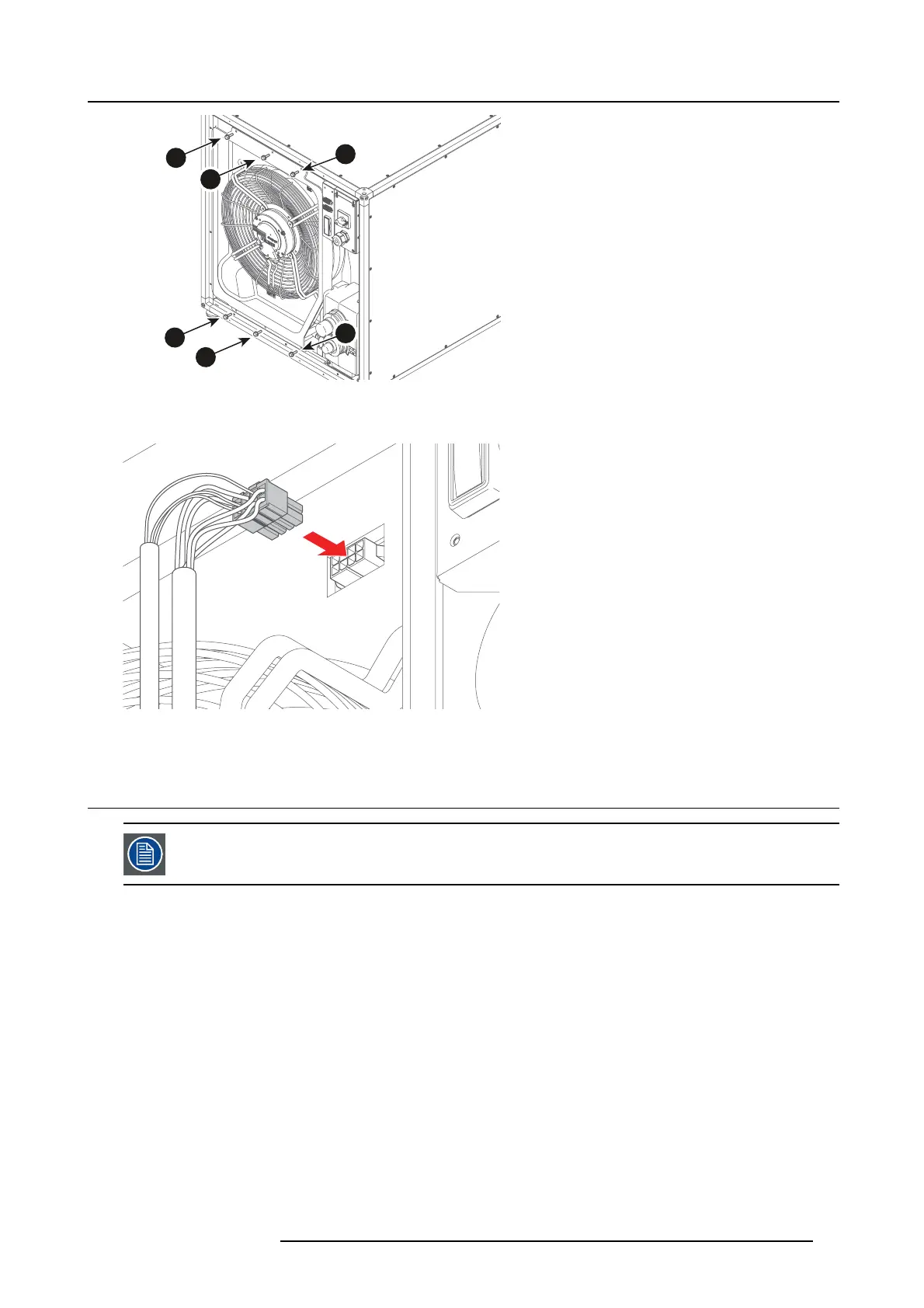
Image 5-19
Installing t he 6 screws
3. Plug in the cable connector.
Image 5-20
Plugging in the cable connector
5.3 Electrical connection
Use the feed cables recommen ded by the m
anufacturer, makin g sure they are su itable for the m aximum po w er
absorption o f the mac hine.
How to connect
1. Unscrew the screws (E).
R5905866 ULC-30A 31/01/2018
25


 To Next Page