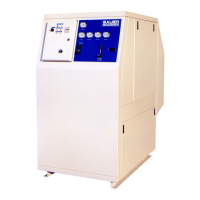
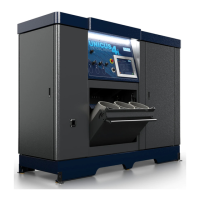
ImVT 120 II Mini Verticus
Page 84 1st Edition, Rev. 0 Chg. 10
7.6.8 On Steady - Motor Starter Overload Trip
The compressor overload relay is located in the electrical enclosure, directly beneath the motor starter.
See Figure 7-4. The relay is Normally Open and is not connected to the PLC, but is connected directly
to the red alarm light. Under normal operating conditions, the switch is open. On an Overload Trip of
the motor, the compressor will shutdown, and the Alarm light will be illuminated steady (no flash
sequence).
7.7 Installing a New Program
The PLC program c an be updated in two ways. If a Bauer technician is on-site, they could connect
directly to the PLC using a notebook computer. Using a licensed version of TwidoSoft
®
software,
changes can be made and downloaded to the PLC directly.Another method to install a new program is
to use an External EEPROM cartridge (CNT-0051). The EEPROM would be programmed at the Bauer
factory and shipped either to the customer or to a authorized distributor.
Figure 7-13 PLC Programming Port
1. PLC Programming Port
2. Overrun Timer Adjustment
3. Comm. Port
4. Programming Monitor
5. Status LEDs
6. Program Version Installed
^ CAUTION
When handling the cartridge, do not touch the pins. The car-
tridges electrical elements are sensitive to static electricity.
1
2
3
4
5
6


 To Next Page
 Loading...