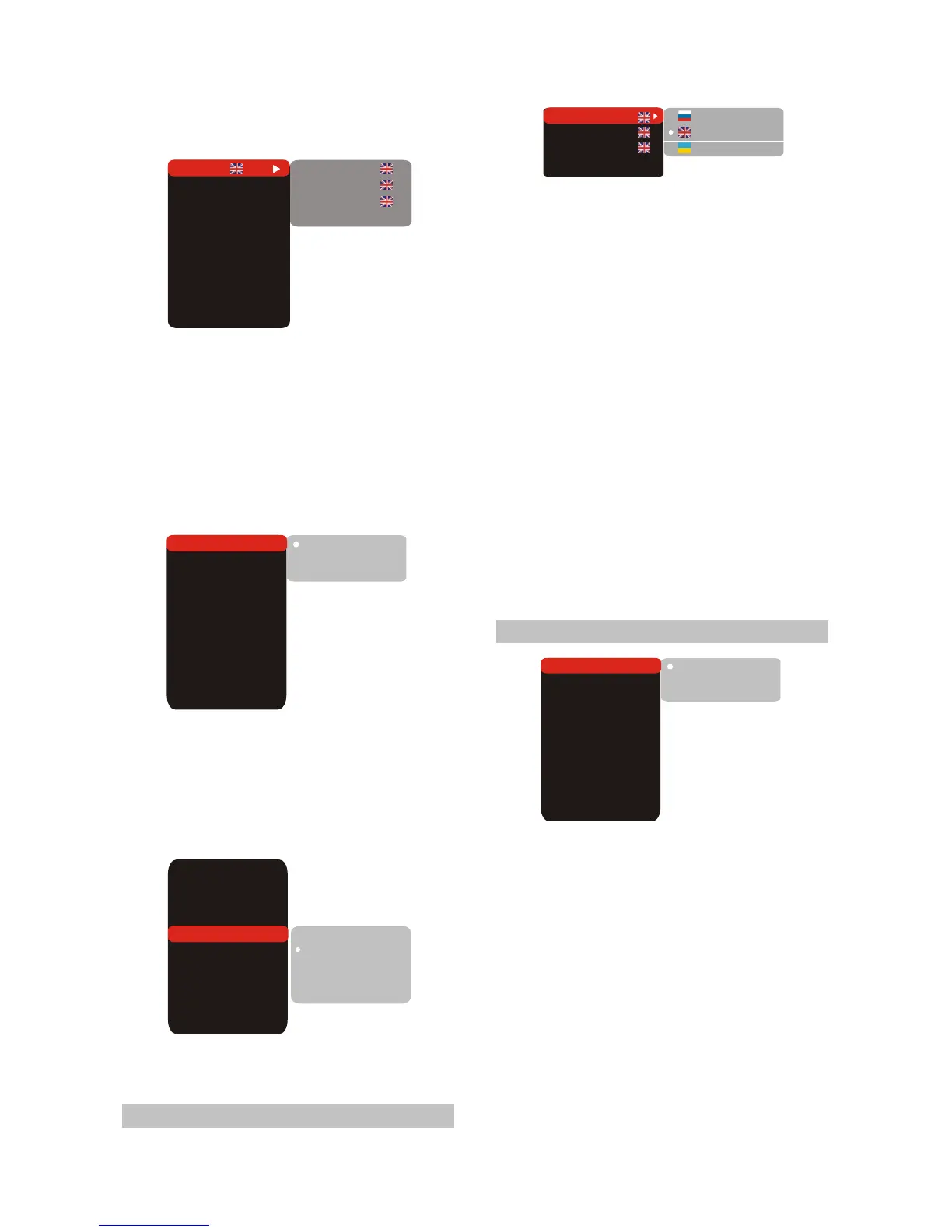
Setup menu
DVD menu
Soundtrack
Subtitle
Off
Language
Image
Sound
Playback
Karaoke
Preference
Parental control
Initial setup
Reset to defaults
Exit
Setup menu
DVD menu
Soundtrack
Sbutitles Off
Russian
English
Ukrainian
TV system
TV scan mode
Video out.
TV format
Sharpness
Gamma
Brightness
Contrast
Hue
Saturation
AUTO
IS
Com.
16:9
M
Off
0
0
0
0
AUTO
PAL
NTSC
High
Medium
Low
TV system
TV scan mode
Video out.
TV format
Sharpness
Gamma
Brightness
Contrast
Hue
Saturation
AUTO
IS
Com.
16:9
M
Off
0
0
0
0
1.Press the [SETUP] button and the screen
displays the selection menu of function setup.
2.Press the [CURSOR] button to select the menu
to be entered and press the [OK] or button to
confirm. Or press the [CURSOR] button to
Exit item and then press the [OK] button to exit .
3.Press [UP/DOWN] arrow to select the desired
item you want to set and press [OK].
For example, press [UP/DOWN] arrows to
select IMAGE and press [OK]. The Image setting
page appears on the screen.
4.Press [UP/DOWN] arrow to select the
SHARPNESS item. Press [OK] to confirm it.
And then press [UP/DOWN] arrow to select
the desired valus.For example: Press[
UP/DOWN] arrow to select “Medium” ,then
press [OK], the TV screen display.
5. Press [LEFT] button if you want to return to
the previous setup page.
6.Press [SETUP ]to exit the setup menu.
2.4.2 Language
1.Setup menu: This item is used to set the
prompts language on the screen.
#Optional setting: Russian, English, Ukrainian.
#Default: English.
2.DVD menu: To set the preference disc menu
lang when playing.
#Optional setting:
#Default: English.
3.Sountrack:To set the preference audio
language when playing.
#Optional setting:
#Default: English.
4.Subtitles: To set the preference subtitle
language when playing.
#Optional setting: Off,
#Default: Off.
2.4.3 Image
Russian, English, Estonian,
Latvian, Kazakh, Romanian, Byelorussian,
Ukrainian, Chinese, Others.
Russian, English, Estonian,
Latvian, Kazakh, Romanian, Byelorussian,
Ukrainian, Chinese, Others.
Russian, English,
Estonian,Latvian, Kazakh, Romanian,
Byelorussian, Ukrainian, Chinese, Others.
TV system
TV scan mode
Video out.
TV format
Sharpness
Gamma
Brightness
Contrast
Hue
Saturation
AUTO
IS
Com.
16:9
M
Off
0
0
0
0
AUTO
PAL
NTSC
1.TV system: This item is used to the video
output system of this unit.
#Optional setting: Auto, PAL, NTSC.
#Default: AUTO.
2.TV scan mode: To set
.
3.Video output: To set the types of SCART out
connector.
#Optional setting: Component , SCART.
#Default: Component.
#When using RGB outputs from the SCART
interface,please select RGB. Other wise ,
please select Com-ponent.
Progressive scan,
Interlaced scan mode
#Optional settings: Progressive , Interlaced.
#Default: Interlaced.
- 7 -



 To Next Page