Mixer...
Digital output
HDMI Audio On
Tuning
Configuration
Stereo mix
Surr. Mix
Low band
Channels
Delays
PRO Logic II
St.
L+R
sum
FSW
Off
Stereo
5.1
Configuration
Stereo mix
Surr. Mix
Low band
Channels
PRO Logic II
Delays
St.
L+R
sum
FSW.
AUTO
4.TV format: To set the aspect ratio of this
player’s output image.
#Optional setting: 4:3 Pan-scan, 16:9 letterb.,
16:9 TV, Wide/SQZ.
#Default: 16:9 TV.
5.Sharpness:Used to set the sharpness of video
outputs.
#Optional setting: High, Medium, Low.
#Default: Medium.
#Optional setting: High, Medium, Low, Off.
#Default: Off.
7.Brightness:Used to set the brightness of video
outputs.
8.Contrast:Used to set the contrast of video
outputs.
9.Hue: Used to set the hue of video outputs.
10.
A.
B.
2.4.4 Sound
6.Gamma emendation:This item is used to setup
the Gamma value of video output.
Saturation: Used to set the saturation of video
outputs.
#Brightness, contrast, hue and saturation
adjusting means:
Press [UP/DOWN] arrow in the video setup
menu to select the desired item you want to
adjust. Press [OK] or [RIGHT] button to enter
the item's adju-stment.
Press [UP/DOWN] arrow to adjust the setting
value.
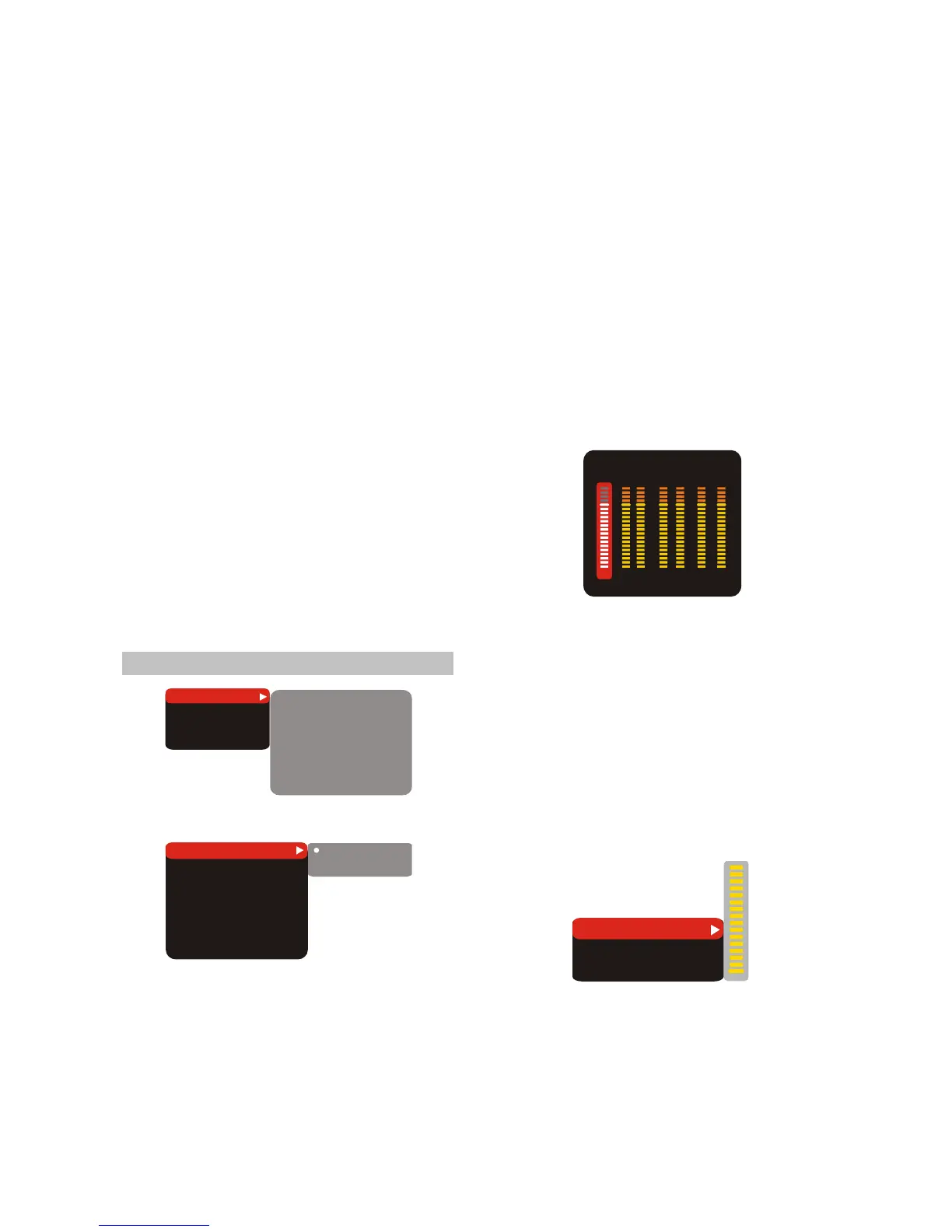
1.Mixer...
A. Configuration: To set this player’s DOWNMIX
mode to change multi-channel audio into two
channel audio.
#Optional setting: Stereo, 5.1.
#Default: Stereo.
B. Stereo mix: To set the output means of the left
or right audio when playing a Dolby disc with
separate two-channel audio.
#Optional setting: L+R, L, R.
#Default: L+R.
C.Surr. Mix: To set output means of the surround
left and right audio when playing a stereo disc.
#Optional setting: Off, sum, Virt.Surr.
#Default: Off.
D.Low band: select the channel that you desire
to output low frequency signal.
#Optional setting: Front F, Center C, Surround Sr,
Subwoofer SW.
#Default: Front F, Subwoofer SW.
E.Channels:
To set volume of each individual
channel.
a. Press [UP/DOWN] navigation keys to select
CHANNEL TRIM, then press the [OK] or
[RIGHT]navigation key to select ENTER
SETUP PAGE as shown in the TV screen:
16
Volume L
FRONT
surround
R l r Center SW
16 16 16 16 16 16
b.Press [LEFT/RIGHT] navigation keys to select
the desired channel to adjust.
c. Press [UP/DOWN] navigation keys to raise or
lower volume of the channel.
d. Press [OK] or [LEFT] to return to the Mix..
setup page.
F. Delays: To set delay time of the Center/
Surround/ Subwoofer Speaker.
A. Press [UP/DOWN] navigation keys to select
Delays in Channels item, then press [OK] or
[RIGHT] navigation key select ENTER SETUP
PAGE as shown in the TV screen.
Subwoofer
Center
LS/RS
0cm
0cm
180cm
b.Press [UP/DOWN] navigation keys to Select
the desired item oup Press [OK] or [RIGHT]
button to enter setting.
c. Press [UP/DOWN] navigation keys to raise or
lower volume.
D.Press [OK] or [LEFT] to return to the Delays in
channels setting page.
- 8 -



 To Next Page