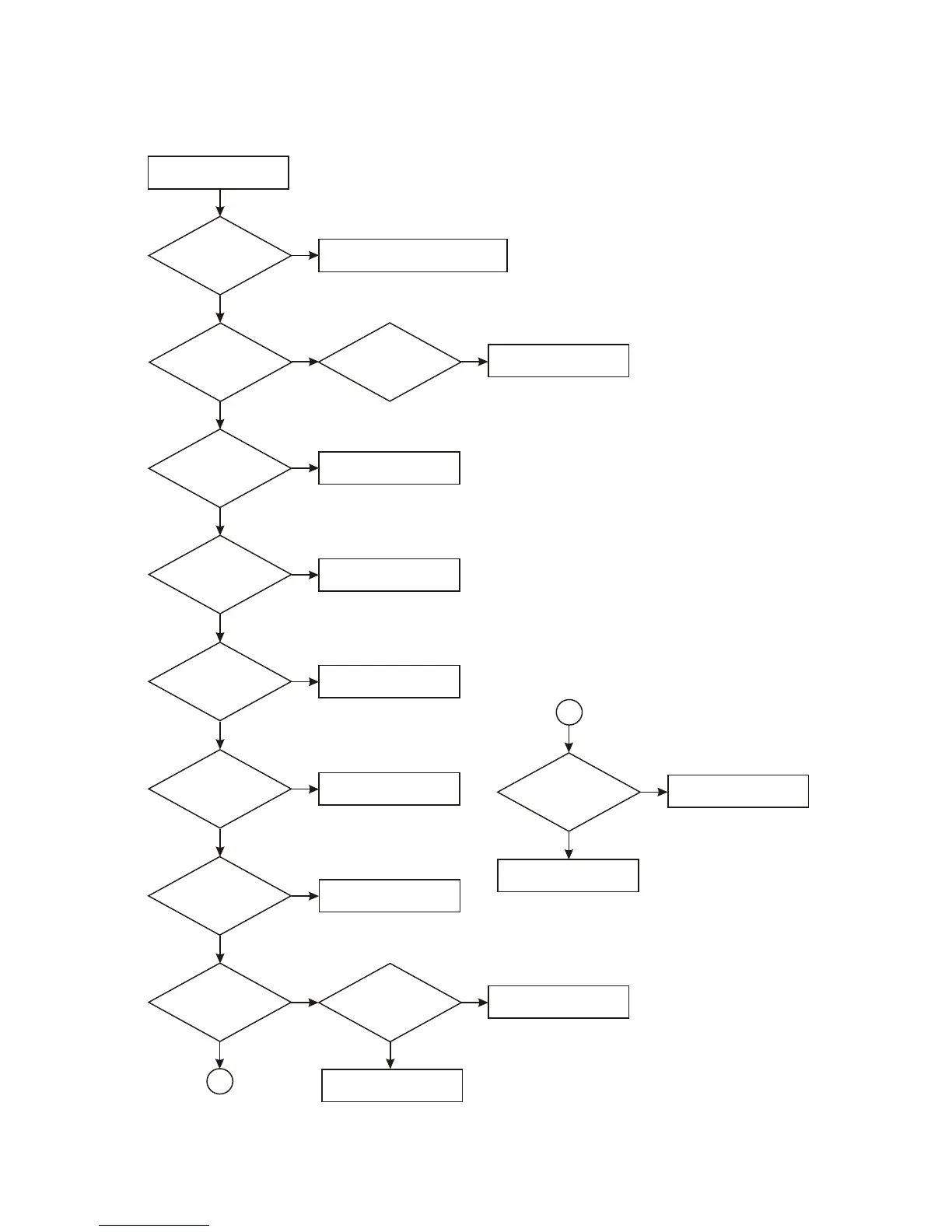
3.3.2 Troubleshooting flow chart
1. Troubleshooting process for “power not on” is shown in the figure 3.3.2.1:
Power not on for the player
Whether
power board +5V
power supply is
normal
Check according to troubleshooting
process for “Power board not on”
N
Whether
3.3V, 1.8V power is
normal
Check 3.3V or 1.8V voltage
stabilizing circuit
N
Y
Whether
DV33 1.8V voltage
stabilizing circuit is
normal
N
Check
whether 27M clock is
normal
Check clock circuit
N
Y
Y
Whether reset is
normal
Check reset circuit
N
Check
whether SDRAM and
FLASH power supply is
normal
Check power supply loop
and filtering circuit
N
Y
Y
Check
whether SDRAM and
FLASH power supply is
normal
Check power supply loop
and filtering circuit
N
Y
Whether
firmware is normal
Upgrade again, if not,
change FLASH
N
Y
Check
whether SDRAM clock is
normal
Change MT1389 or FLASH
N
Y
Check
whether FLASH and
MT1389 have rosin
joint
N
Y
Weld again
A
Figure 3.3.2.1 Troubleshooting flow chart for “Power not on”
- 38 -
Y
A
Check
whether SDRAM is
normal
Change MT1389 or SDRAM
N
Y
Change MT1389HD



 To Next Page