Auto
PAL
NTSC
any
Kid
G
PG
PG-13
PGR
R
NC-17
Allowed..
Set password
Any
Old password
New password
Verify
OK
Cancel
Load factory settings
OK Cancel
Language
Image
Sound
Playback
Karaoke
Preference
Parental control
Initial setup
Reset to defaults
Exit
Microphone
Kar. help
Volume
Echo
On
No ast.
5
4
Backlight
Gr. equalizer
Screen saver
On
Off
Off
On
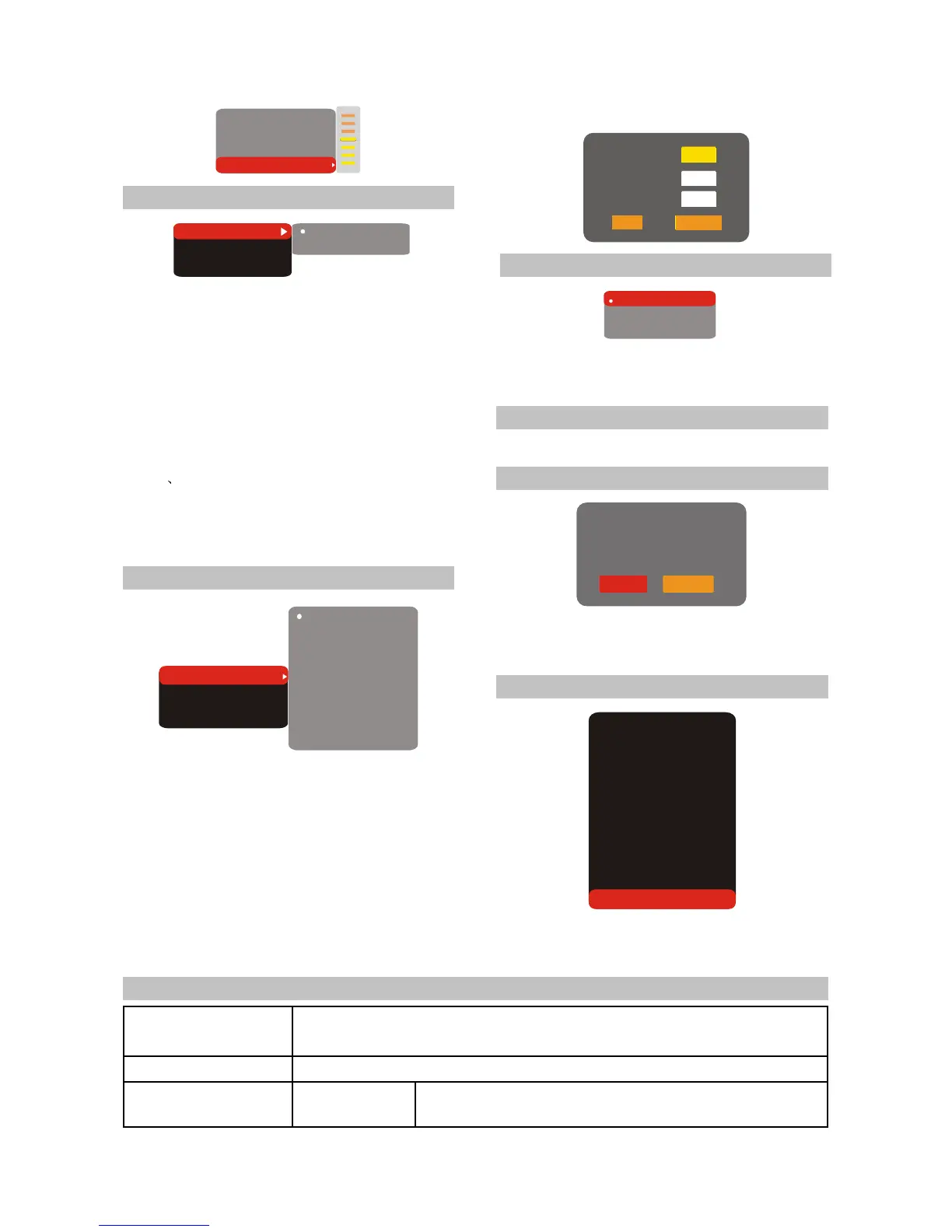
2.4.7 Preference
1.Backlight:This item is used set color of led on
the front panel.
#Optional setting: On, Off.
#Default: On.
2.Gr. equalizer: This item is used to set wether
the Dynamic Spectrum is allowed.
#Optional setting: On, Off.
#Default: Off.
#Dynamic Spectrum display is invalid in Data
disc DVD AUDIO playback.
3.Screen saver: Open or close the screen saver
function.
#Optional setting: On, Off.
#Default: On.
2.4.8 Parental control
1.Allowed..: To set the parental control ratings to
prevent children from watching the restricted
contents.( In case the disc supports this
function.)
#Optional setting: any, Kid, G, PG, PG-13, PGR,
R ,NC-17.
#Default: any.
2.Set password: To set four digit password to
enable you to change the parental control
ratings.
2.4.9 Initial setup
Press [UP/DOWN] arrow to select the
desired option and Press [OK] button to confirm
it.
NOTE
2.4.10 Rest to defaults
In this setup state, you may not press [LEFT]
button to return to the previous menu.
Reset to defaults: To restore all settings to
the default value except for the parental control
and password settings.
2.4.11 Exit
Press [UP/DOWN] arrow to select the Exit
item. Press [OK] button to exit the setup menu.
#Default: 7890.
2.5 Specifications
Playerable discs
Inputs
Outputs Audio outputs
DVD-Video, Super VCD, VCD, DivX 3.11, DivX 4,DivX 5, Divx Pro, XviD, CD-DA,
CD+G, DVD-Audio,HDCD, MP3, WMA, Kodak Picture CD, JPEG
MIC input
Analog audio output: Stereo, output 5.1CH
Digital audio output: Coaxial,Opcical



 To Next Page