21
Status
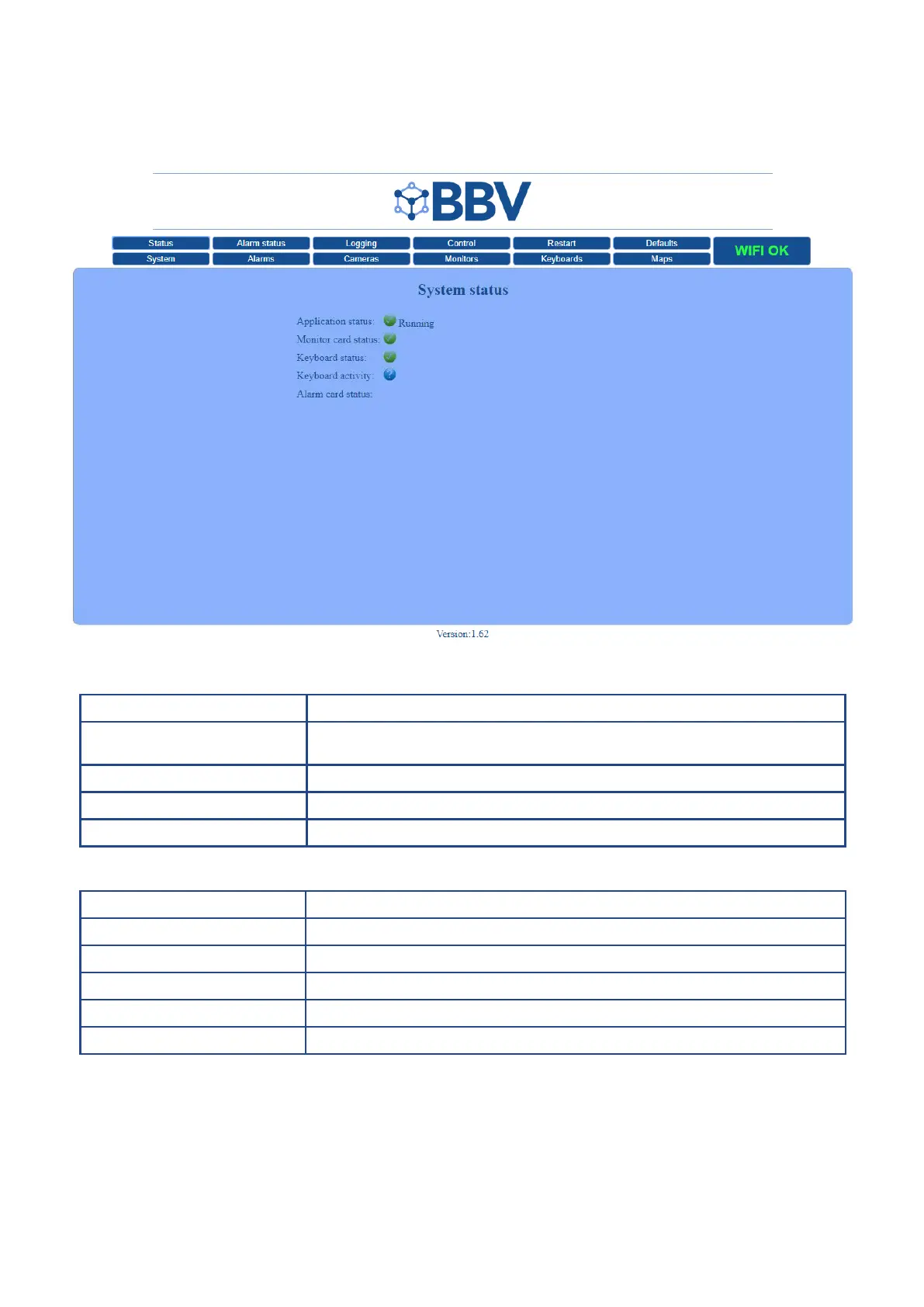
The main screen of the FBM Information Console shows system status and simple diagnostic information.
Function Description
Application Status Booting - The system is currently booting all the settings.
Running - The system has booted and new information can be saved.
Monitor Card Status Green = Active Red = Inactive
Keyboard Status Green = Active Red = Inactive (One light per connected keyboard)
Alarm Card Status Green = Active Red = Inactive (One light per connected keyboard)
Preferred Browsers Version
Chrome Latest version
Safari Latest version
Edge Latest version
Firefox Latest version
Internet Explorer No longer supported
Please note: the BBV web interface has limited access from unsupported browsers, specically Internet Explorer. If you have
an issue, please try updating your browser or trying another browser.



 To Next Page