37
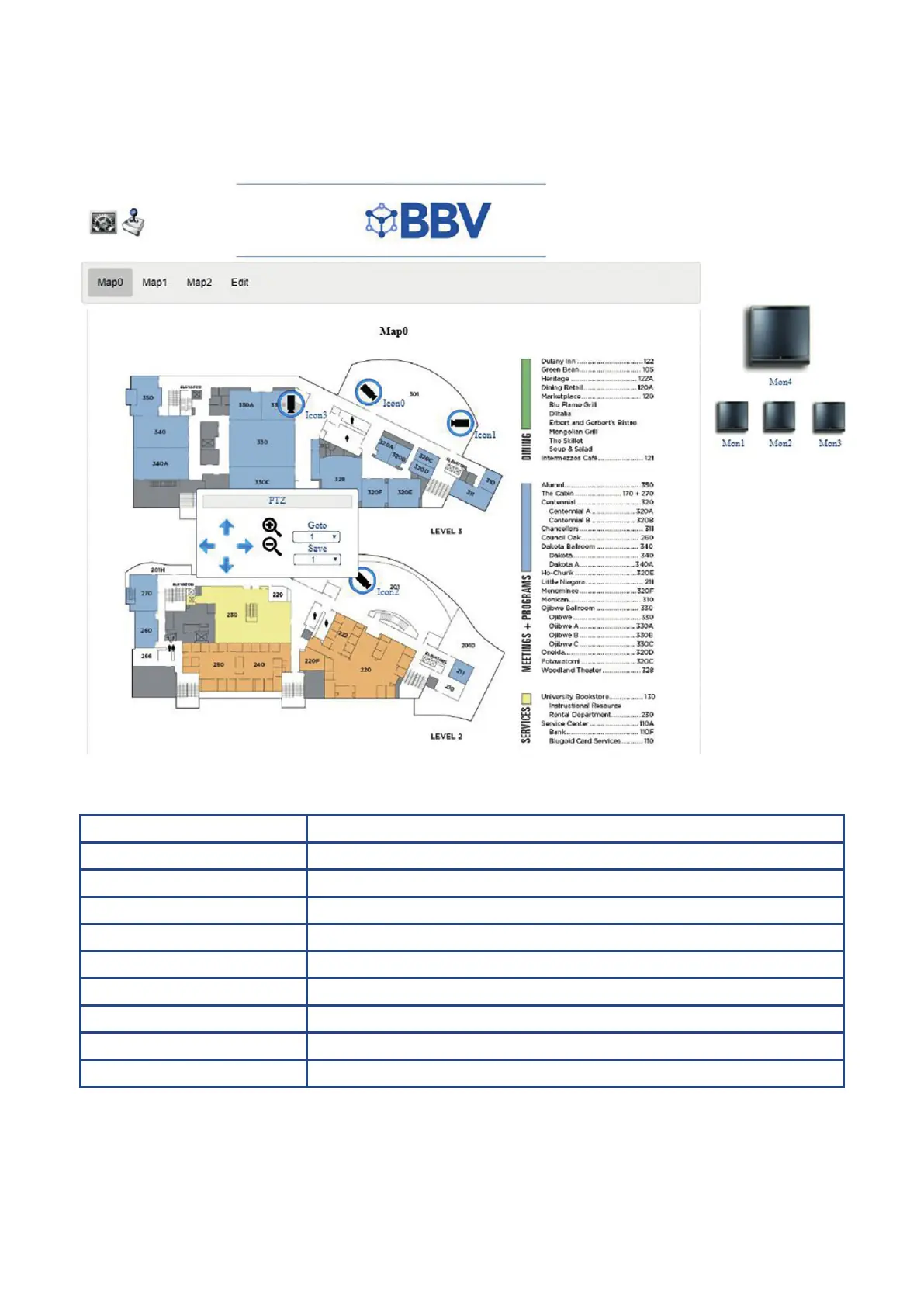
Site Maps (point-and-click)
The Maps Settings screen is used to map-out the camera setup within the building. This section can be accessed by clicking
‘Maps’ on the Main Setting page.
Function Description
Edit map background Add a map of your building or room layout
Add camera icon Add cameras to the map, in the positions that they can be found in your room/building
Add monitor icon Add monitors, so that you can click between them from the control room
Add under construction Add an ‘under construction’ icon
Clear map icons Clear all the icons that you have added to the map so that you can start again
Save map Ensure that the map is saved before exiting
Delete map Delete the map when it is no longer required
Back to view Return to ‘View Mode’ (as opposed to Edit Mode)
Controller Icon Click the Controller icon at the top-left to control the PTZ using your mouse



 To Next Page