43
Restore FBM Settings
At times you may want to restore you FBM settings. In order to do so, you will need to access your backup le (as detailed on
the previous page).
1. Enter System Settings
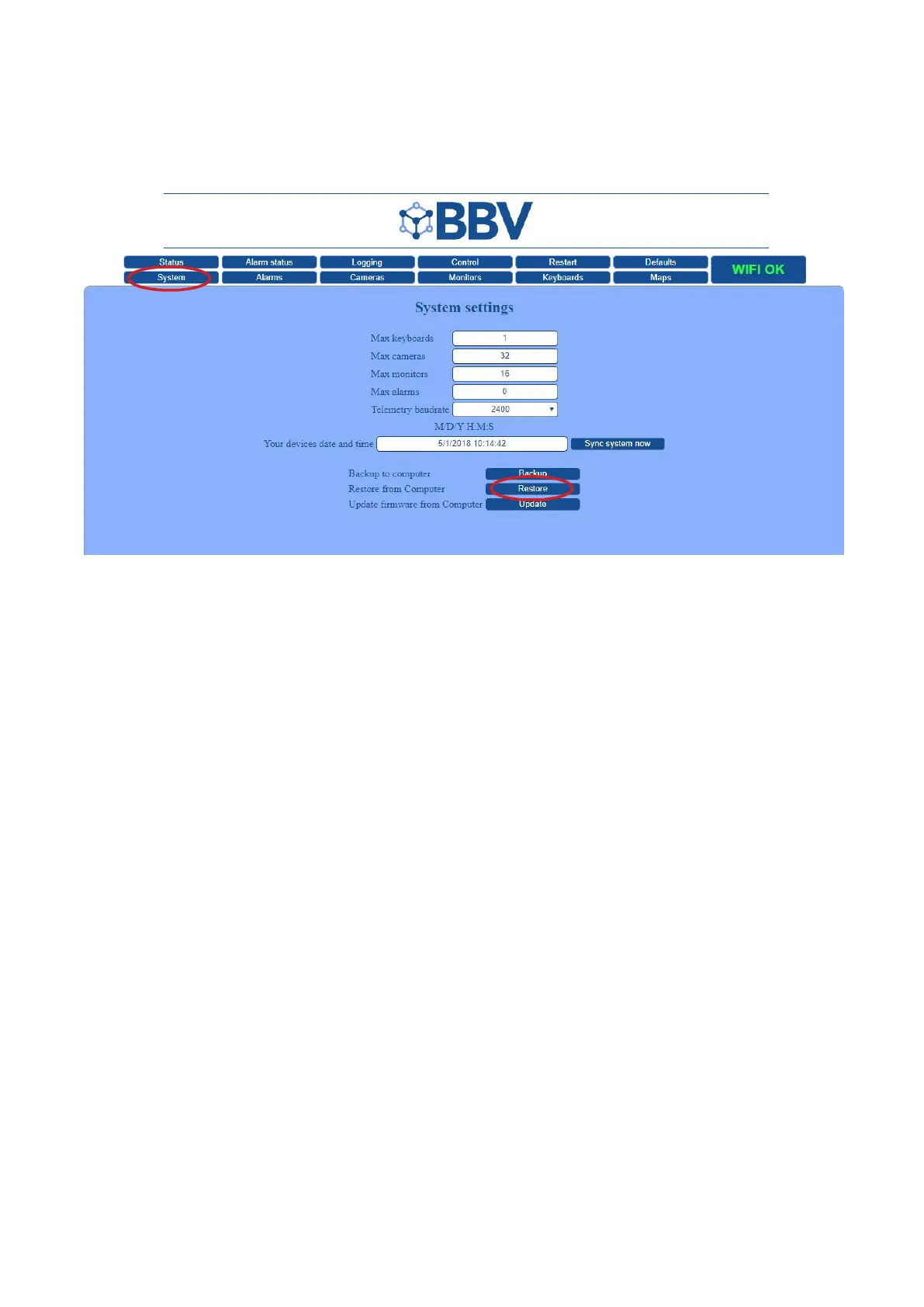
• Once your FBM User Interface has loaded, click the ‘System’ tab to enter the System Settings.
2. Restore from Computer
• Click the ‘Restore’ button at the bottom of the page.
• This will open your File window, from which you can navigate to your XML.tar.gz backup file.
3. Check Settings
• Once the XML.tar.gz file is successfully uploaded (from your supplied USB stick), your system settings should be restored.
• Check that everything works as expected.



 To Next Page