35
Keyboards
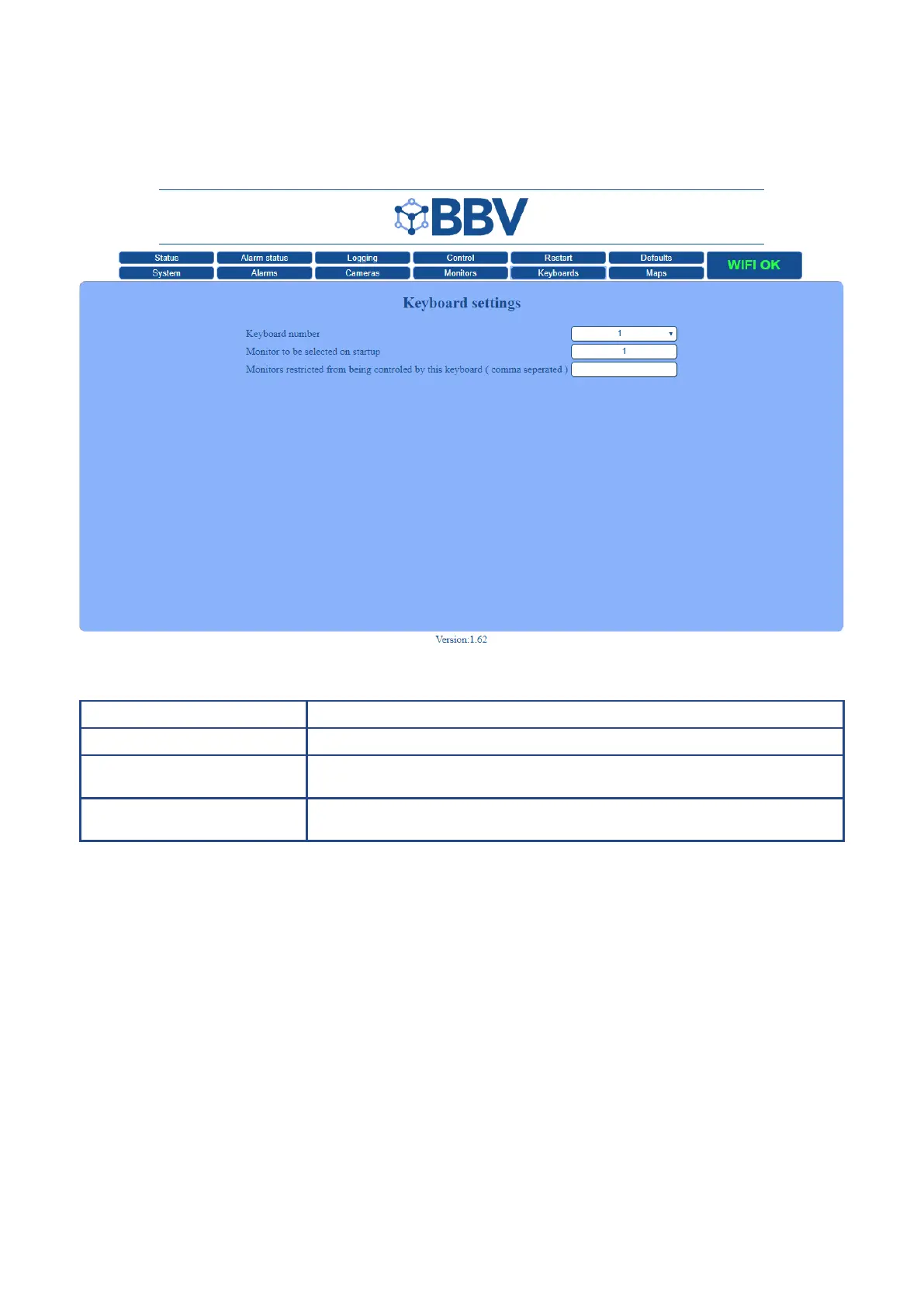
The Keyboard Settings screen is used to setup individual keyboards.
Function Description
Keyboard Number Denes the keyboard that the settings are being applied to
Monitors to be selected
on start-up
When the system restarts, the keypad will automatically take control of the monitor
dened in this box
Monitors restricted from being
controlled by the keyboard
Use this section to restrict the monitors that you DON’T wish to be controlled by the
keyboard



 To Next Page