32
Control
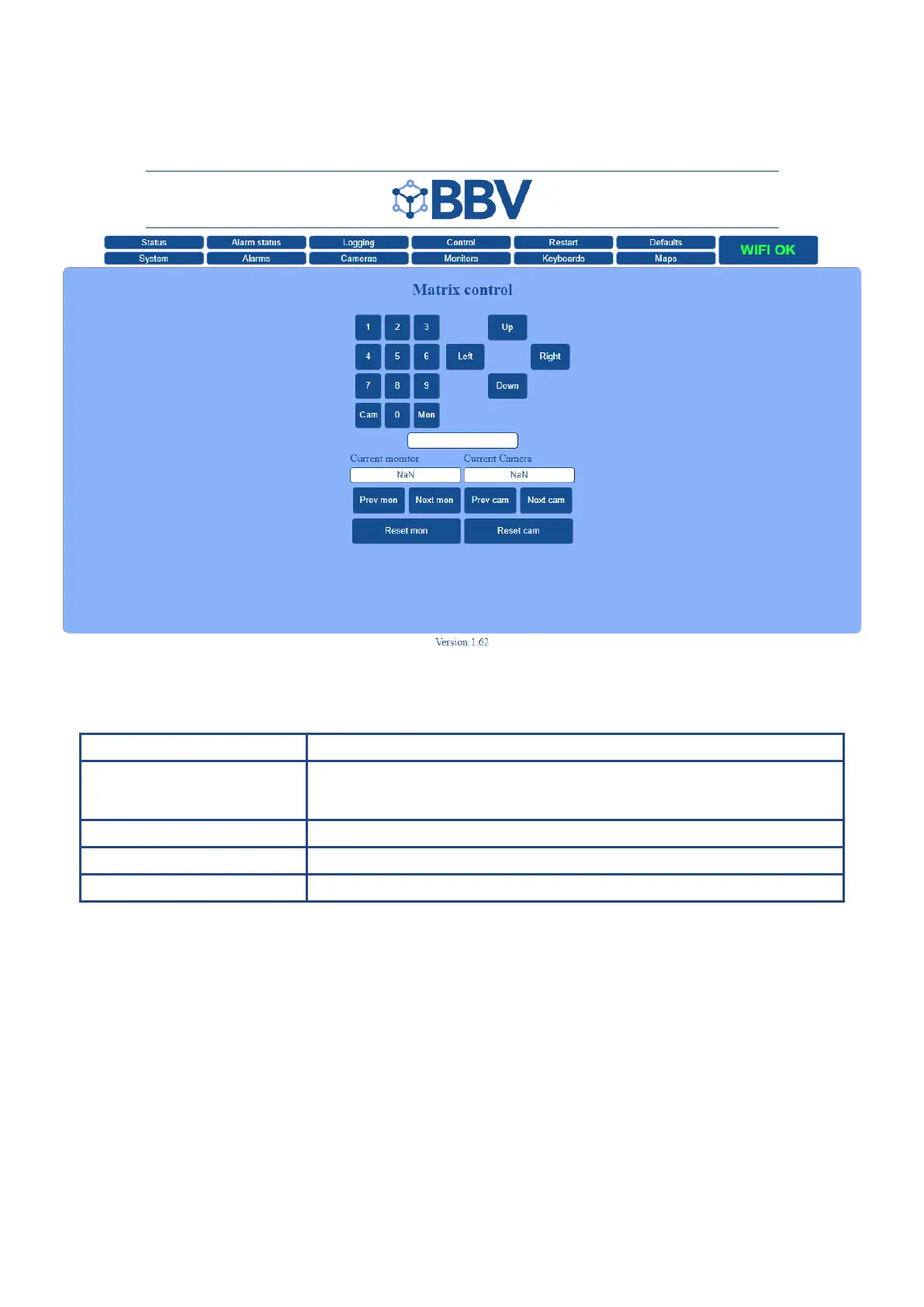
The Control screen enables live control of your CCTV setup.
Function Description
Matrix Control To select a specic Monitor or Camera:
- Enter a Monitor number and click the Mon button
- Enter a Camera number and click the Cam button
Current Monitor The Monitor number that you selected (above) will show in this box
Current Camera The Camera number that you selected (above) will show in this box
PTZ Control Use the PTZ (Pan, Tilt, Zoom) buttons to control the camera live



 To Next Page