18
FBM Information Console
The FBM Information Console has been designed to provide clear setup and administration of your system. Each heading
section is detailed within this manual for quick and easy reference.
Getting Started
To begin with you will need to connect your device to the BBV information console (compatible with the internet browsers:
Firefox, Microsoft Edge and Chrome). Your network settings must be DHCP or your xed IP address must be in the subnet of
192.168.42.xx
Connect via PC
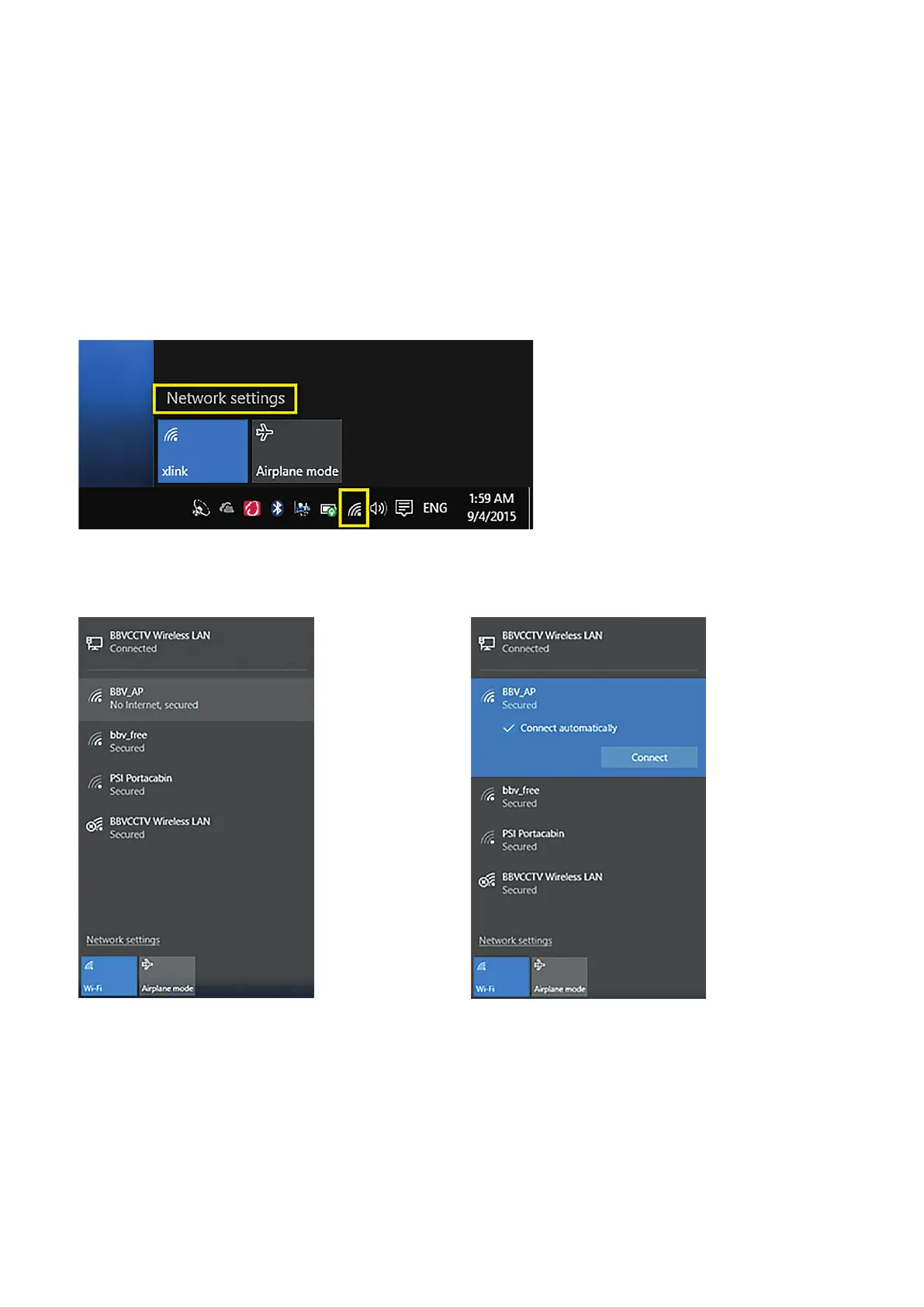
1) Go to the bottom right of your laptop screen and nd the Wireless networks icon.
2) Click on the icon and select the BBV_AP network. 3) Click the “Connect Automatically” check-box then
click connect



 To Next Page