28
Logging
30 days of Logs are kept, with specic search controls built in for ease of use.
Search
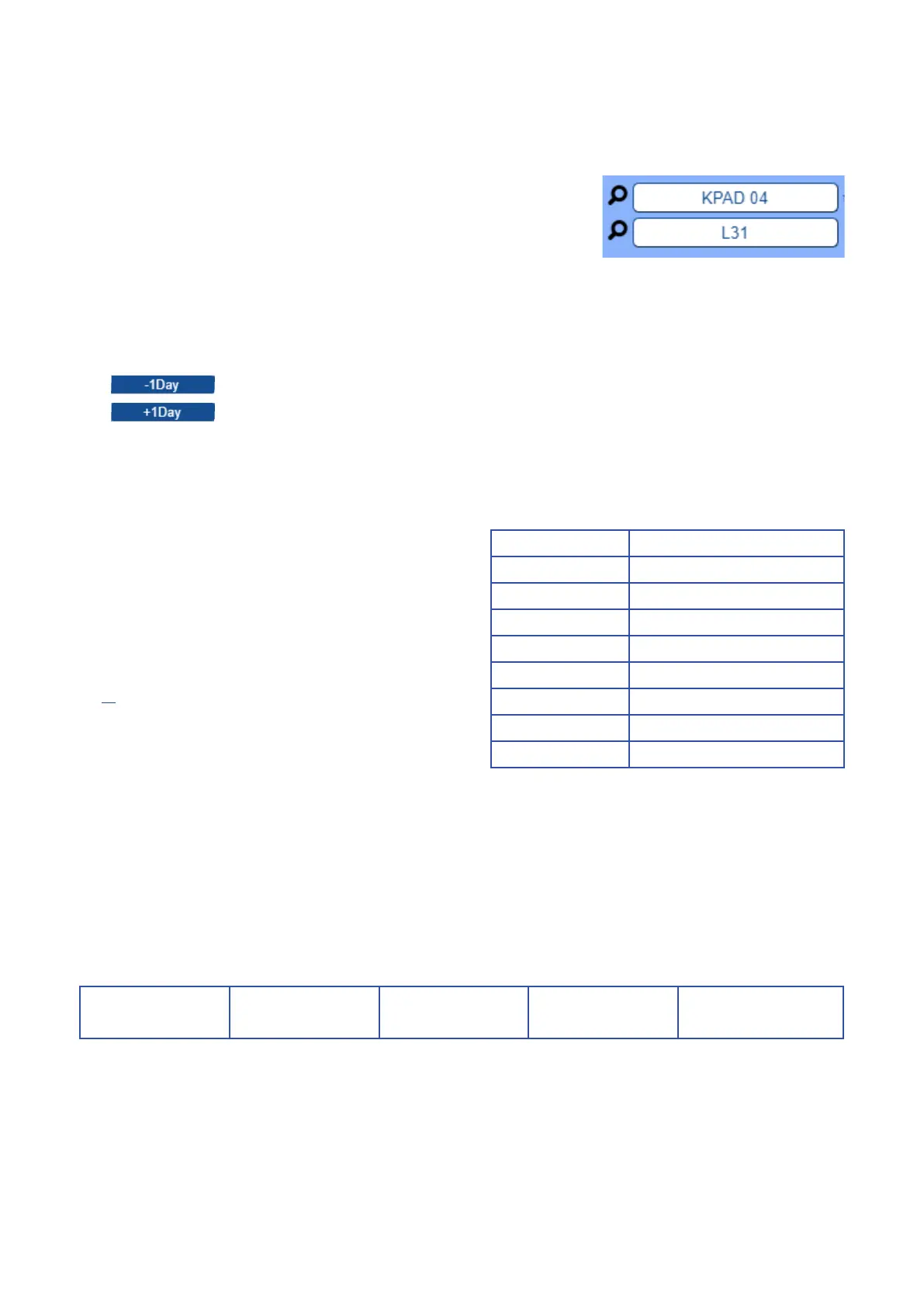
There are two search elds to help you nd specic log text (i.e. typing ‘KPAD 04’
in search box 1 will nd all entries on day for KPAD 4). To rene your search, use
both search elds (i.e. Enter ‘KPAD 04’ into search eld 1 and ‘L31’ into search
eld 2 to nd program presets for keyboard 4).
View Specific Days
There are two buttons to help you view Log data on a specic day.
The button moves closer to the present day.
The button moves back through time until 30 days is reached.
The ‘Download’ button downloads the active day le to the connected
computer for further viewing. Please be aware that the le sizes can
be large (30mb) and take some time to download.
Shortcut Code Function
L30 Telemetry Commands
L31 Preset Programming
L34 Camera / Monitor Switching
L61 Alarm
L62 Alarm Cancelling action
L69 Alarm system messaging
L98 System issues
L99 System power events
Shortcuts
Shortcuts are possible by using the ‘Lxx’ codes shown as the
rst entry on the line. Please use the table below to see what
these codes mean.
Telemetry Messages
Please note, due to the volume of telemetry messages,
not all telemetry messages are logged.
• KPADS 01-16 are user keypads.
• KPAD 50 - Commands from webpage.
• KPAD 51 - System activated actions.
• KPAD 52 - Serial or GUI actions.
• KPAD 53 - Sequence switching.
Typical Log Entry
A typical Log entry is shown below:
Log Level: Date: Time: Keyboard in use: Action message:
L34 01/01/18 10:22:45 KPAD 04
Selected camera 007
Selected monitor 03



 To Next Page