33
Monitors
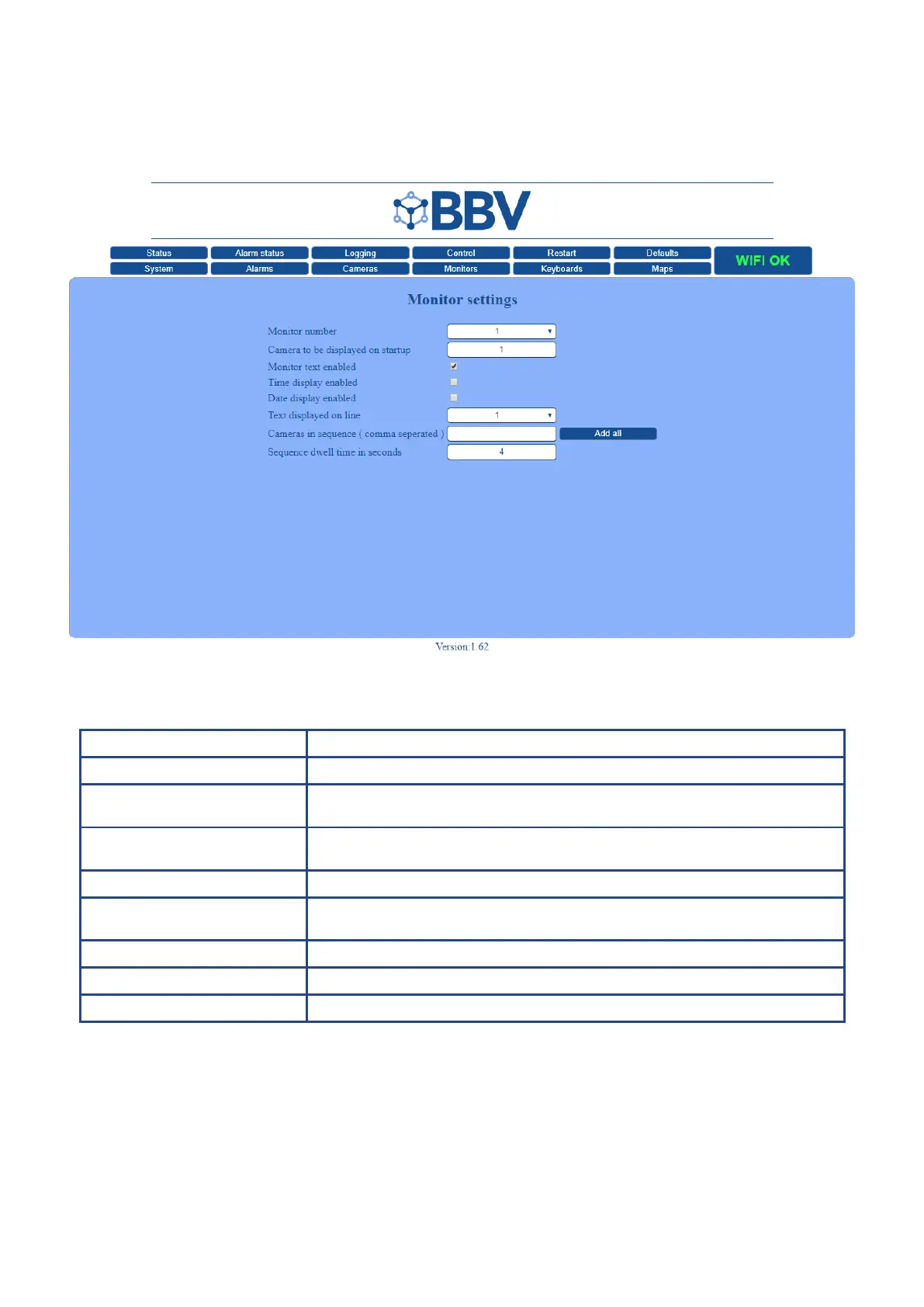
The Monitor Settings screen is used to setup individual monitors.
Function Description
Monitor Number This denes the monitor that the settings are being applied to
Camera to be displayed
on start-up
When the system restarts, the camera that is dened in this box will be switched to
the dened monitor
Monitor text enabled Depending on the deployment of the monitor, it might be desired that it does not
have text
Text Line Choose the position that your text displays on the screen (position 1-12)
Cameras in sequence This shows the sequence in which the cameras are viewed (if left blank, all cameras
will display, in series). Click the ‘Add all’ to add every camera
Sequence dwell time in seconds Each monitor can switch at different speeds. This interval is dened in seconds
Time Tick the box to display the time stamp on your monitor
Date Tick the box to display the date stamp on your monitor



 To Next Page