Managing and Monitoring Services and Events Using iBSE
7-8 BEA Systems, Inc.
4. Select a service from the drop-down list.
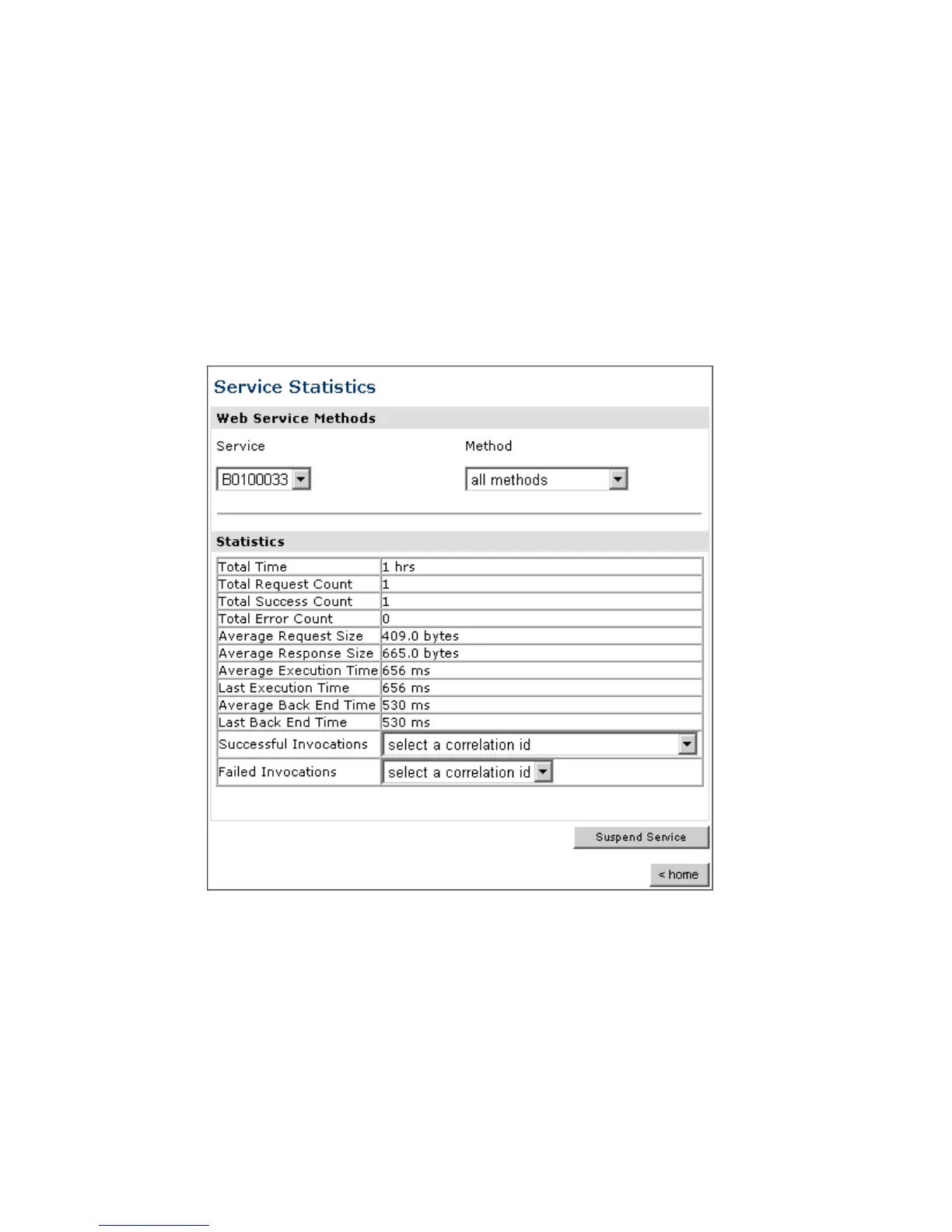
The System Level Summary (Service Statistics) window opens as shown in the following
image. The Web Service Methods pane contains a drop-down list on the left where you
select a service and a drop-down list on the right where you select a service method.
The Statistics pane contains a table with a summary of service statistics and two
drop-down lists. To view more information about that service, you can select it from the
Successful Invocations or Failed Invocations drop-down list. To suspend or resume a
service, you can click a button in the lower right. To return to the iBSE Monitoring
Settings window, you click the home button.
a. To stop a service at any time, click Suspend Service.
b. To restart the service, click Resume Service.



 To Next Page