Creating a Channel
B-18 BEA Systems, Inc.
2. Right-click the event port you want to remove and select Delete.
The event port disappears from the ports list in the left pane.
Creating a Channel
The following procedures describe how to create a channel to listen for SAP events. All
defined event ports must be associated with a channel.
Procedure How to Create a Channel
To create a channel:
1. In the left pane, below the configuration you created (for example, SampleConfig),
expand the Event Adapters node.
The list of adapters appears.
2. Click the SAP adapter node.
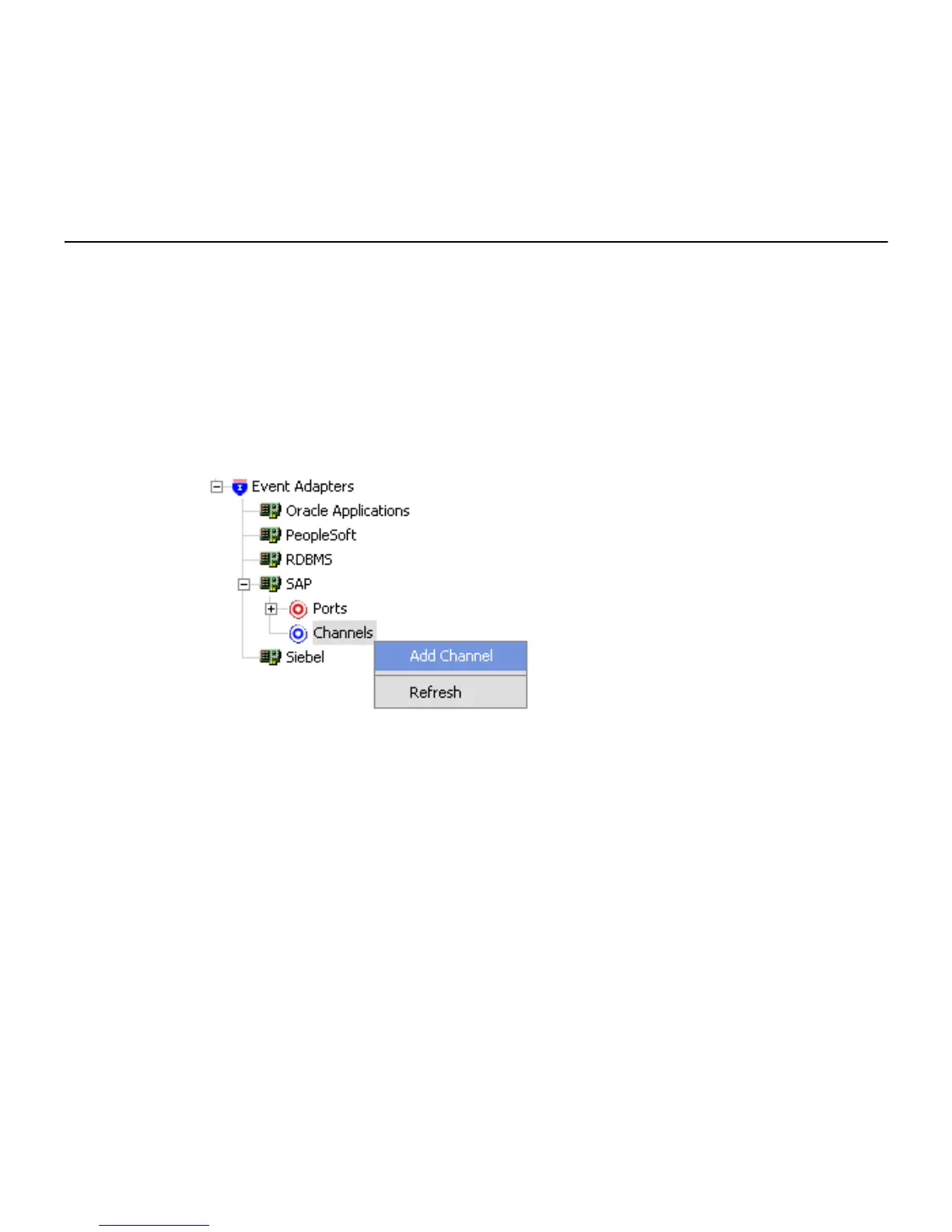
The node expands, listing the Ports and Channels nodes.
Figure 0 -3 Expand ed Connecti on Node
3. Right-click Channels and select Add Channel.



 To Next Page