Using Application Explorer in BEA WebLogic Workshop for Event Handling
BEA WebLogic Adapter for SAP User’s Guide B-25
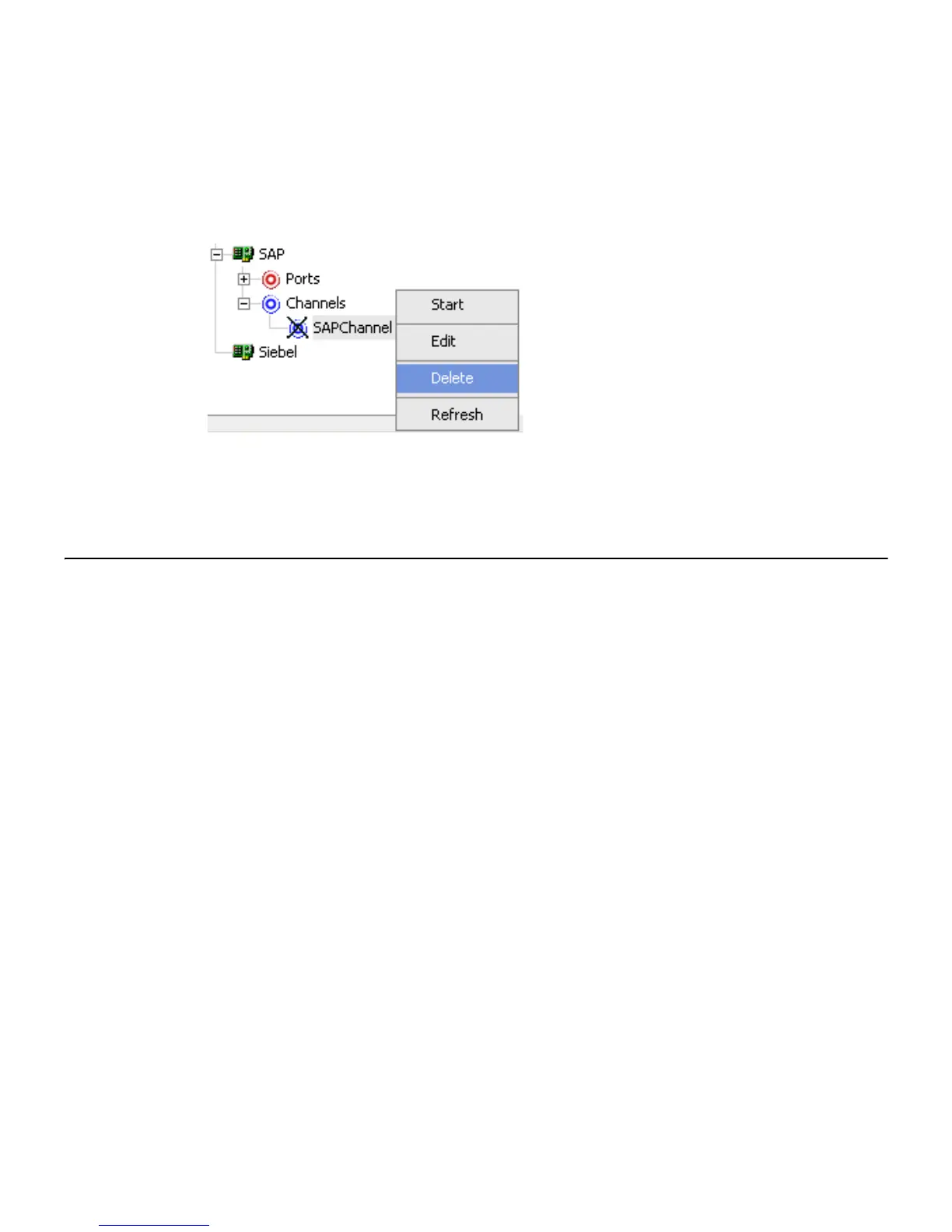
Procedure How to Delete a Channel
To delete an existing channel:
1. In the left pane, select the channel you want to delete.
2. Right-click the channel, for example, SAPChannel, and select Delete.
The channel disappears from the Channels list.
Deploying Components in a Clustered BEA WebLogic Environment
Events can be configured in a clustered BEA WebLogic environment. You can deploy
Integration Business Services Engine (iBSE) or JCA to this clustered environment.
A cluster consists of multiple server instances running simultaneously, yet appears to
clients to be a single server instance. The server instances that contain a cluster can be run
on one machine, but are usually run on multiple machines.
Clustering provides the following benefits:
• Load balancing
• High availability
Service requests are processed through the HTTP router and routed to an available
managed server.
Events are server-specific and are not processed through the HTTP router. You must
configure each server separately.
Procedure How to Deploy Integration Business Services Engine in a Clustered Environment
To deploy iBSE in a clustered environment:
1. Using the BEA Configuration Wizard:
a. Configure an administrative server to manage the managed servers.
b. Add and configure as many managed servers as required.



 To Next Page