Modifying a Channel
B-24 BEA Systems, Inc.
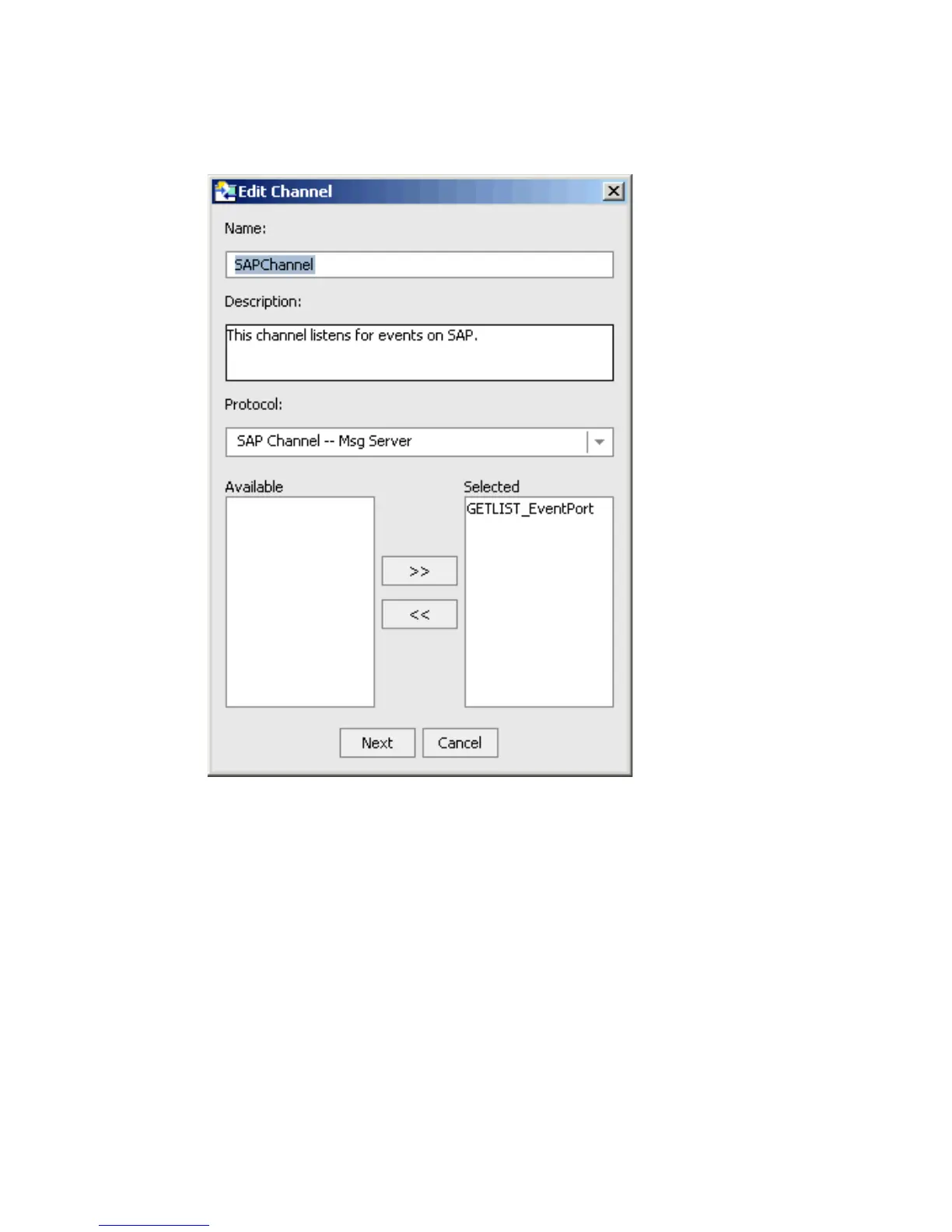
The Edit Channel dialog box opens.
3. Make the required changes to the channel configuration.
4. Click Next.
The Message Server dialog box opens.
a. If changes are required, click the appropriate tab (System, User, or Advanced).
b. Make the required changes.
5. Click OK.



 To Next Page