Establishing a Target for SAP
3-10 BEA Systems, Inc.
Connecting to a Target
To connect to SAP, you use a target you defined, for example, the one in the previous
procedure, SAPTarget.
Procedure: How to Connect to a Target
To connect to a target:
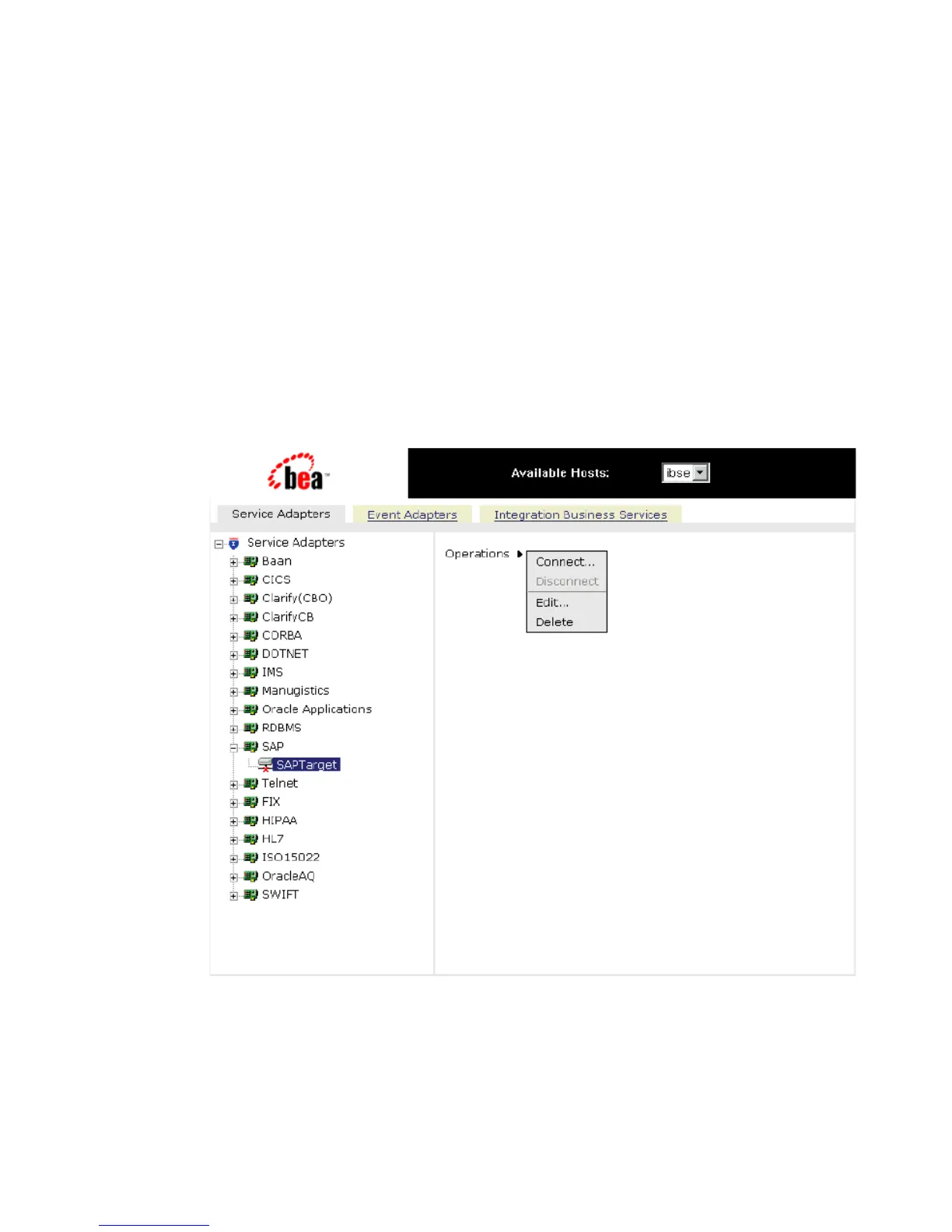
1. In the left pane, expand the sap node and select the target you defined, for example,
SAPTarget.
2. In the right pane, move the pointer over Operations.
The following image shows the target, with a red ‘x’, selected in the left pane. In the
right pane, the Operations menu appears in its expanded form.
3. Select Connect.
The following graphic shows the Connect to SAPTarget pane that opens on the right,
with fields to enter a client, a user, a password, a language, a code page, and an SAP
trace.



 To Next Page