Creating XML Schemas for SAP
BEA WebLogic Adapter for SAP User’s Guide 3-13
Procedure: How to Edit a Target
To edit a target:
1. In the left pane, click the target, for example, SAPTarget.
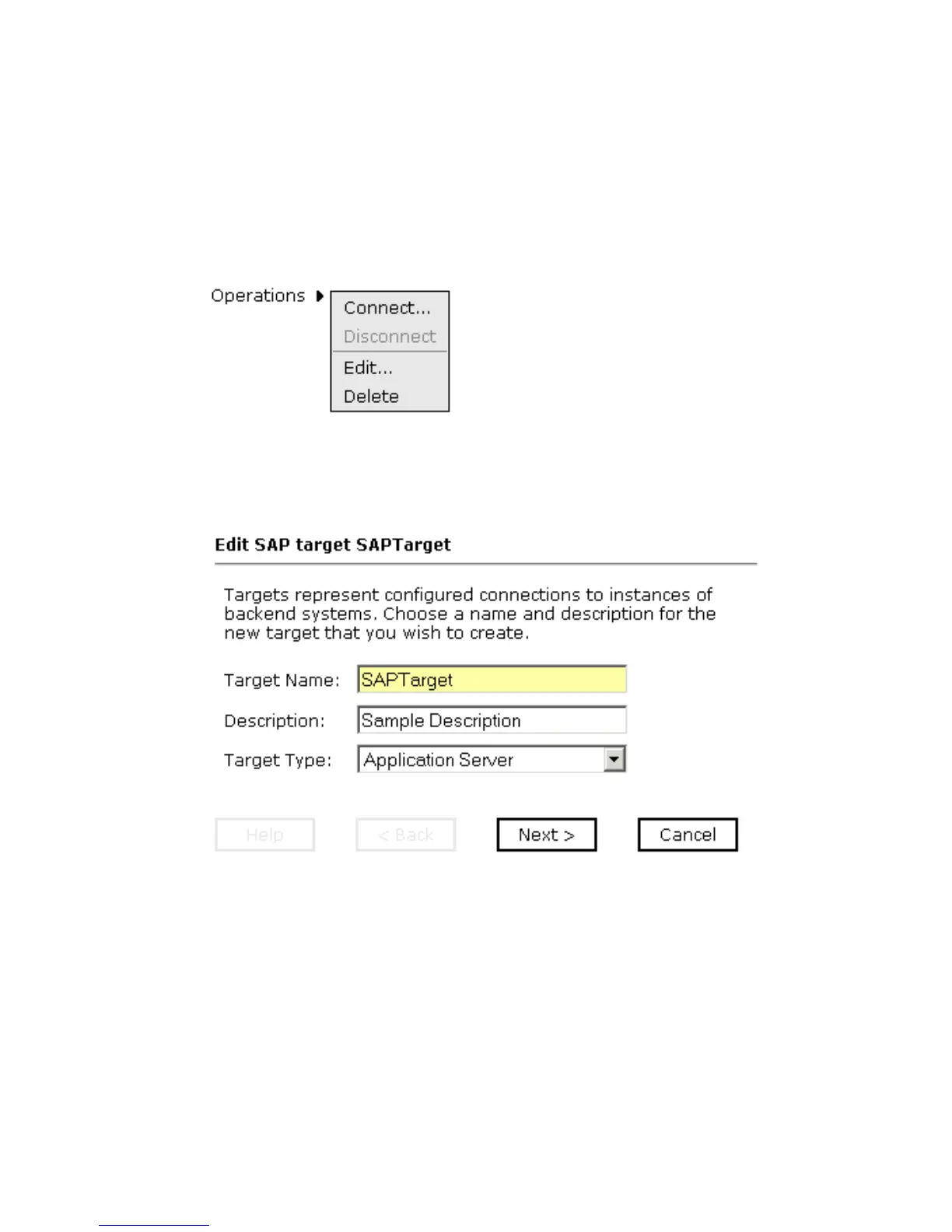
The Operations menu appears in the right pane, as shown in the following image.
2. Move the pointer over Operations and select Edit.
The Edit pane opens on the right with the target name, a description and a target type
selected from the drop-down list as shown in the following image.
3. Modify the connection information.
4. To continue modifying additional information, click Next.
5. When you are finished making all of your edits, click Finish.
Deleting a Target
In addition to closing a target, you can delete a target that is no longer required. You can
delete it whether or not it is closed. If open, the target automatically closes before it is
deleted.



 To Next Page