Using Application Explorer in BEA WebLogic Workshop to Create XML Schemas and Web Services
BEA WebLogic Adapter for SAP User’s Guide A-5
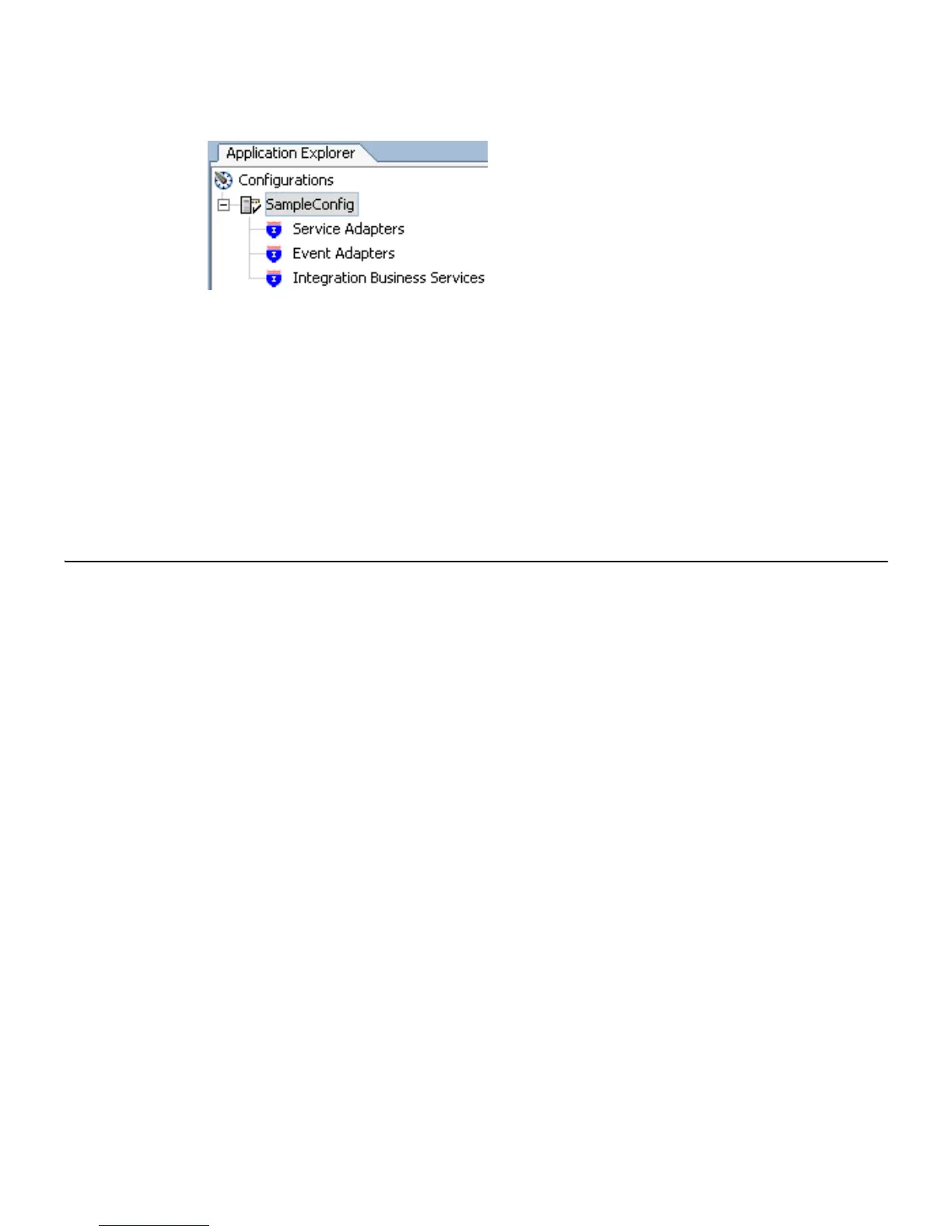
5. To display the service and event adapters that are installed, expand each node.
The Service Adapters list includes an SAP node that enables you to connect to SAP
metadata and create XML request and response schemas to use to listen for events or
create Web services. For more information, see Creating an Integration Business Service
on page A-17.
The Event Adapters list includes an SAP node that enables you to create ports and
channels for SAP event handling. For more information, see Appendix B, Using
Application Explorer in BEA WebLogic Workshop for Event Handling.
Connecting to SAP
To browse BAPIs, RFCs, and IDocs in SAP, you must create a target for SAP. The target serves
as your connection point and is automatically saved after it is created. You must establish a
connection to SAP every time you start Application Explorer or after you disconnect from
SAP.
The left pane displays the application systems supported by Application Explorer based on
the adapters you installed and are licensed to use.
Creating and Connecting to a Target
To connect to SAP, you must create and connect to a target using Application Explorer.
Procedure How to Create a New Target for SAP
To create a target for SAP:
1. In the left pane, expand Service Adapters and click the SAP node.



 To Next Page