Creating a New Configuration for iBSE or JCA
A-4 BEA Systems, Inc.
http://localhost:7001/ibse/IBSEServlet
where:
localhost
Is where your application server is running.
• If you select JCA, enter the full path to the directory where iWay 5.5 is installed, for
example,
C:\Program Files\iWay55
where:
iWay55
Is the full path to your iWay installation.
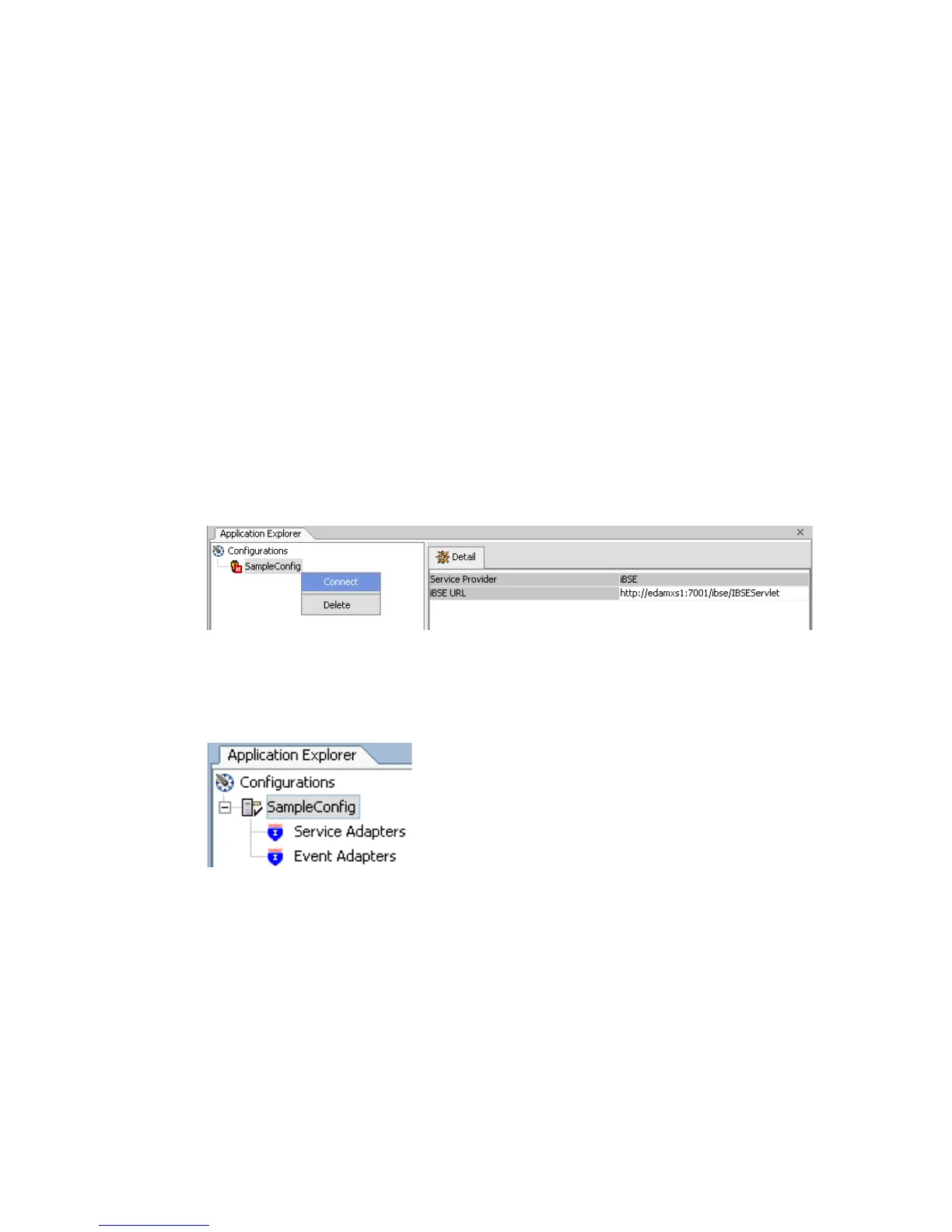
A node representing the new configuration appears under the Configurations node.
The right pane provides details of the configuration you created.
After you add your configuration, you must connect to it.
4. Right-click the configuration to which you want to connect, for example, base, and
select Connect.
The Service Adapters and Event Adapters nodes appear.
When you connect to iBSE, the Service Adapters, Event Adapters, and Integration
Business Services nodes appear.



 To Next Page