Configuring a Distribution Model
2-6 BEA Systems, Inc.
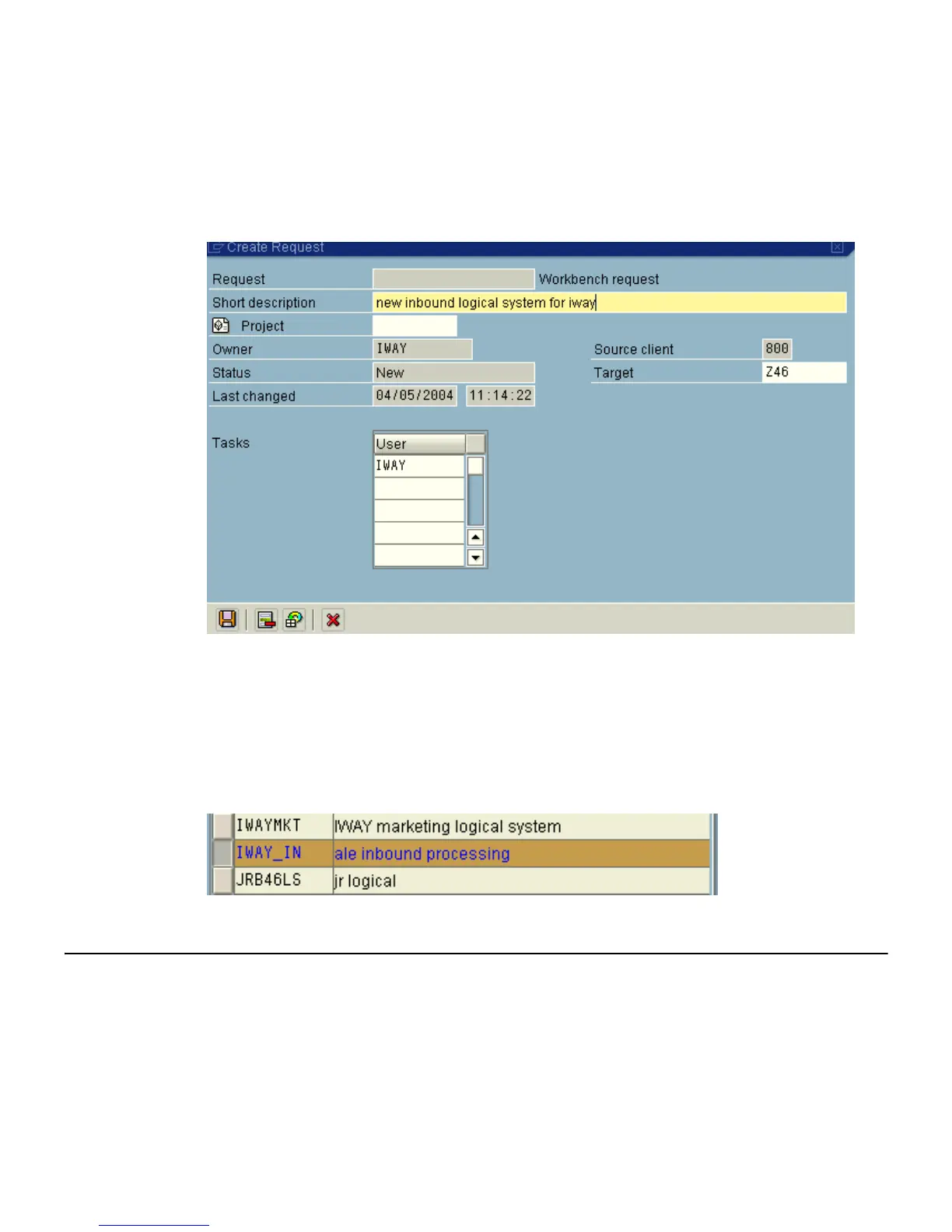
The Create Request window opens as shown in the following image. It includes fields
that are already populated (such as Owner, Status, Last Changed, Source client, and so
forth), empty fields (such as Request and Project) in which to specify information about
your request, and a Tasks list.
a. In the Request field, type a name.
b. In the Short description field, type a brief description of your request.
7. Click Save.
The logical system you configured, for example, IWAY_IN, appears in the list as shown in
the following image.
Configuring a Distribution Model
A distribution model is used to describe the ALE message flow between logical systems.
Business objects are distributed to connected recipients according to a unique distribution
model that can contain rules of varying complexity depending on the type of business
objects involved.



 To Next Page