Configuring SAP Inbound Processing
BEA WebLogic Adapter for SAP User’s Guide 2-7
Procedure: How to Configure a Distribution Model
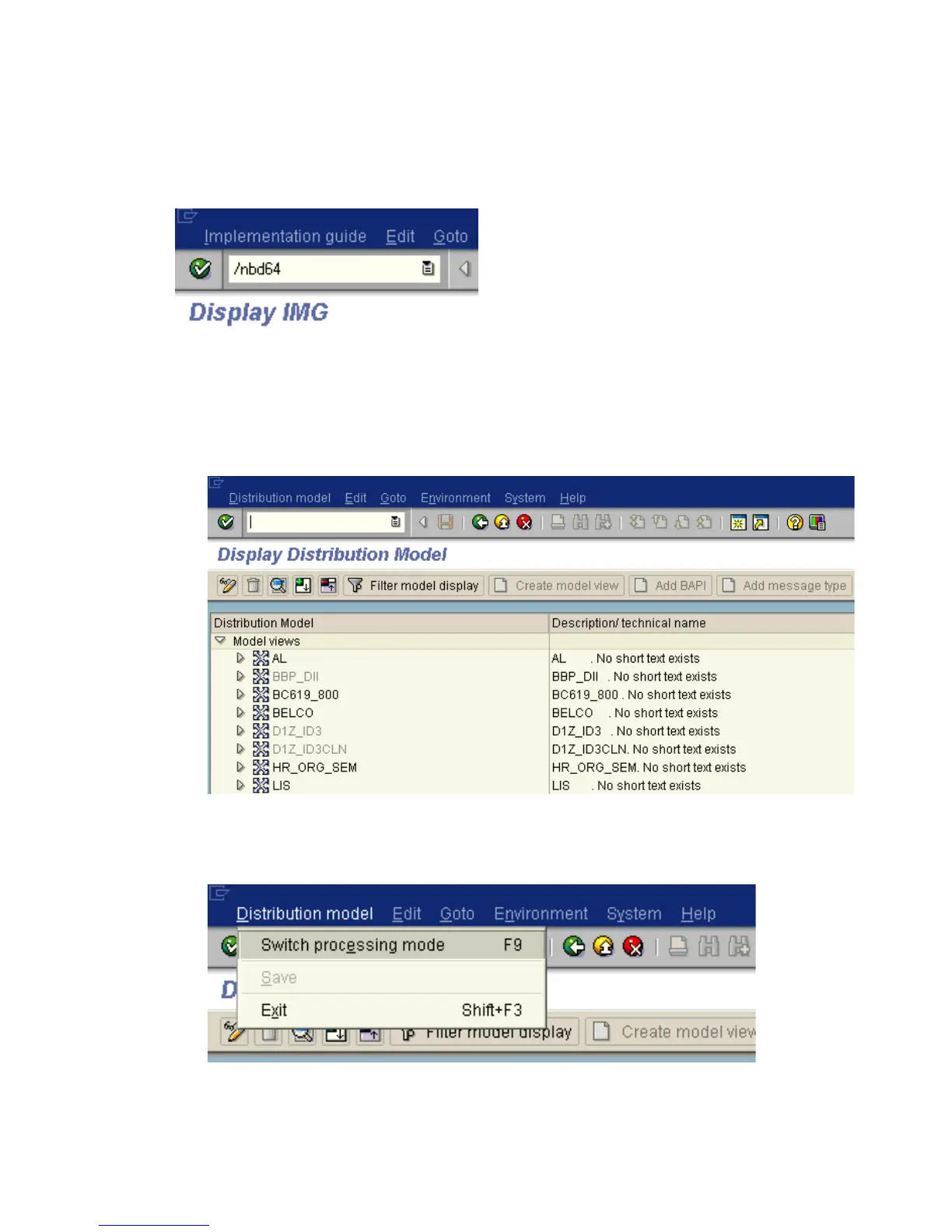
The following image shows the /nbd64 transaction in the field under the menu bar.
To configure a distribution model:
1. Execute the /bd64 transaction.
The Display Distribution Model window opens and displays a list of available
distribution models and their descriptions as shown in the following image.
2. In the menu bar, click Distribution model.
The Distribution model menu opens as shown in the following image.



 To Next Page