Testing the SAP ALE Configuration
8-16 BEA Systems, Inc.
Testing the SAP ALE Configuration
In the SAP Server, the BD12 transaction enables you to send IDocs to any logical system, for
example, to an event adapter.
Procedure: How to Test the SAP ALE Configuration
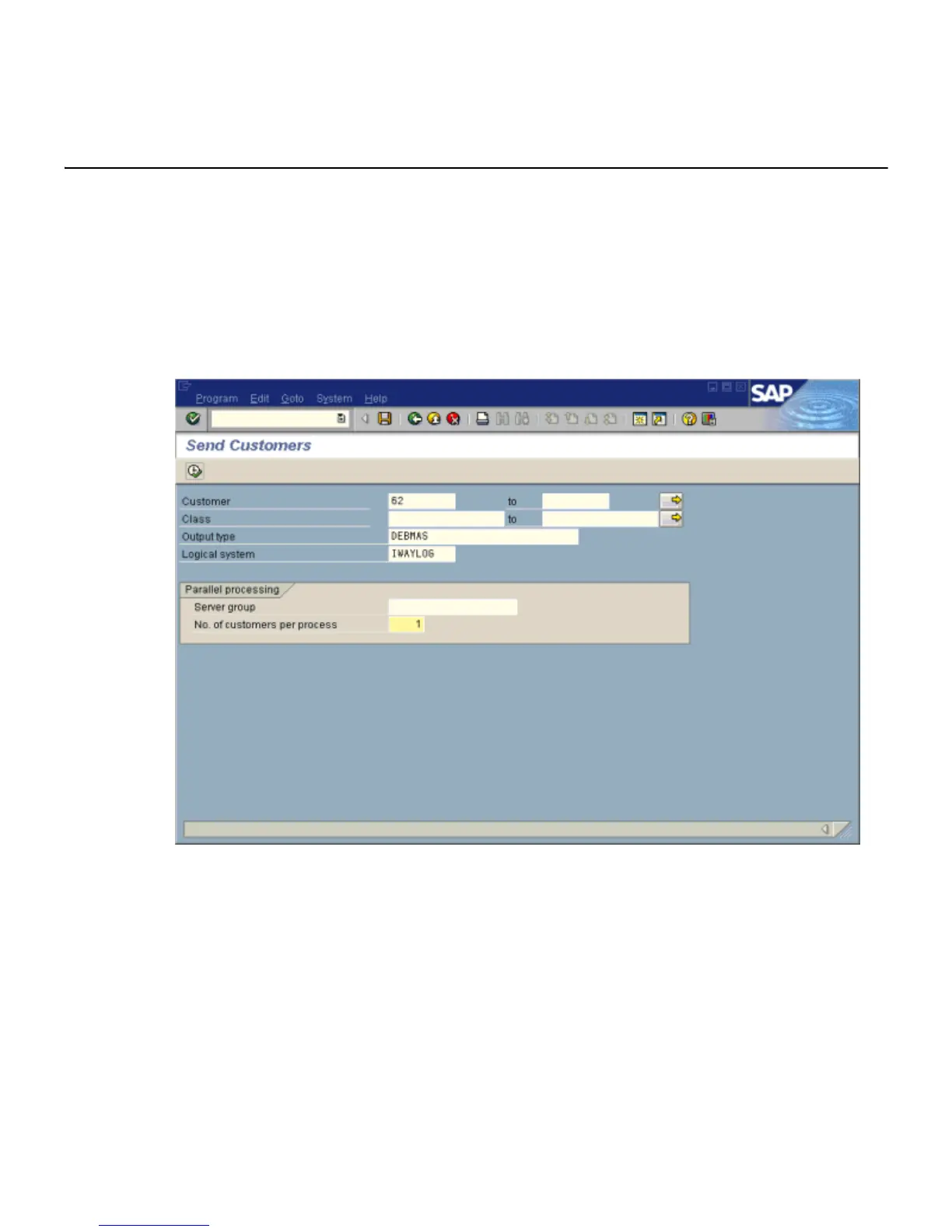
The following image shows the Send Customers window where you test the message type.
It includes fields for Customer, Class, Output type, and Logical system. The Parallel
processing pane includes a field for Server group and a field for the number of customers
per process.
To test the SAP Application Link Enabling (ALE) configuration:
1. In the Send Customers window, type the IDoc message type DEBMAS in the Output
type field.
2. In the Logical system field, type the logical system, for example, IWAYLOG.
3. To transfer data, click the Run button.
The SAP event adapter receives the IDoc in XML format. No response is expected from
the event adapter.



 To Next Page