Establishing a Target for SAP
3-12 BEA Systems, Inc.
Procedure: How to Disconnect From a Target
To disconnect from a target:
1. From the left pane, click the target, for example, SAPTarget, to which you are
connected.
2. In the right pane, move the pointer over Operations.
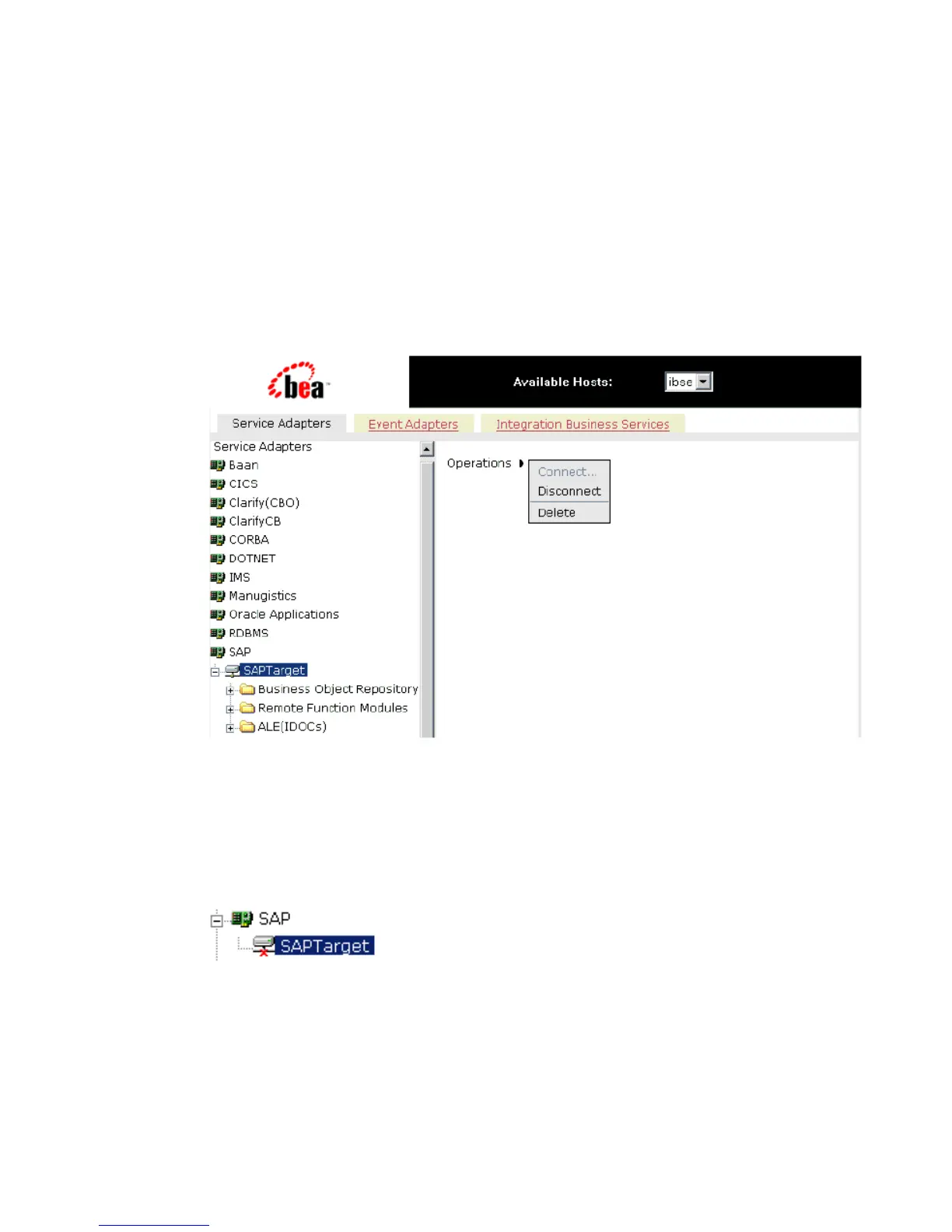
The following image shows the target selected in the left pane. In the right pane, the
Operations menu appears expanded to display options.
3. Select Disconnect.
Disconnecting from the application system drops the connection, but the node
remains.
In the left pane, the SAPTarget node changes to reflect that a connection was closed (a
red ‘x’ appears) as shown in the following image.
Modifying a Target
After you create a target for SAP using Servlet Application Explorer, you can edit the
information that you provided previously.



 To Next Page