Management and Monitoring
BEA WebLogic Adapter for SAP User’s Guide 7-41
Starting or Stopping a Channel Programmatically
The following topic describes how to start or stop a channel programmatically.
Procedure: How to Start a Channel Programmatically
To start a channel programmatically:
1. Copy the iBSE control event URL, for example:
http://localhost:7777/ibse/IBSEServlet/admin/iwevent.ibs?wsdl
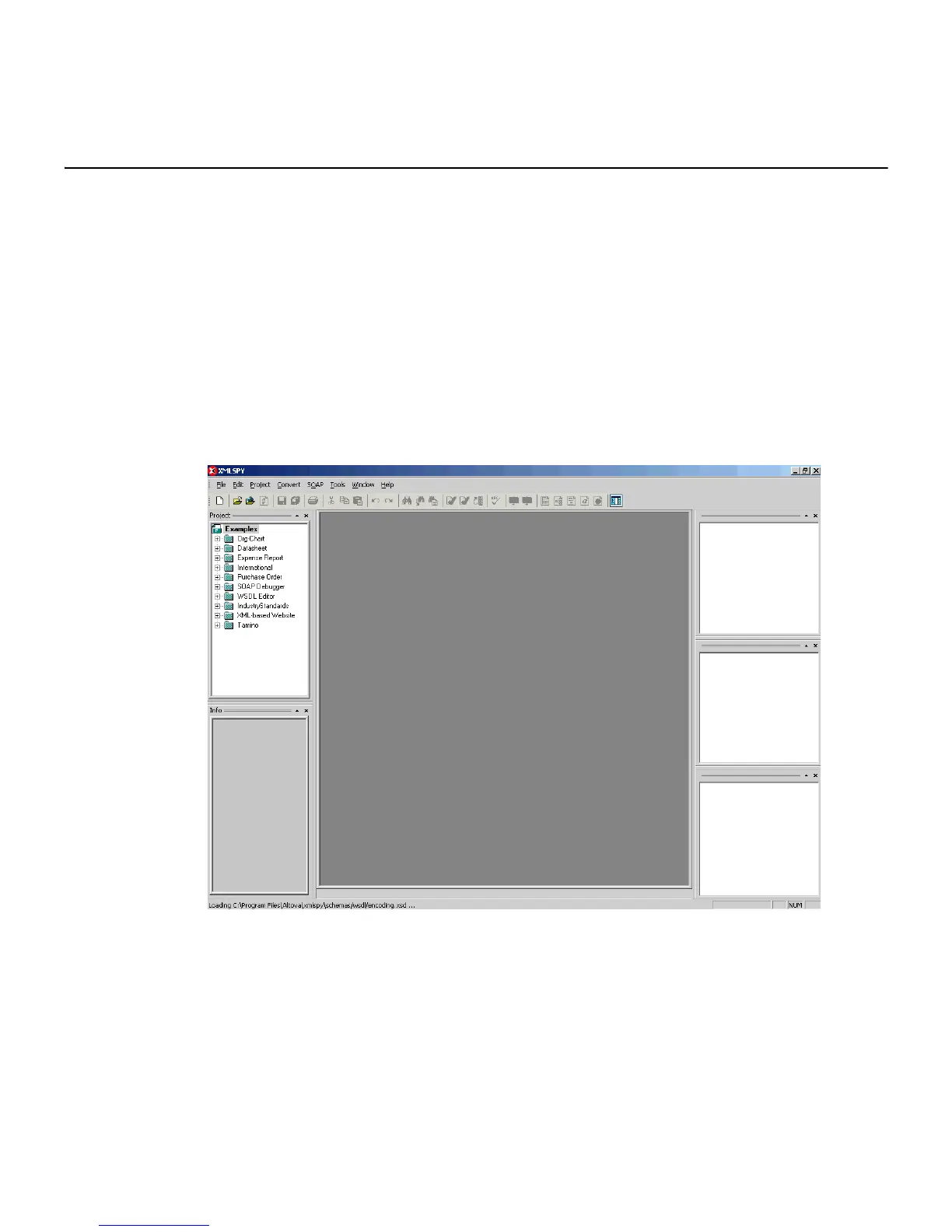
2. Open a third party XML editor, for example, XMLSPY.
The following image shows the XMLSPY window. The upper left has a Project pane that
contains a tree of sample files, and the lower left has a blank Info pane. The middle
pane is blank. The right side is divided into three blank panes.
3. From the SOAP menu, select Create new SOAP request.
The WSDL file location dialog box opens.



 To Next Page