Configuring SAP Inbound Processing
BEA WebLogic Adapter for SAP User’s Guide 2-3
Configuring a Logical System
In a distributed environment, each participating system must have a unique ID to avoid
confusion. In SAP, the name of the logical system is used as the unique ID. This name is
assigned explicitly to one client in an SAP system.
Procedure: How to Configure a Logical System
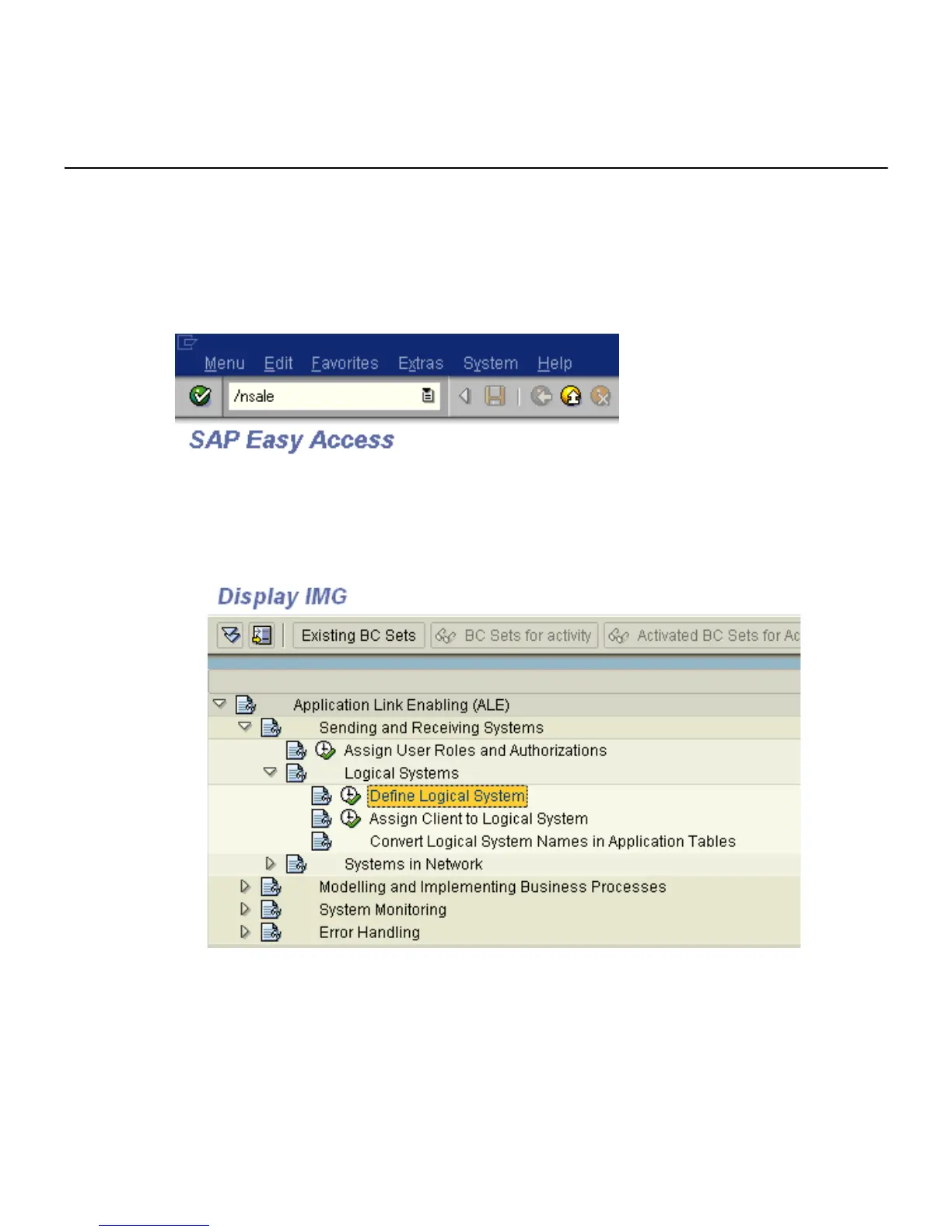
The following image shows the /nsale transaction in the field under the menu bar.
To configure a logical system:
1. Execute the sale transaction.
The Display IMG window opens as shown in the following image.
a. Expand Sending and Receiving Systems and then, Logical Systems.
b. Select Define Logical System.
2. Click the IMG - Activity icon.



 To Next Page