Testing the SAP Event Adapter
8-6 BEA Systems, Inc.
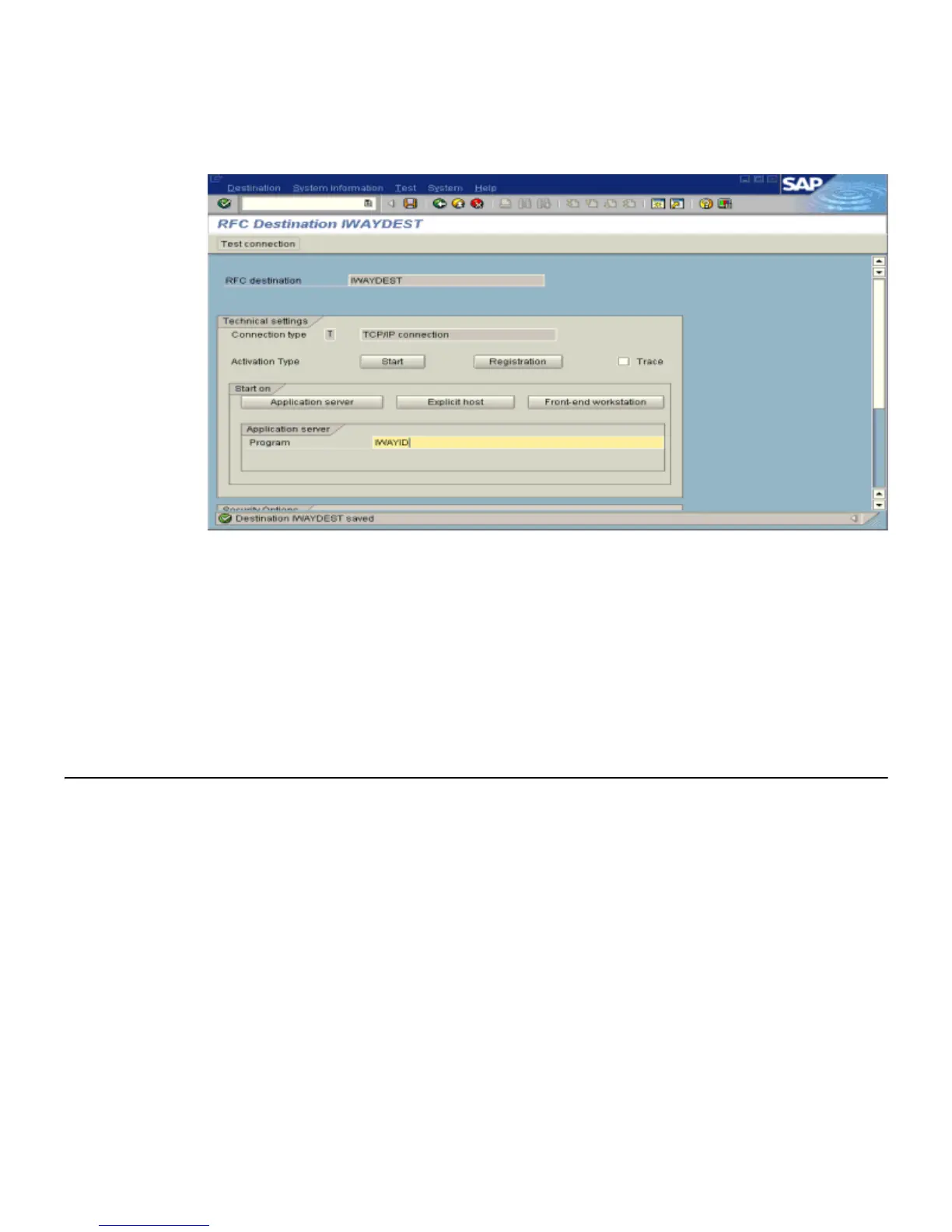
The RFC Destination IWAYDEST window opens as shown in the following image.
a. For the Activation Type, click the Registration button.
b. In the Program field, type IWAYID.
7. Click Save from the tool bar or select Save from the Destination menu.
8. Ensure your event adapter is running.
9. To verify that the SAP system and the BEA WebLogic Adapter for SAP are
communicating, click Test connection.
Testing the SAP Event Adapter
In the SAP Server, the SE37 transaction enables you to send RFCs (Remote Function Calls) or
BAPIs (Business Application Programming Interfaces) to any RFC destination. For more
information on RFC destinations, see Registering Your Program ID in SAPGUI on page 8-3.
Note: Depending on the release or service pack installed, certain RFCs may not exist in your
particular SAP system. Therefore, the examples included in this documentation may not be
relevant to your system. If this is the case, you should use the examples as a general
reference for adapter functionality and choose an RFC that exists within your SAP
application environment.



 To Next Page